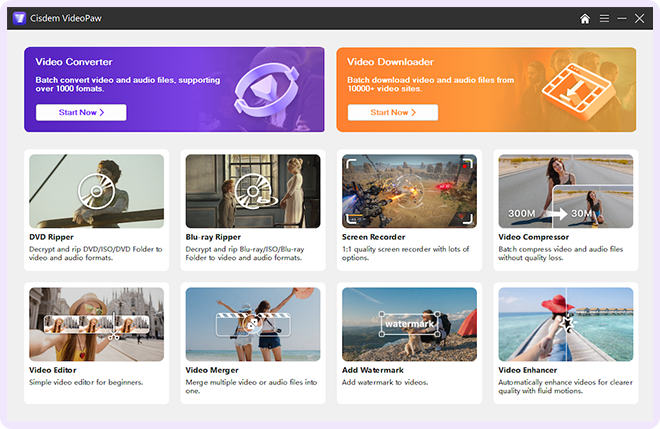
Cisdem VideoPaw handles every media file and disc with ease. Convert and rip in any format, download videos from 10,000+ sites, with smart tools to record, compress, edit, and AI-enhance your videos - your powerful, complete solution.
Available for


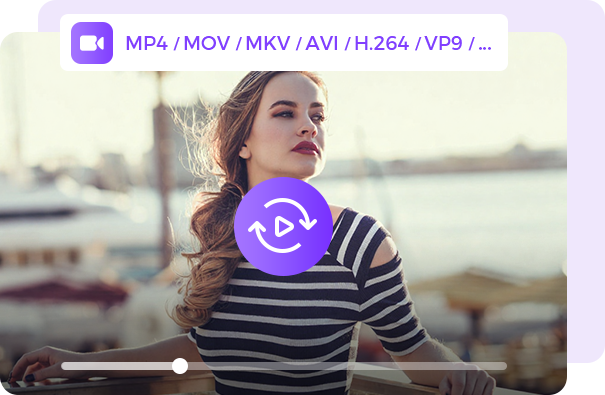
 Convert Video & Audio
 Downoad Video & Audio
 Download & Convert YouTube
 Rip DVD & Blu-ray
More than 3 million users around the world are not just using Cisdem VideoPaw - they love it. Why is it so popular? See what people are saying.

""
MajorGeeks.com
Michael, DE

The only tool you need to download and convert videos from all kinds of platforms (vimeo, etc.) to all kinds of formats (avi, mp4, etc.). Using this for years and still love it!!!
Anthony Darden, US
Fast response times with support and a vast number of options to manage and transform video content. the YouTube functionality is awesome! Thank you!
Daniel VD, US
I had lost my software key and I emailed supportATcisdem.c0m, and they got back to me in a few hours, provided the key, and were very nice about it. Very happy! The product, Cisdem Video Converter is wonderful! I've been using it for months. Great company, products, and support.

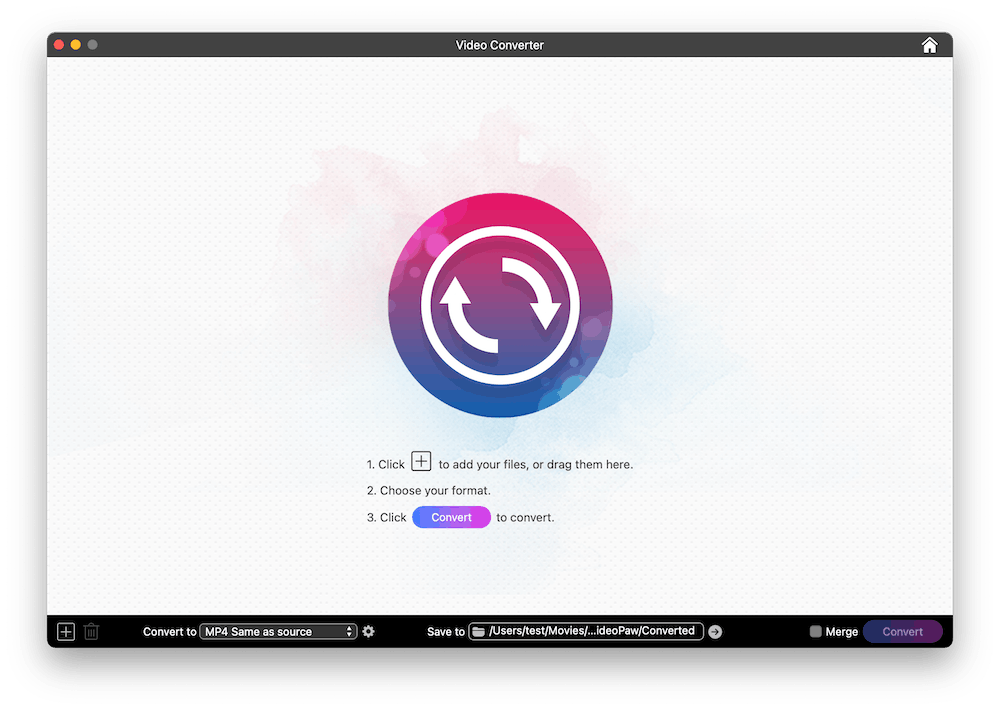
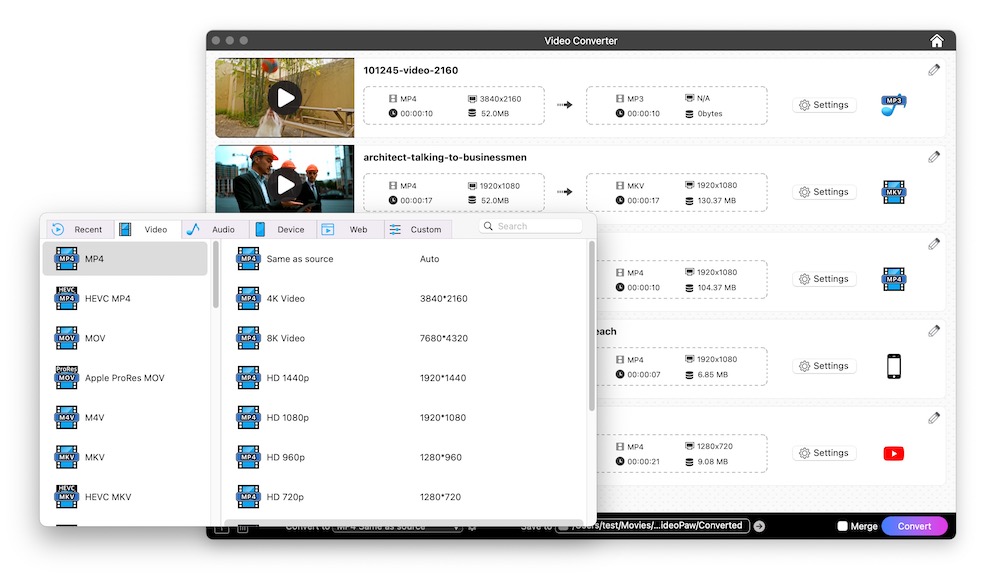
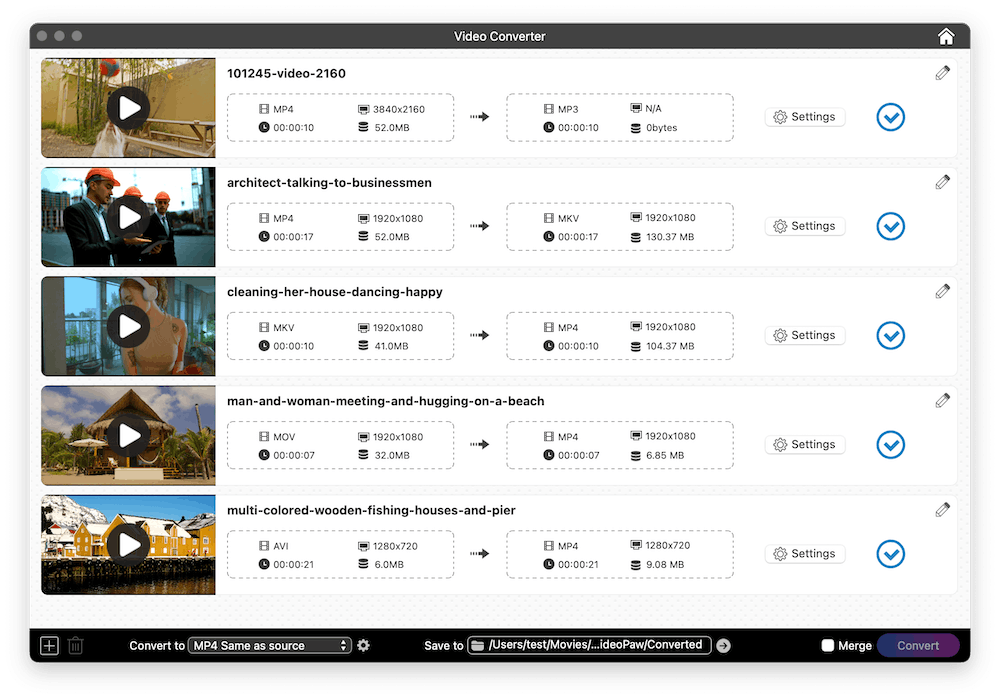
Import files directly by dragging them into the Video Converter window.

Choose any output format, (optional) adjust the parameters and edit files.

Click the "Convert" button to begin video or audio conversion in batches.
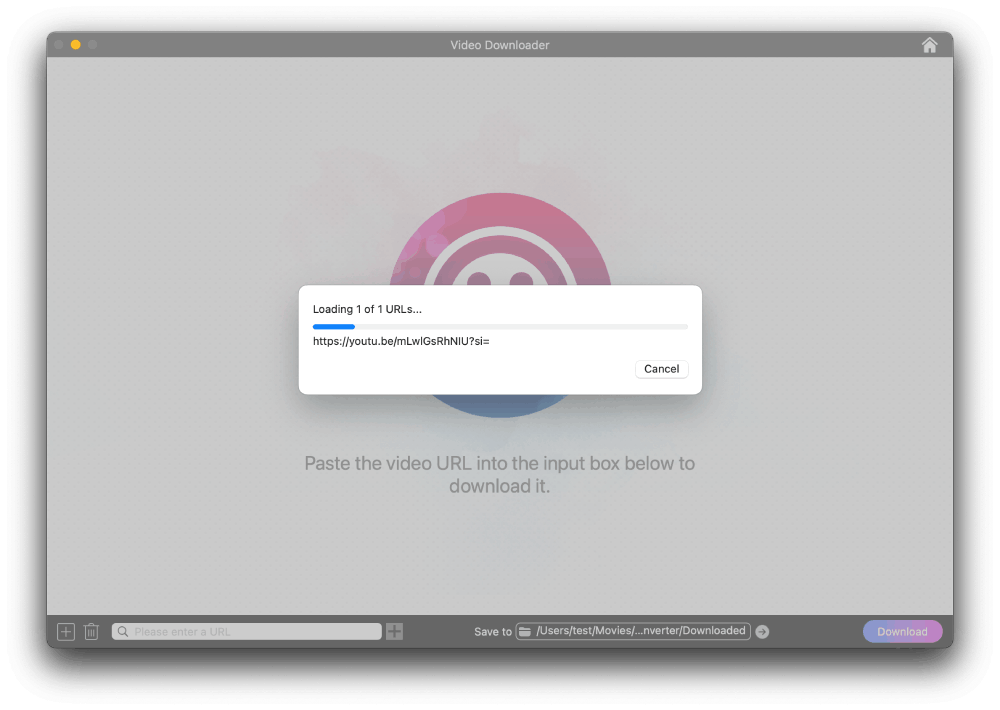
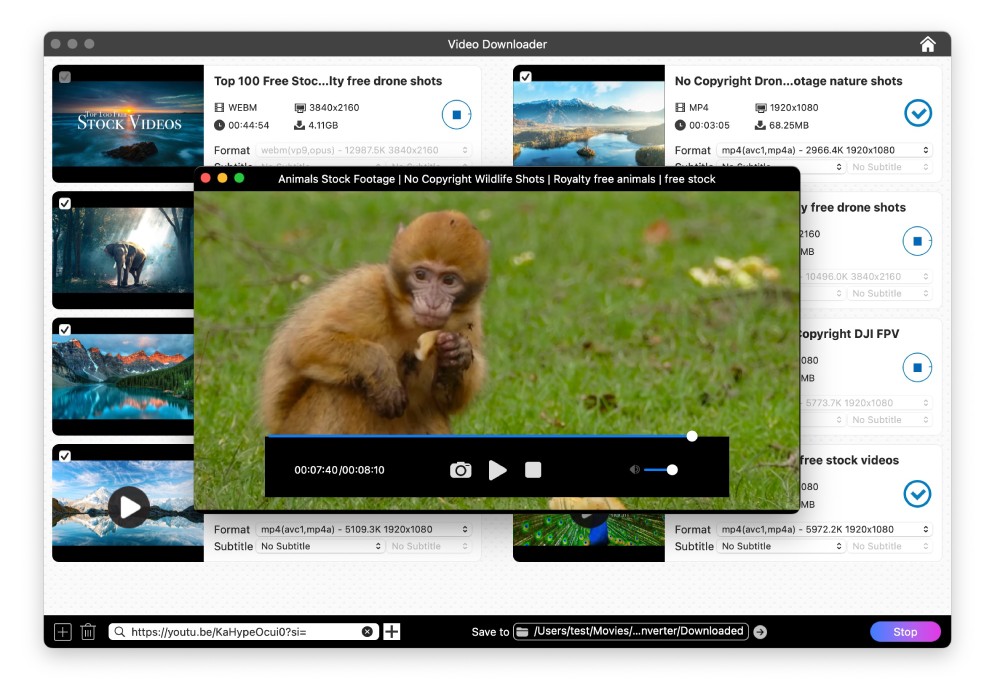
Open the Video Downloader window and paste your copied video link into it.
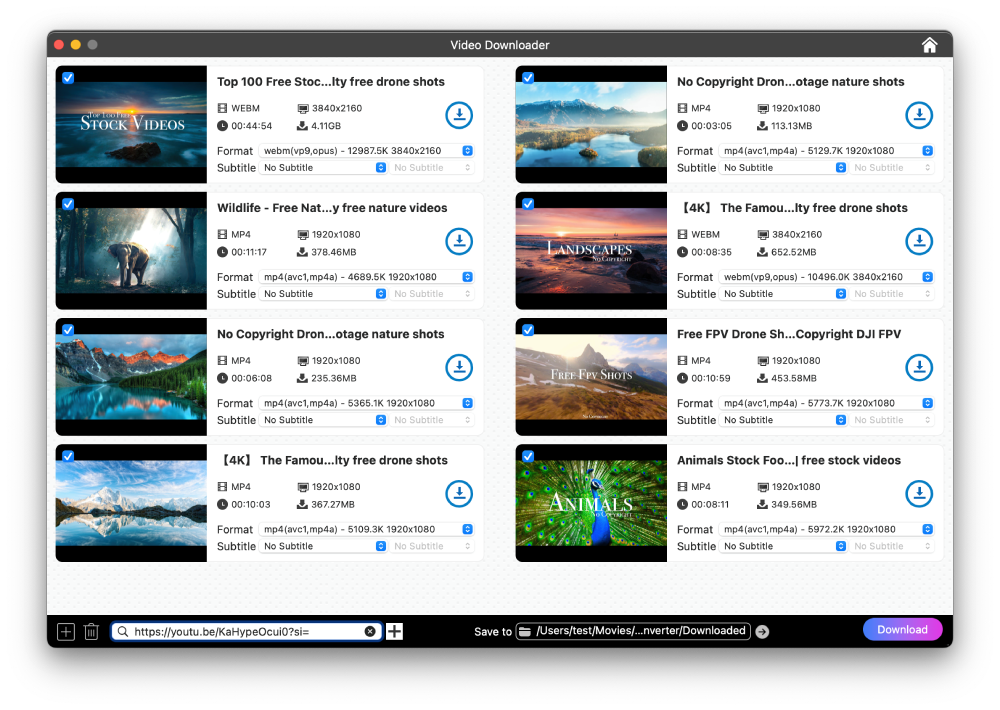
Choose the output from the Format and Subtitle lists.

Click "Download" in the bottom right corner to download the video.
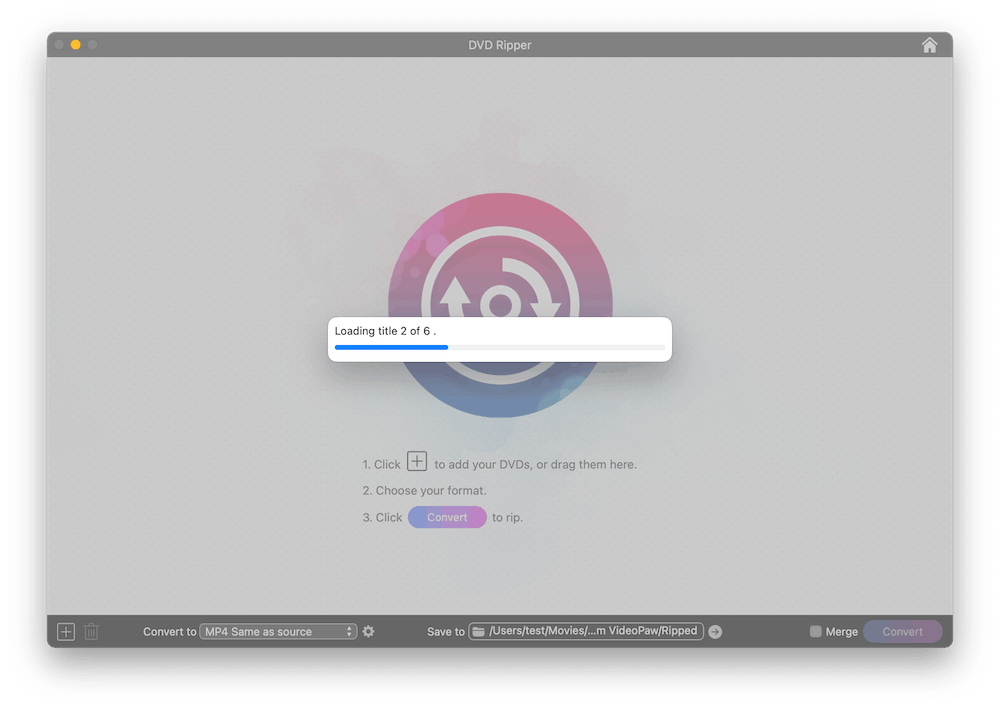
Go to the DVD or Blu-ray Ripper module. Drag the disc folder directly onto the interface.
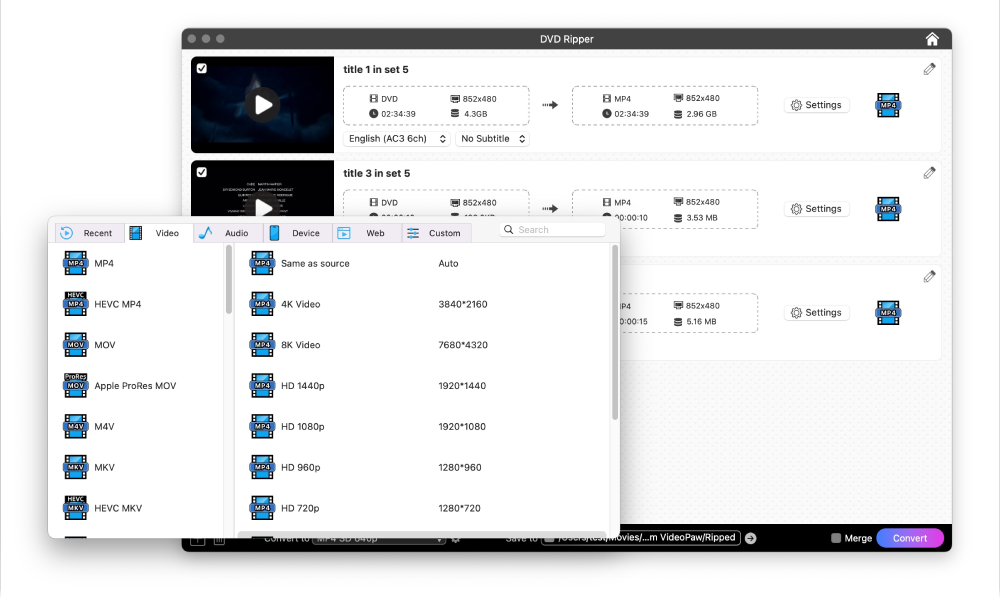
Choose the format, audio, subtitles, and make some minor edits to output video.
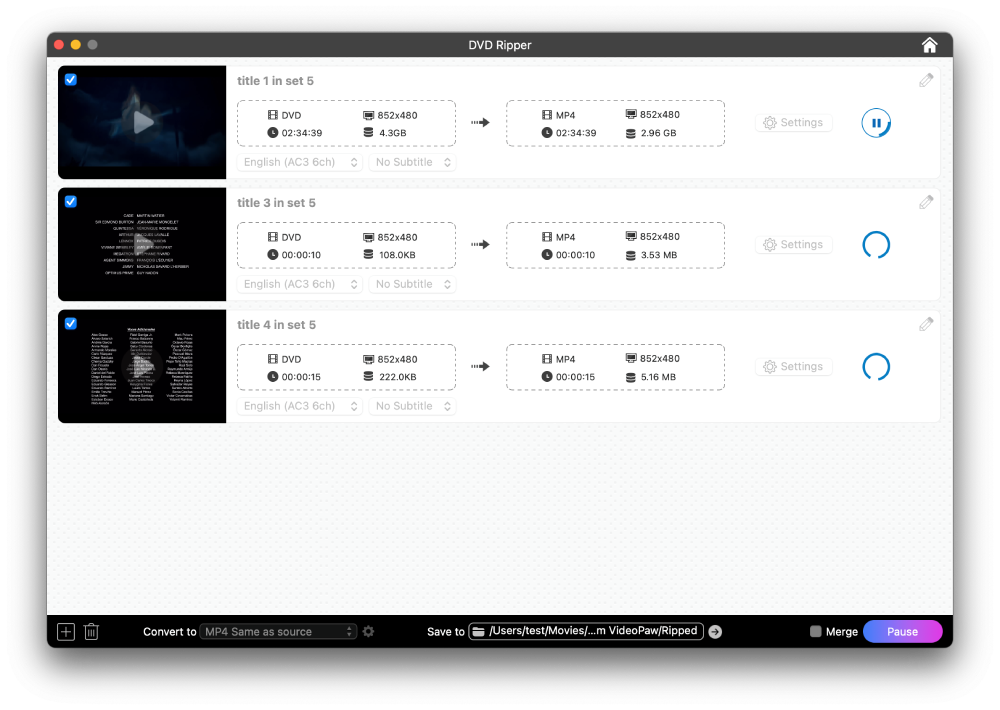
Click the "Convert" button to begin the ripping and conversion process.
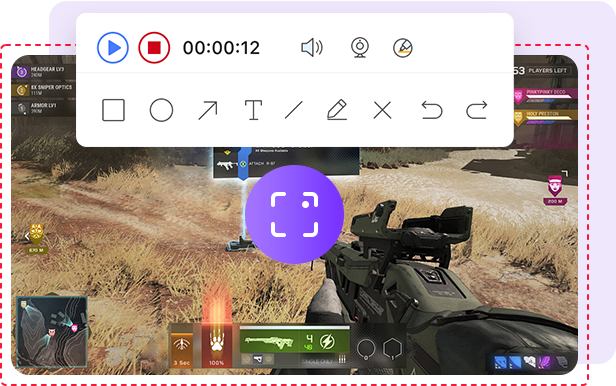
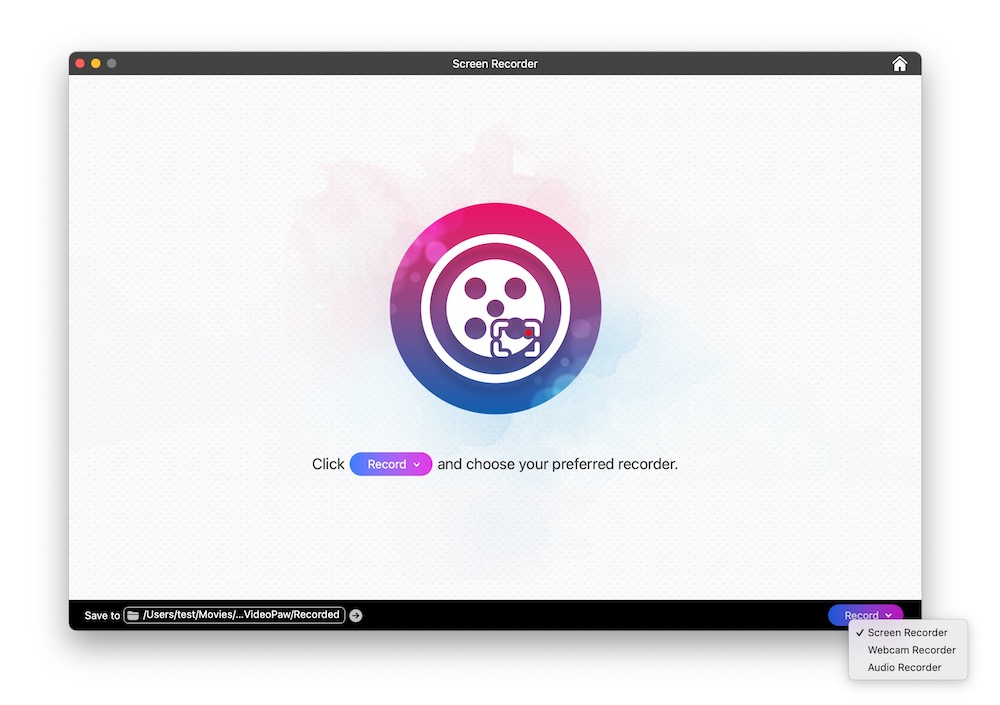
Head to Screen Recorder interface. Click "Start" in the bottom right corner, then select screen, webcam, or audio recording.
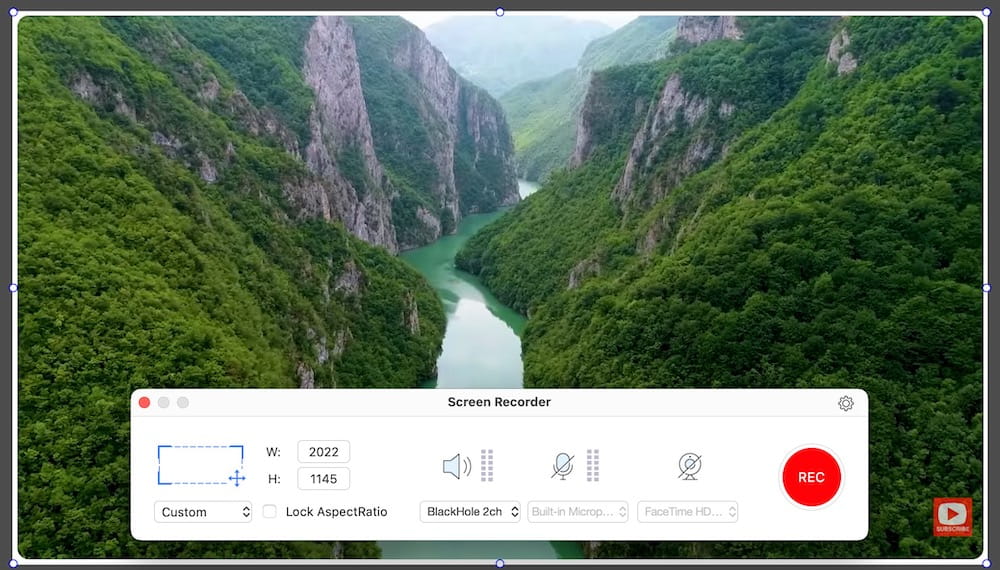
If you choose “Screen Recorder”, set the recording area, and enable webcam and mic access if needed.
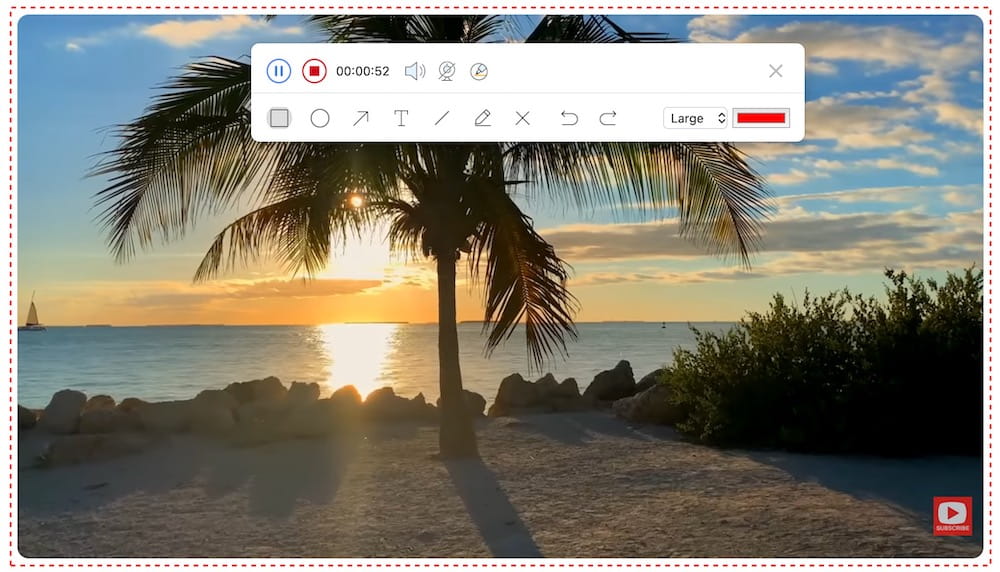
Click the red “REC” button to start, add annotations while recording, and stop it when you’re done.
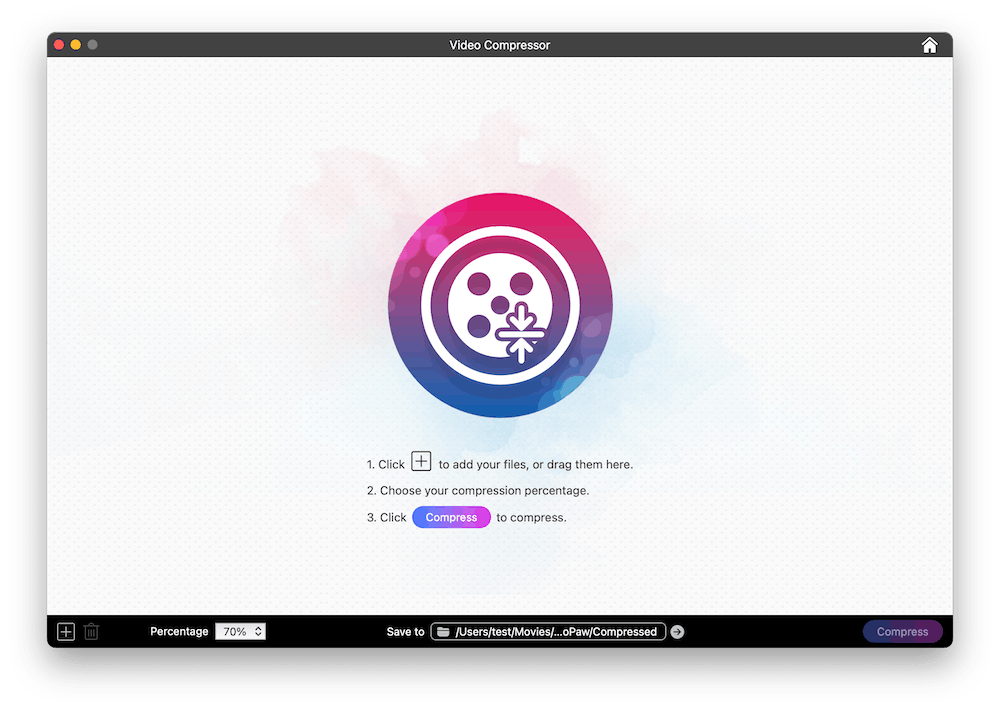
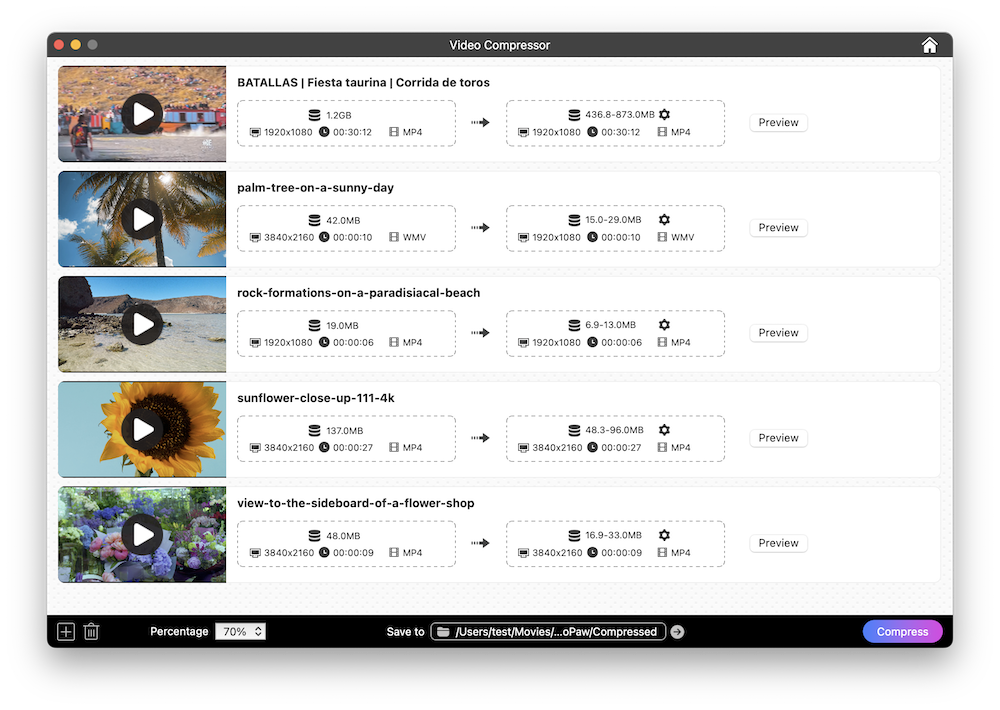
Go to Video Compress module and then upload video files it.
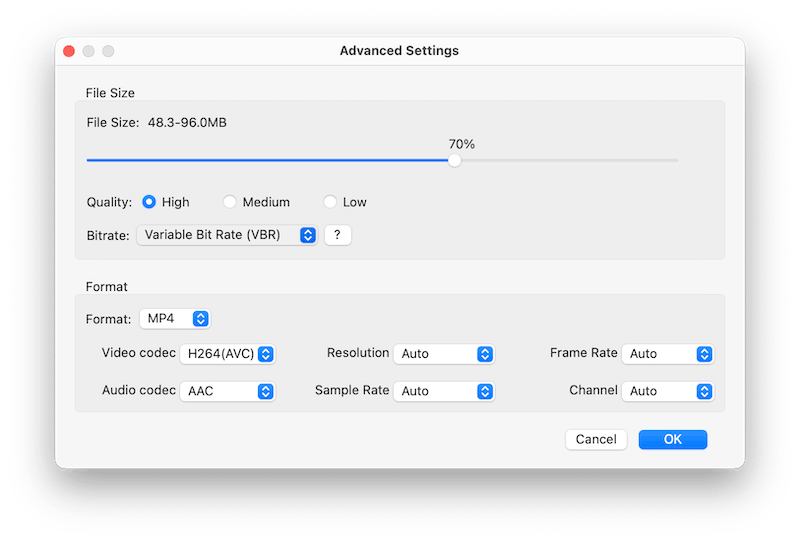
Set compression options, format, and its parameters.
Preview the output file, if satisfied, start compressing all your videos.
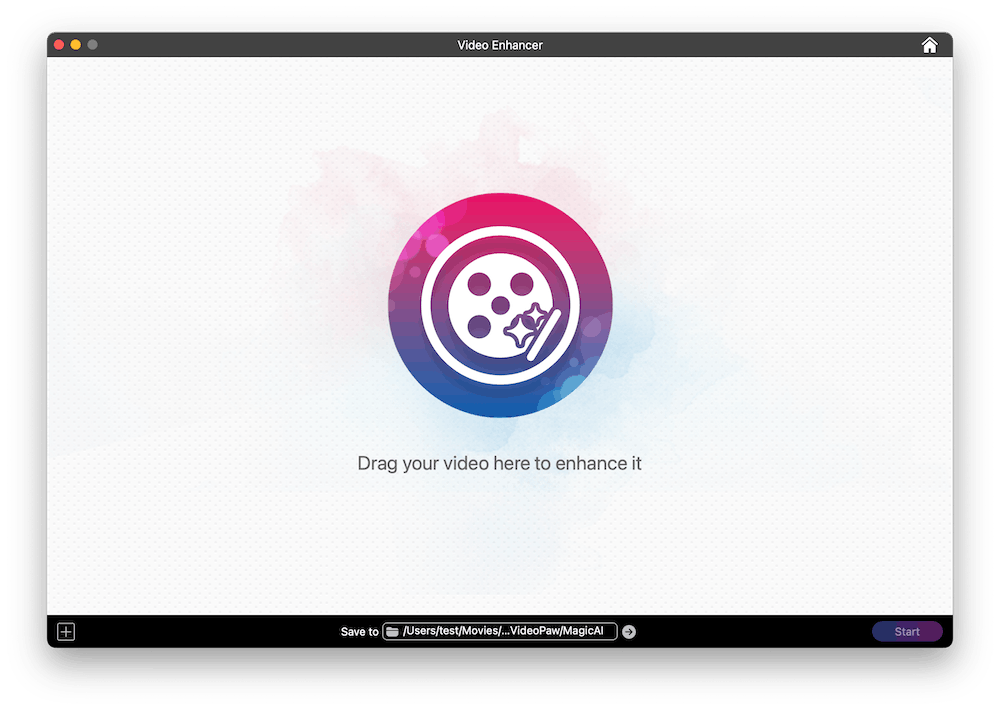
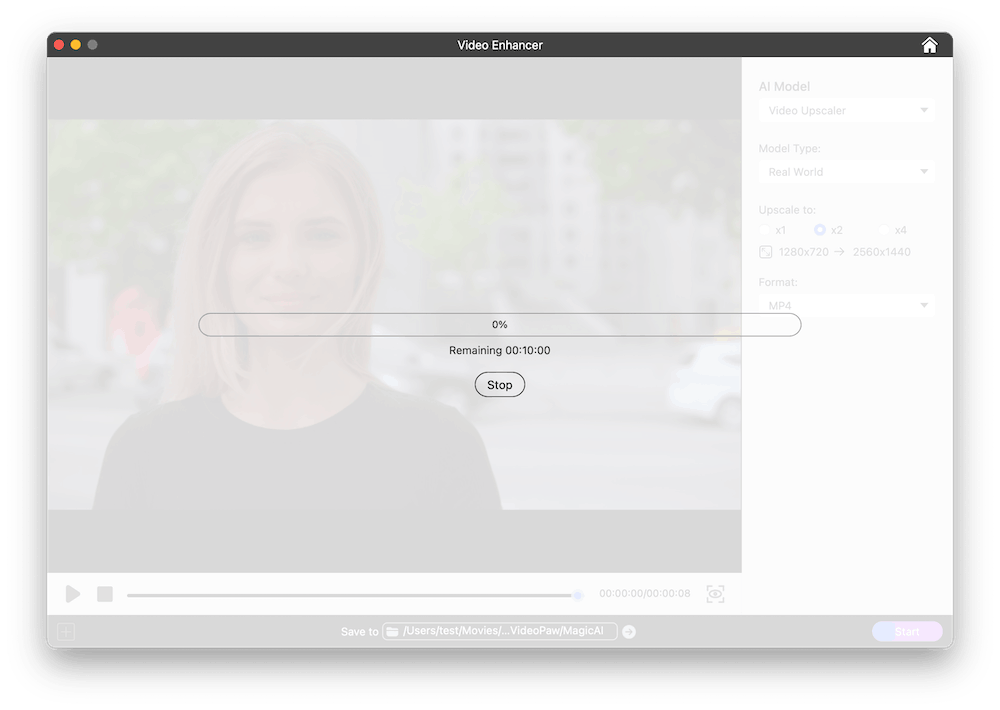
Add any low-res or noisy video to the AI Video Enhancer interface.
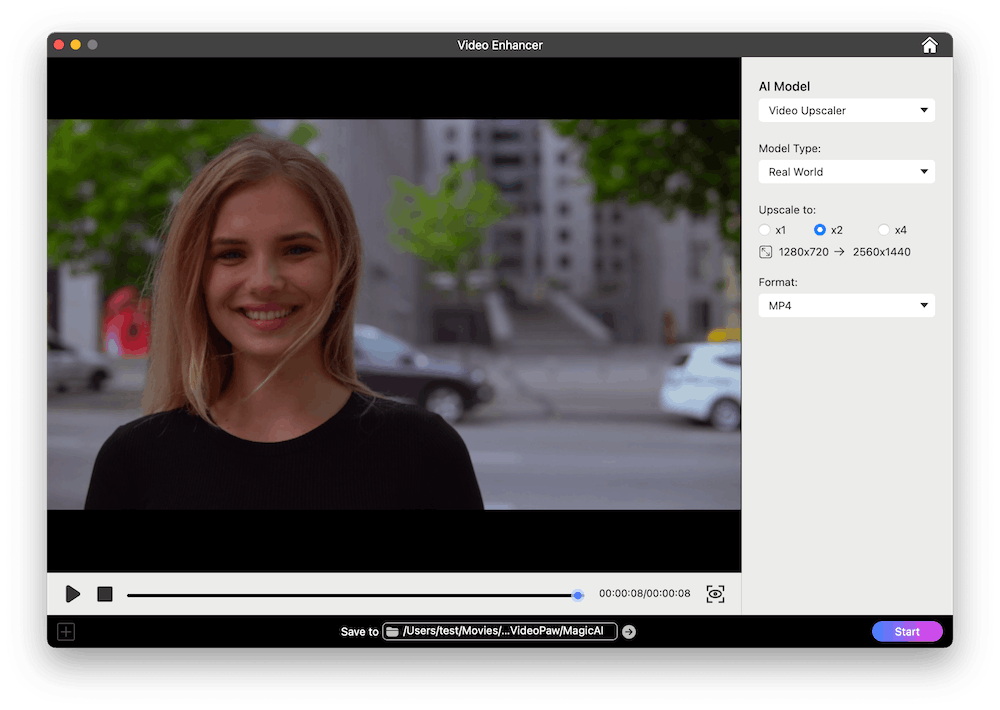
Select the AI Model. If you choose Video Upscaler, also choose the Model Type and enhancement level.
Preview the enhanced video. If satisfied, select the format and export.

Convert, download, record, compress, enhance, edit video and rip DVD/Blu-ray.