

Latest Version: {{head.appVer}} (Release Note)
Latest Version: {{head.appVer}} (Release Note)
Each file reader opens documents instantly and renders files with original qualty. Just pick the one according to your file format, then view and manage document conveniently.

PDF Reader
Free PDF reader to view single or multiple PDFs easily, keeping original quality for texts, images, charts and drawings. Highly compatible with PDF 2.0 and earlier standards.
DXF Reader
Lightweight DXF reader to open DXF/DWG drawings without installing any complex or expensive CAD software, showing layers and zoom into details, also allowing measurement and markup.
Visio Reader
Efficient Visio reader to view VSD, VSDX and VDX files without Microsoft Visio, loading even heavy flowcharts and diagrams quickly, without layout distrotion.
XPS Reader
Smooth XPS reader to view XPS and OXPS files in original styling. Also convert XPS and OXPS to PDF to enhance compatibility.
PST Reader
Convenient PST reader to access all emails, archives, attachments in a Microsoft Outlook PST file with original structure. Also save contacts or calendar to Apple apps.
DjVu Reader
Clear DjVu reader to view DjVu and DjV scans with high quality, loading even large books or documents very quickly. Also, convert DjVu to PDF for higher compatibility.
Winmail Reader
Reliable Winmail reader to open Winmail.dat files in original structure, displaying info such as recipient, sender, subject, main body and others. Also, extract attachments.
WPD Reader
Intuitive WPD reader to view WordPerfect files without breaking layout or spacing. Compatible with WPD files created in different WordPerfect versions.Come with a rich set of viewing options for opening, rendering and displaying document files.

Full screen
Hide the toolbar and read in full screen.
Thumbnails navigate
View and navigate page by thumbnails.
Two pages
Two pages at a time for quick viewing.
Zoom page
Zoom in, out or to fit for perfect vision.
Turn page
Turn to previous page, next page, first page, last page.
Instant word search
Quickly find any words or phrases in your document.
Add bookmark
Create bookmarks to quickly locate a specific page.
Rotate page
Rotate to correct text directions or image angle.
Simple Drag & Drop
Simply drag documents into the interface to open instantly.
Multiple tab view
Open and switch multiple document files using tabs.More than just reading files, it provides rich export options, including convert, extracts images, and print documents.

Convert to PDF
Convert Visio VDX/VSD/VSDX, XPS/OXPS, DjVu/DjV, and WPD files to PDF format without losing quality. Convert DjVu/DjV files to PDF format without losing quality.
Extract images from document
Extract all images from PDF, Visio, XPS, DjVu or WordPerfect documents, and save the images in PNG format with high resolution. Extract all images from PDF and DjVu documents, and save the images in PNG format with high resolution.
Print document files
Need a printed copy? No problem! Print your documents with a connected printer as easily as you print any other files.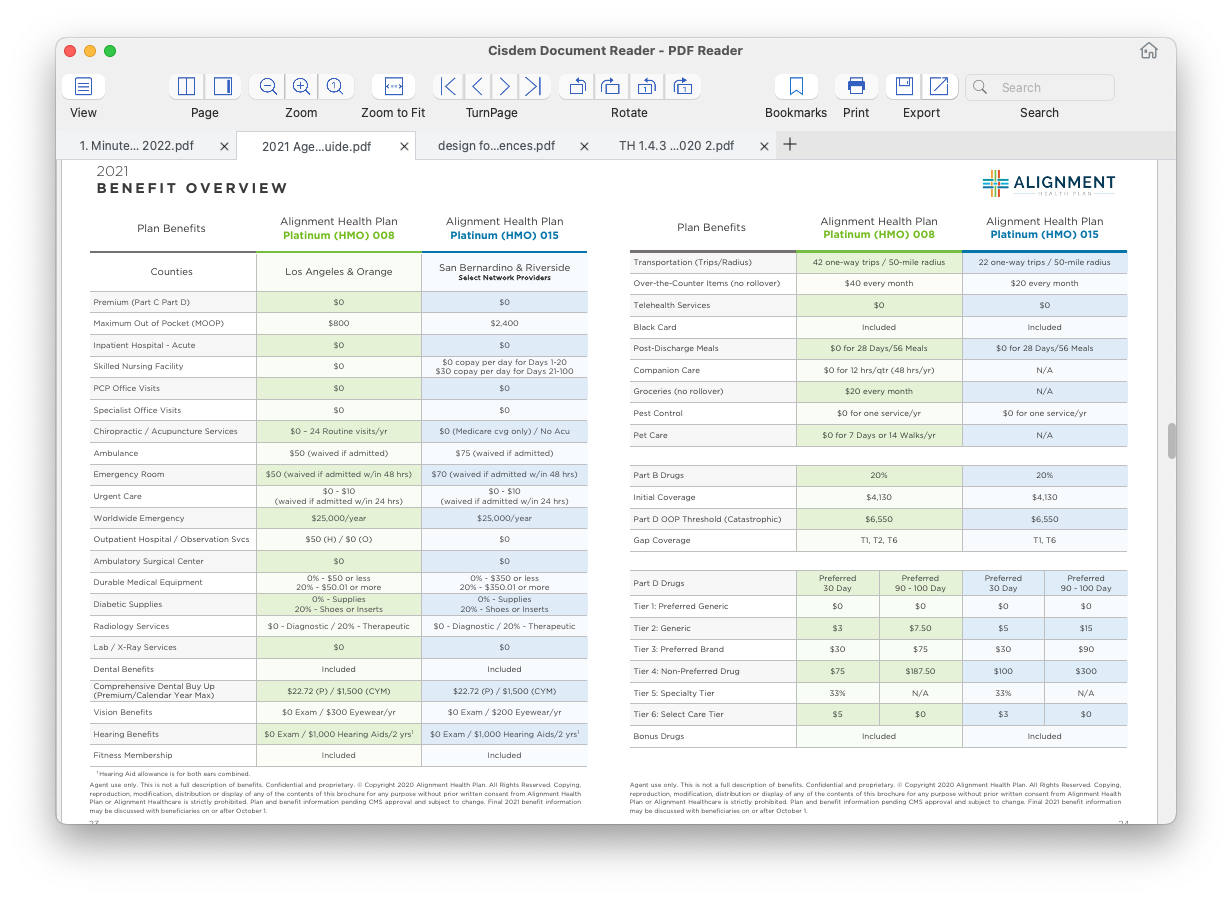
PDF Reader - Read, rotate, bookmark, export, search and print PDF files
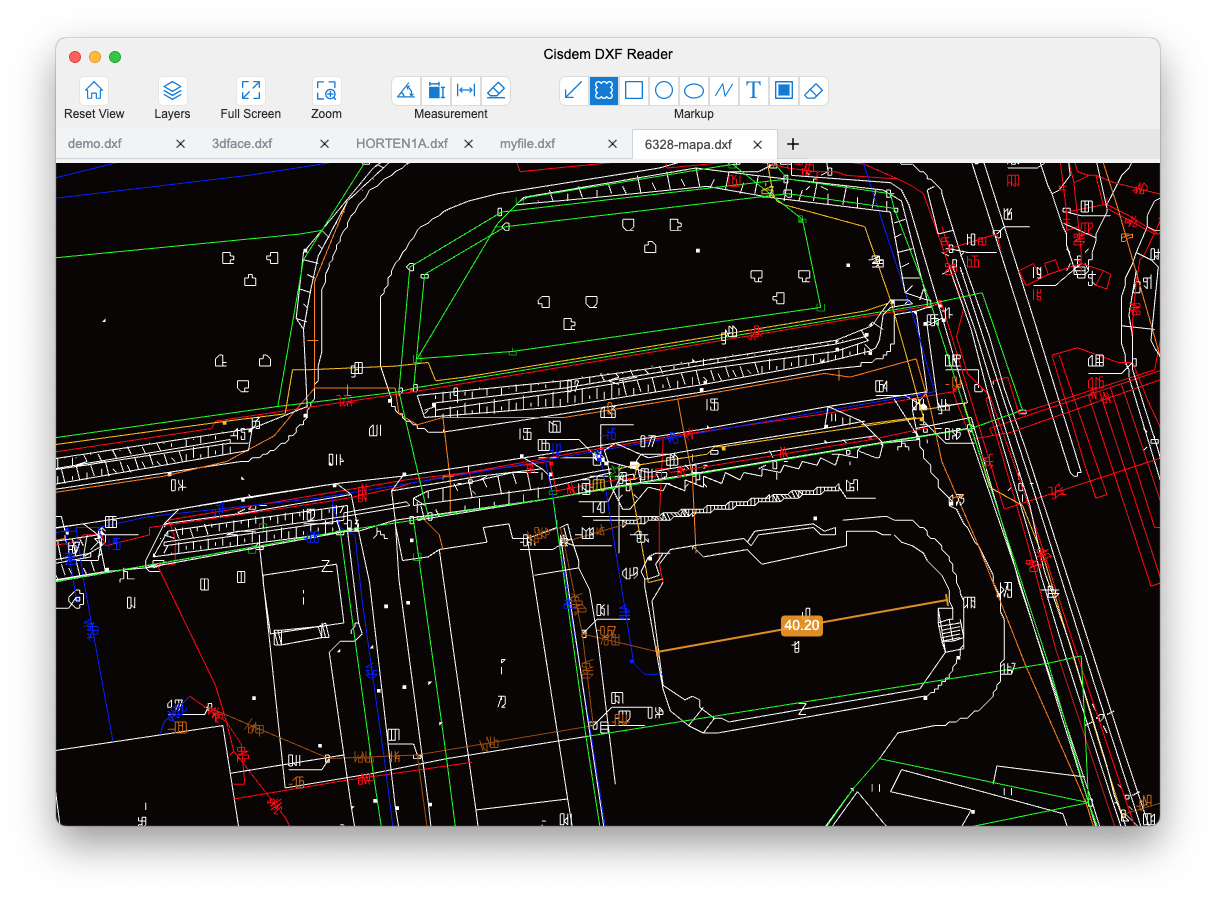
DXF Reader - View, zoom, measure and mark up DXF/DWG files
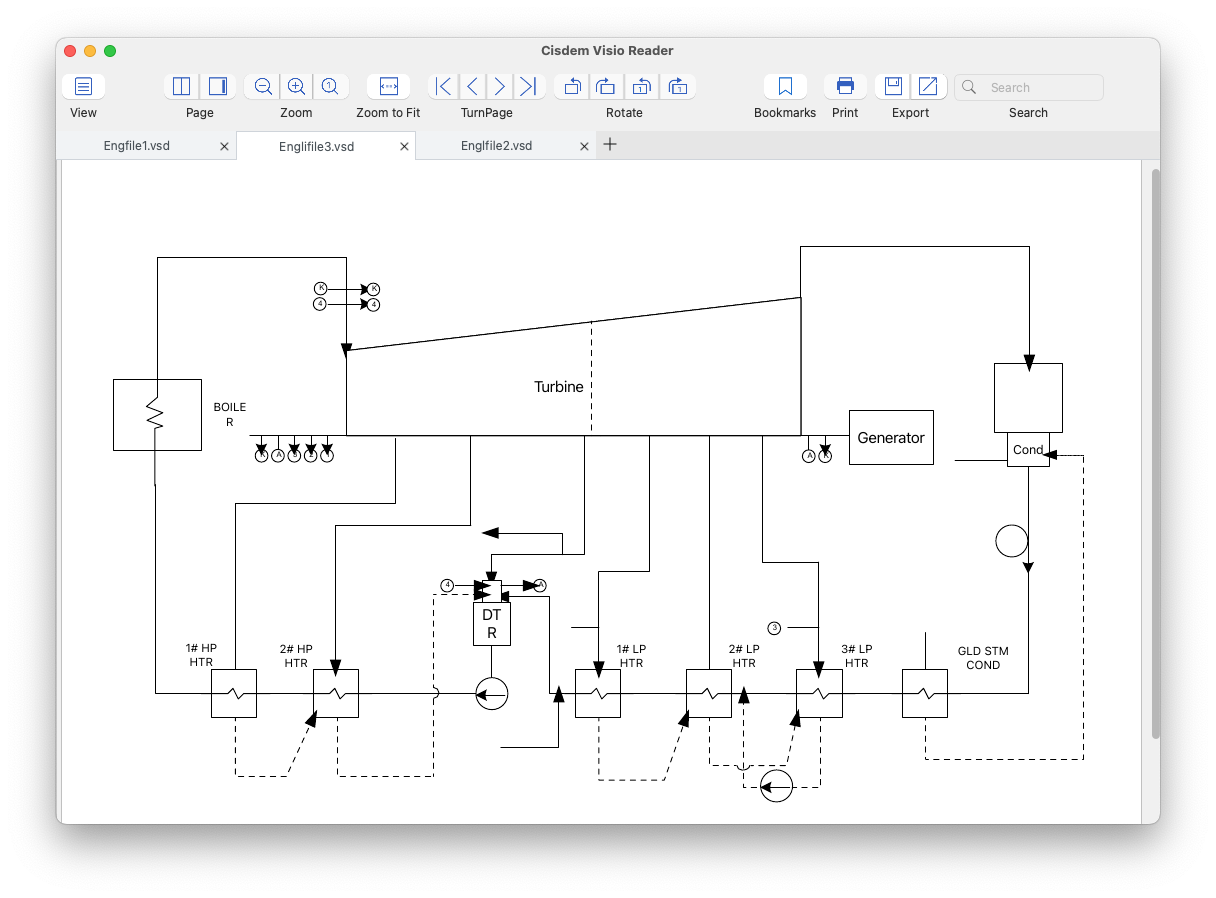
Visio Reader - Read, rotate, bookmark, export, search and print VSD, VSDX, VDX files
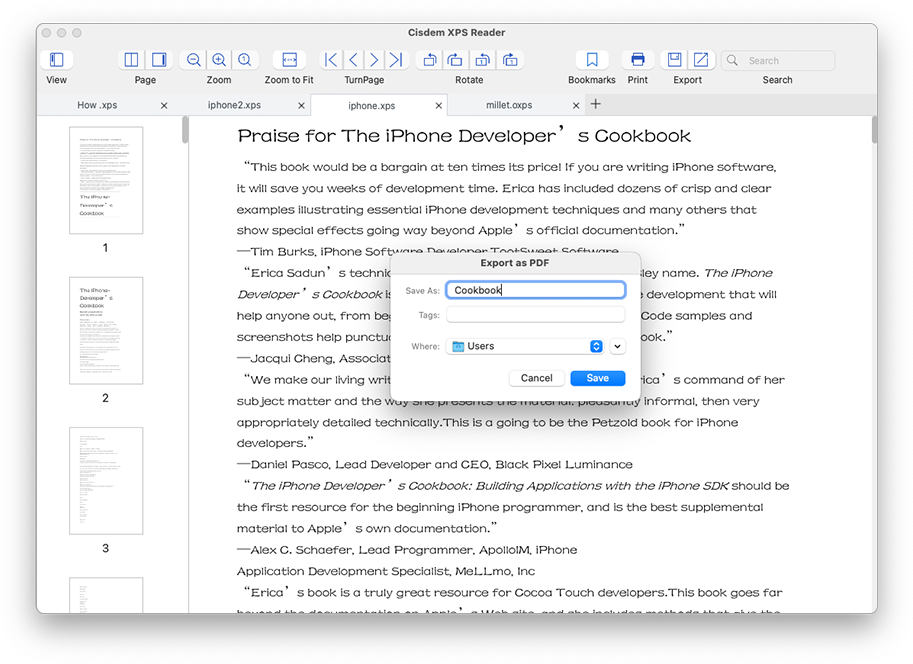
XPS Reader - Read, rotate, bookmark, export, search and print XPS/OXPS files
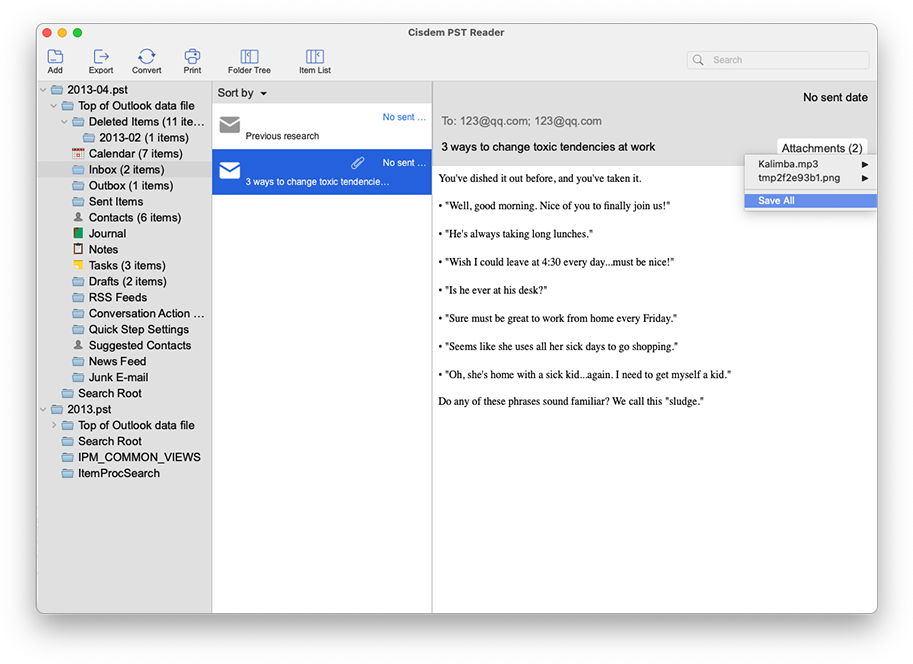
PST Reader - View Microsoft Outlook emails, archives, and save attachments
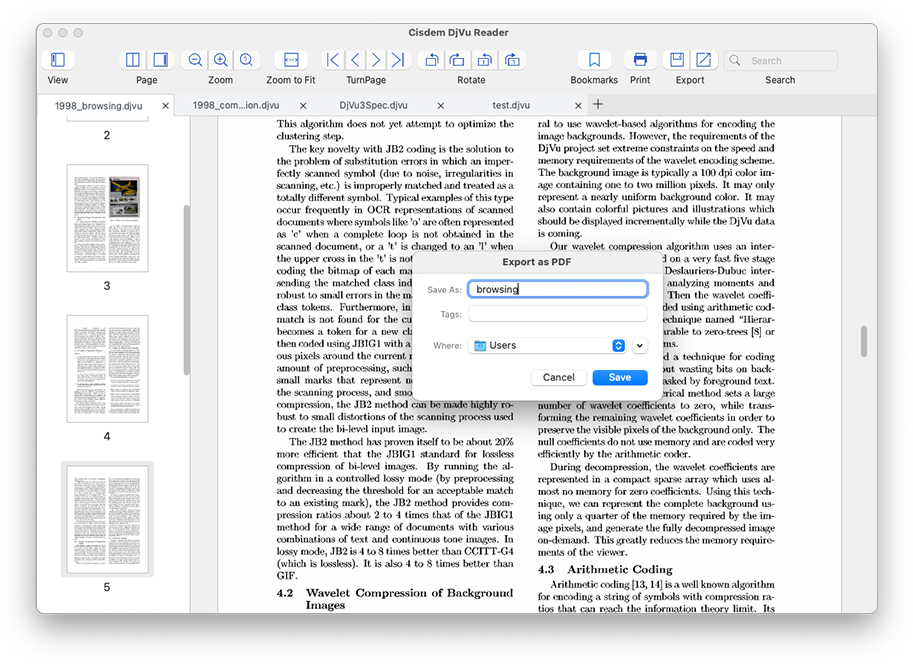
DjVu Reader - Read, rotate, bookmark, export, search and print DjVu/DjV files
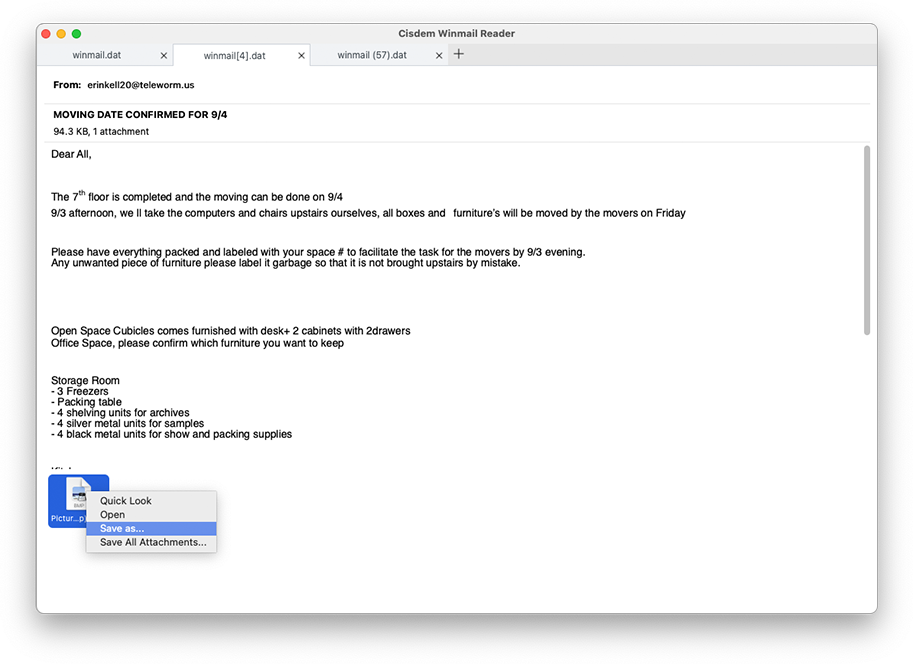
Winmail Reader - Open Winmail.dat file in original structure, with details and attachments displayed
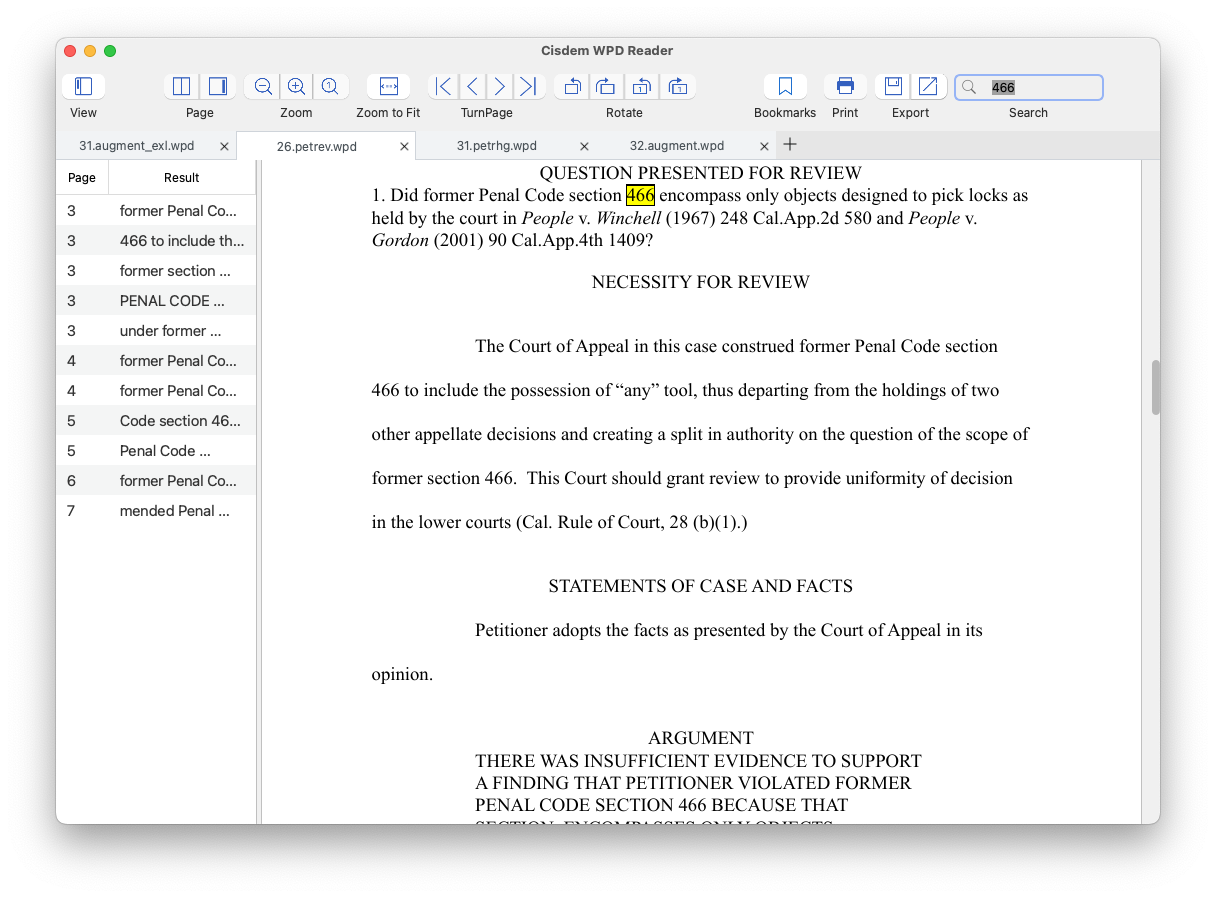
WPD Reader - Read, rotate, bookmark, export, search and print WordPerfect WPD files
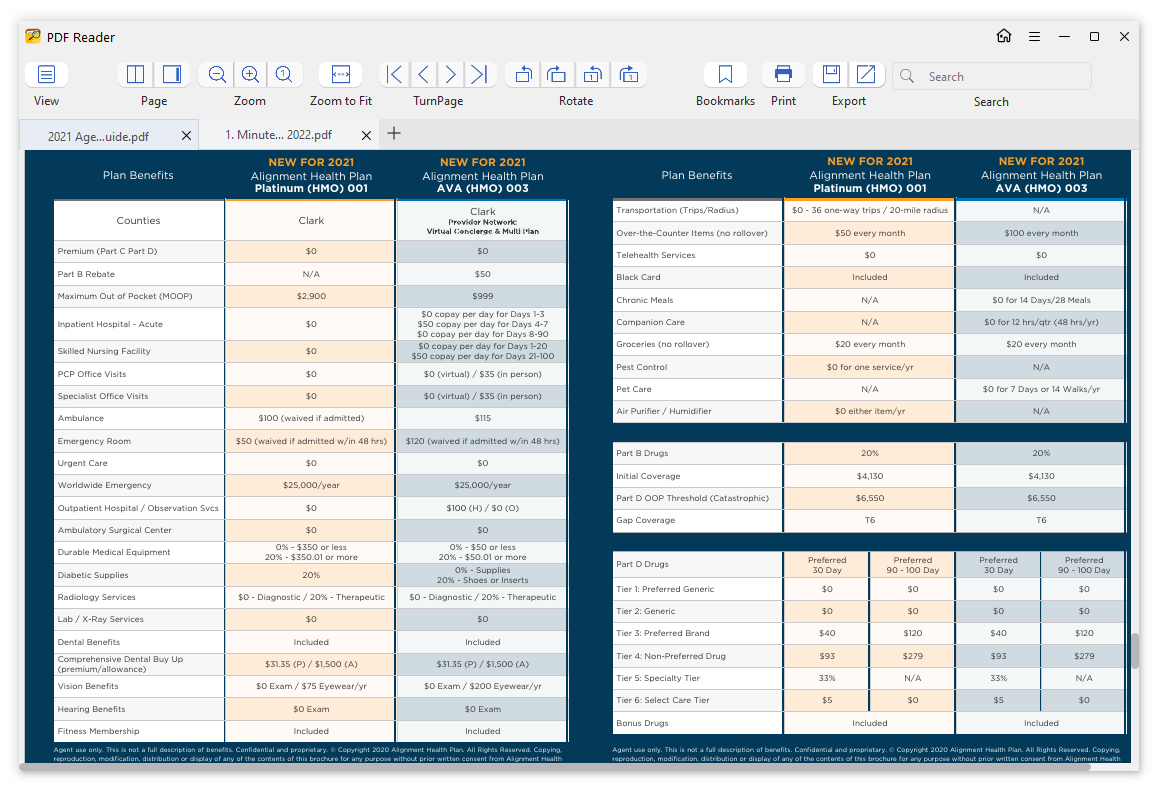
PDF Reader - Read, rotate, bookmark, export, search and print PDF files
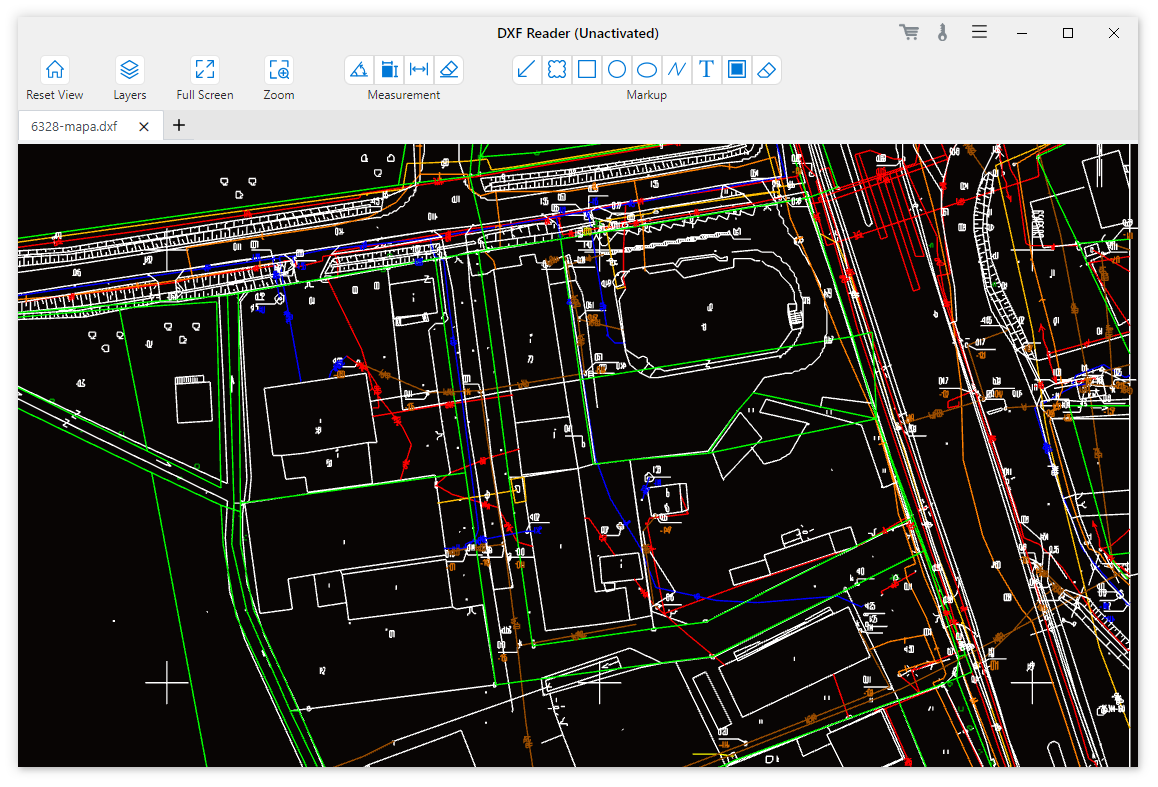
DXF Reader - View, zoom, measure and mark up DXF/DWG files
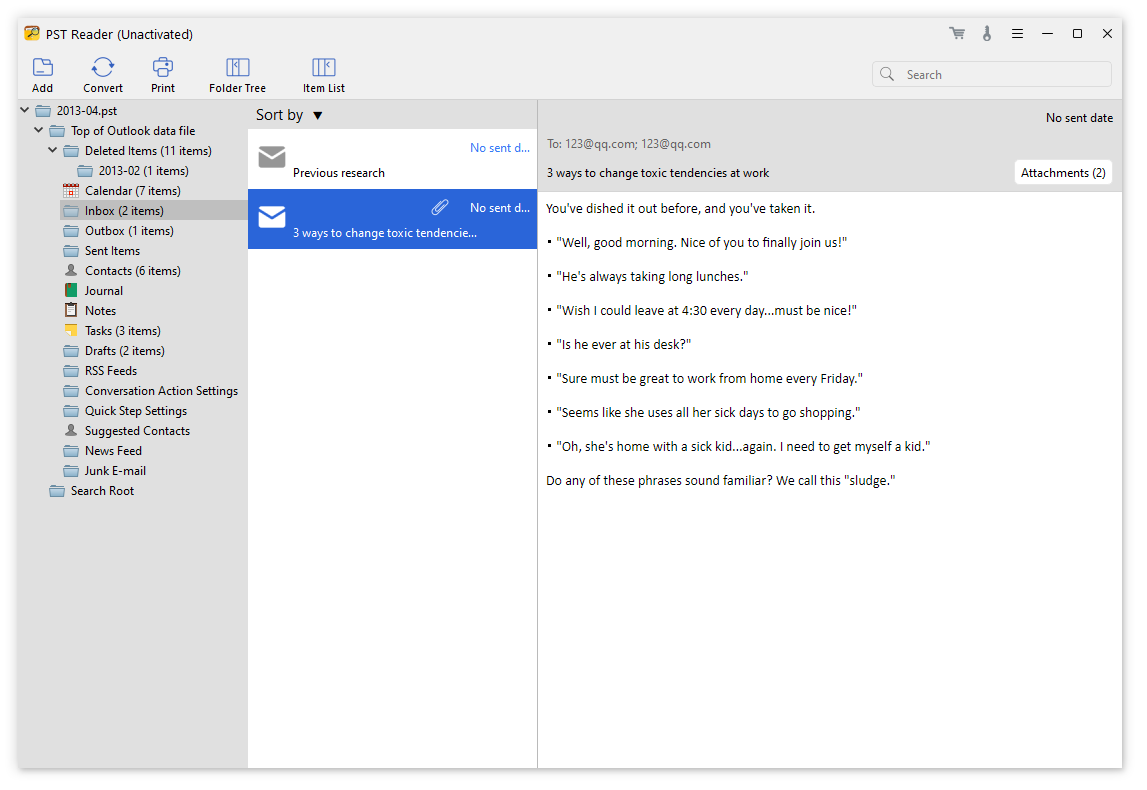
PST Reader - View Microsoft Outlook emails, archives, and save attachments
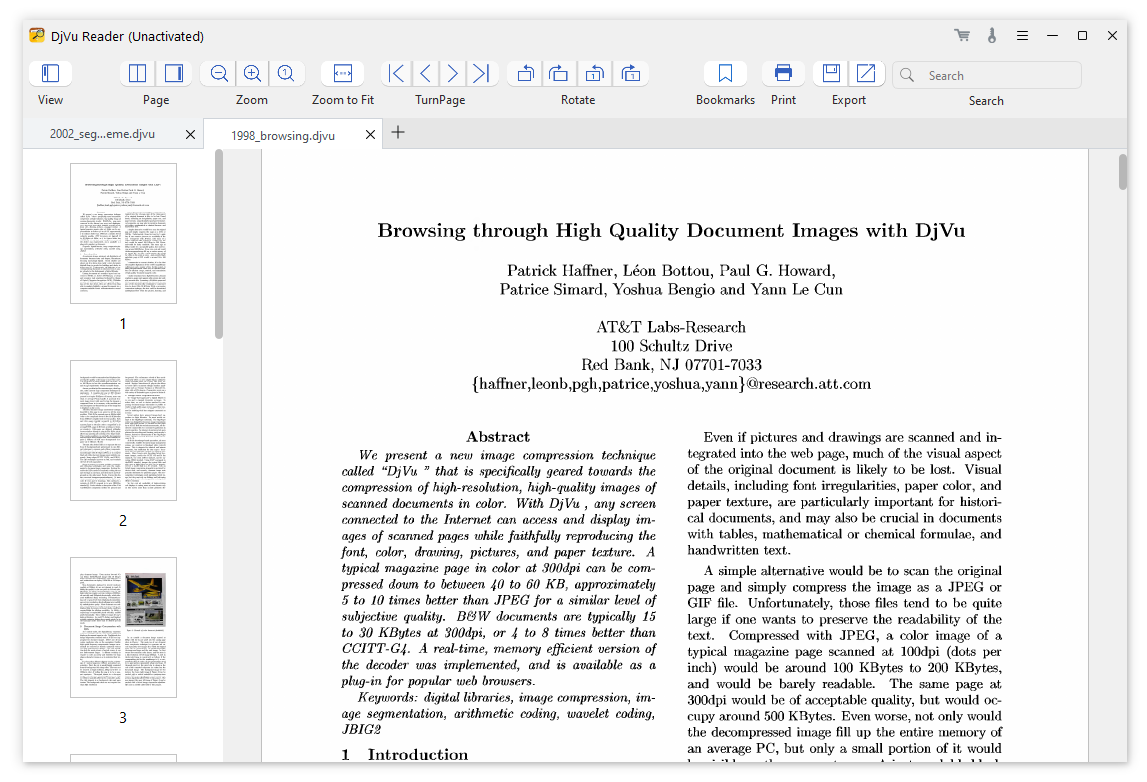
DjVu Reader - Read, rotate, bookmark, export, search and print DjVu/DjV files
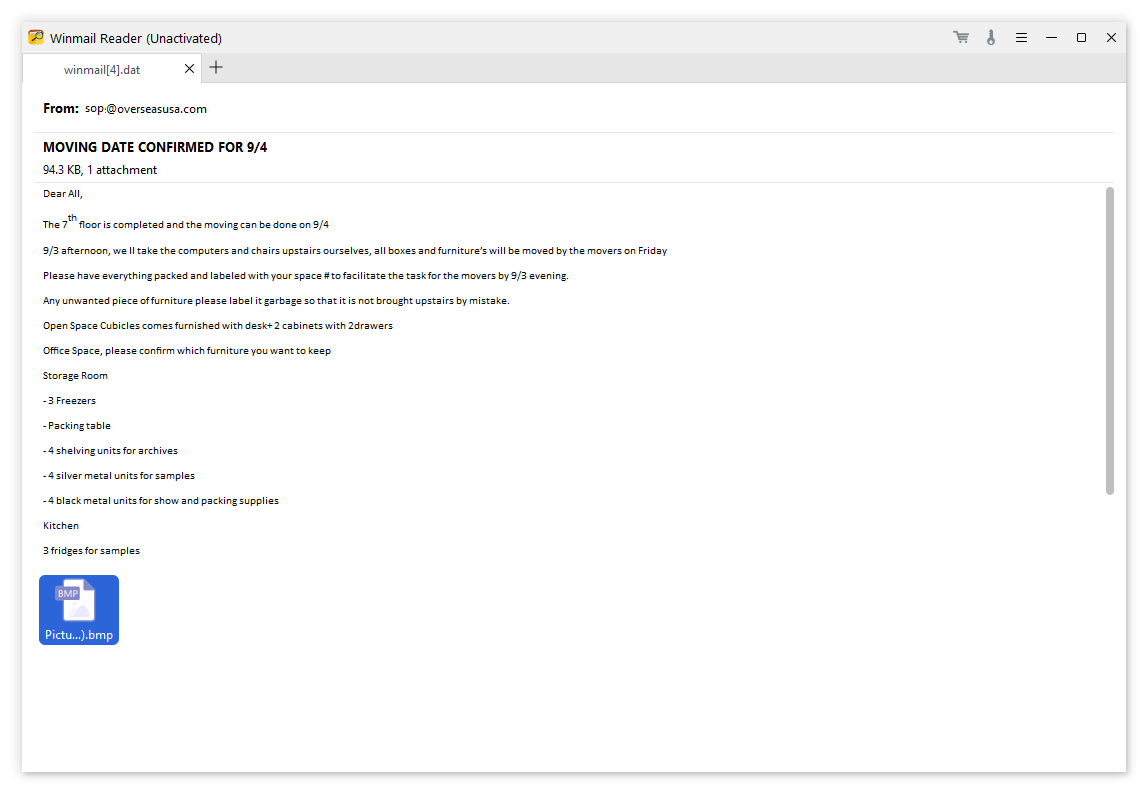
Winmail Reader - Open Winmail.dat file in original structure, with details and attachments displayed



