Restricted Video
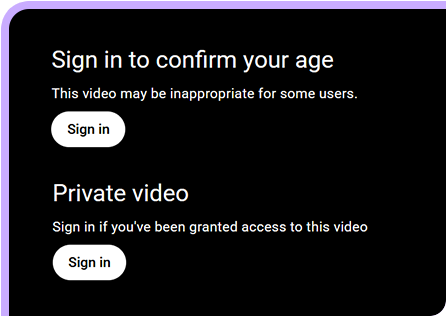
Download YouTube unlisted videos. If you have access, log in to your account to save private, age-restricted, and YouTube member-only videos. Note: The app doesn’t support private Vimeo videos and DRM-protected videos.
Available for


Cisdem VideoPaw supports downloading from a massive number of sources. Whether it's major platforms or niche sites, you can save all free videos without limit. Simply paste a link from online video websites for quick parsing.


Break through traditional limitations. Cisdem VideoPaw makes different video types accessible and downloadable.
Download YouTube unlisted videos. If you have access, log in to your account to save private, age-restricted, and YouTube member-only videos. Note: The app doesn’t support private Vimeo videos and DRM-protected videos.

Reliably download online class, gaming stream, or limited-time broadcast from YouTube, Twitch, Kick, or more sites in high quality.


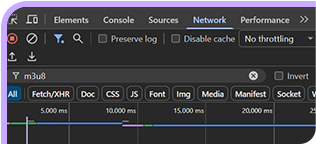
Download and merge unprotected HLS (M3U8) and MPEG-DASH (MPD) streams as playable video files.

Never lose expired videos from some websites like Streamable. Download and recover them even after they're gone with links.

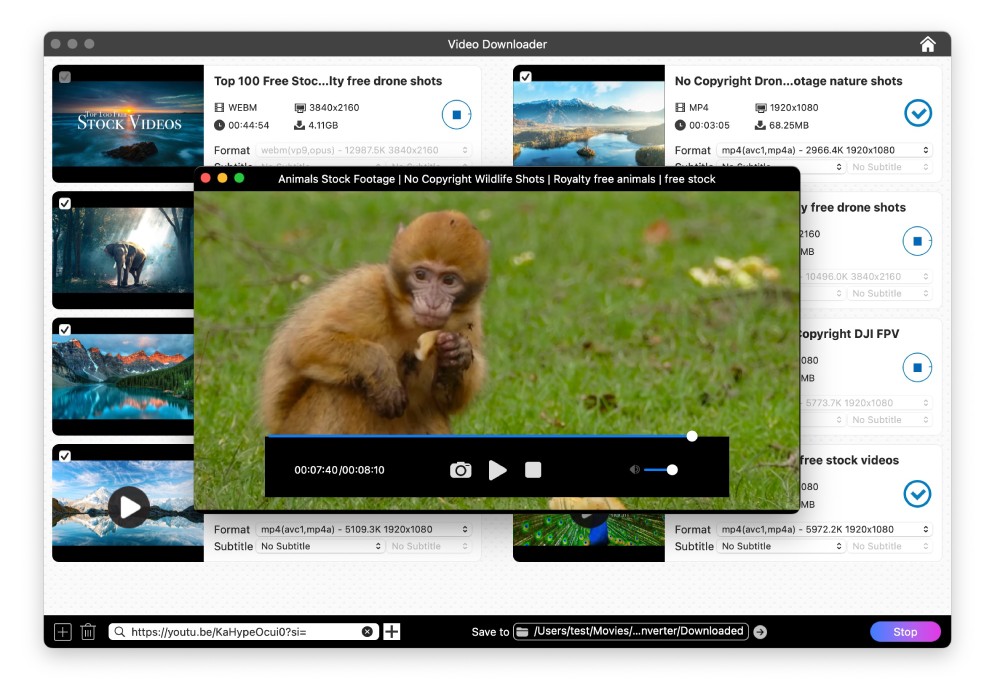
Maximize your efficiency. Move beyond individual downloads and get it all done at once.


Control over your downloads and get exactly what you're looking for.
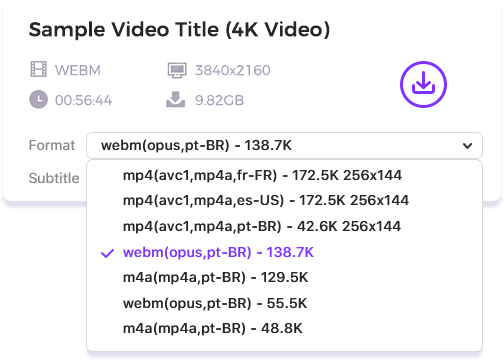
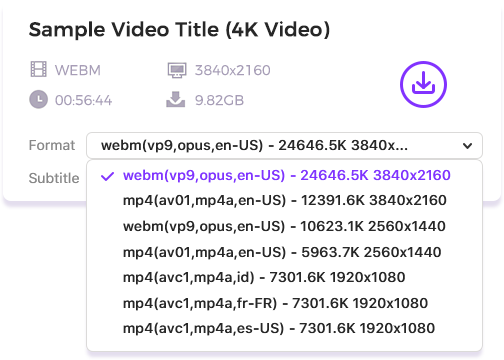
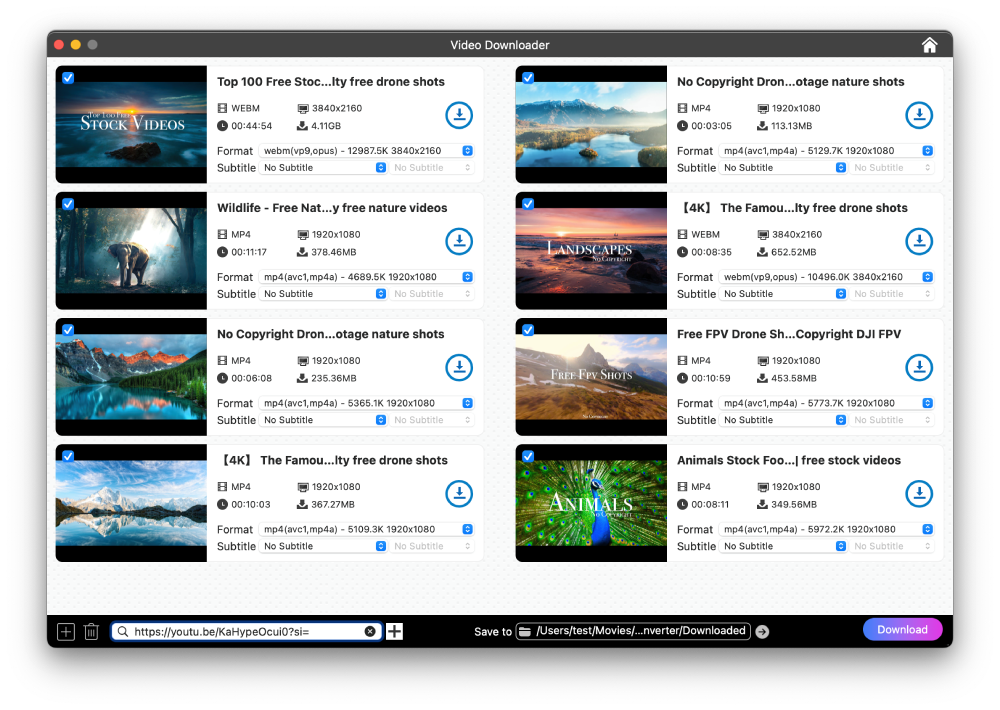
Show all available output streams of the video. They differ in video container, codec, bitrate, and audio language. Download the original streams directly to preserve the highest quality or choose your preferred combination.
Provide audio-only output options. Choose one based on format and audio bitrate.
Note: Audio options aren’t available in multiple languages. You can download the video stream with your target audio language, then convert it to audio in Video Converter module.
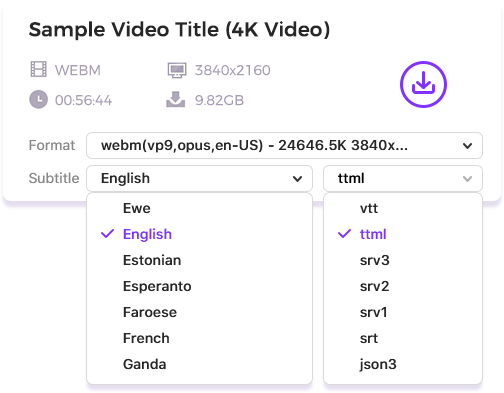
Identify all subtitle tracks within your video source, from AI-generated to creator-uploaded ones. Get subtitles instantly in 100+ languages (if available) and all major formats, and download with your video.

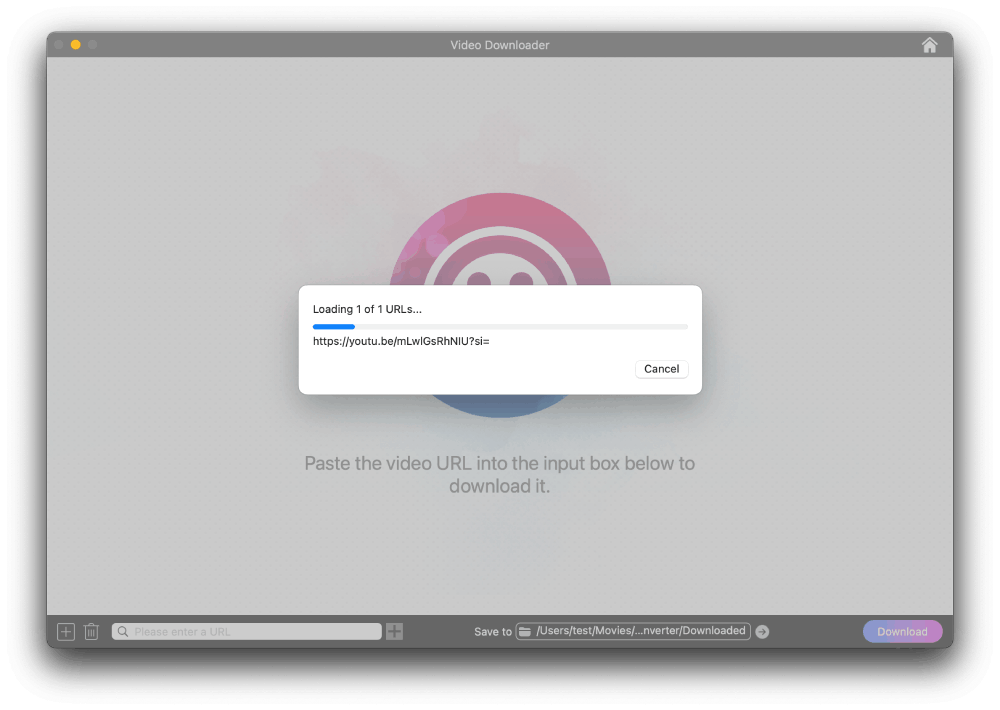
Open the Video Downloader window and paste your copied video link into it.

Choose the output from the Format and Subtitle lists.

Click "Download" in the bottom right corner to download the video.

Convert, download, record, compress, enhance, edit video and rip DVD/Blu-ray.