Available for


Handle every disc in your collection. Whether it's homemade or commercial discs, Cisdem VideoPaw can digitize them easily. No expertise needed!
From standard DVD-5/DVD-9 to high-capacity BD-25/BD-50 Blu-ray discs, plus your burned DVD±R/R DL/RW and BD-R/RE discs, the app delivers flawless compatibility.

Bypass most protections like CSS, UOP, Disney X-project for DVD and AACS, BD+, MKB for Blu-ray. Support discs from any region and any movie studio.

Can also work with DVD VIDEO_TS folders, Blu-ray BDMV folders, and ISO image files. The workflow is the same as ripping a disc.

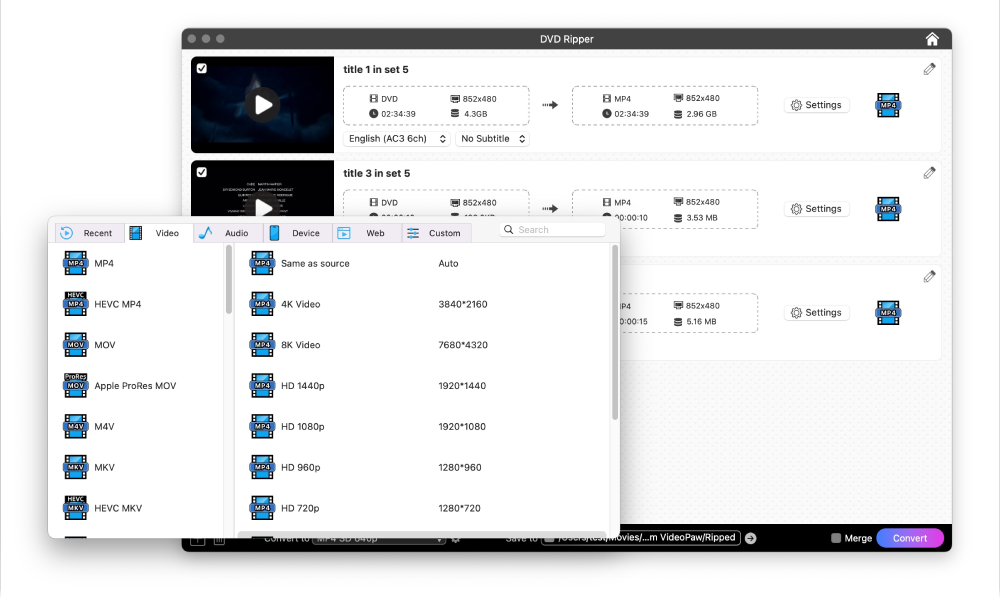
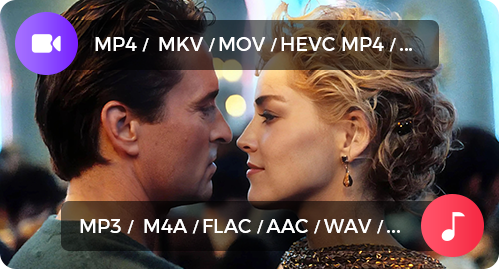
Cisdem VideoPaw provides comprehensive output options for every use case, choose one or create your own perfect configuration for the disc.
Rip Disc to Any Video and Audio Format
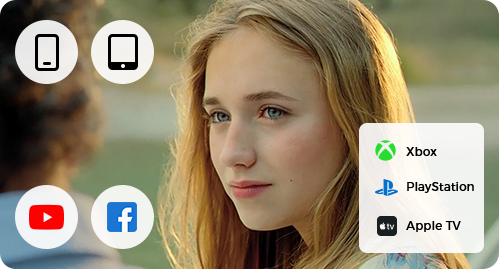
Rip Disc to Optimized Device and Web Format
Create perfect digital copy of your DVDs and Blu-ray discs. Cisdem VideoPaw keeps everything at 100% - your movie's picture and audio will match the source material exactly.
Keep Flawless 1:1 Quality
Offer the "Same as source" option for the output file. It precisely preserves the original disc's encoder, resolution, frame rate, and quality settings.
All Titles Included
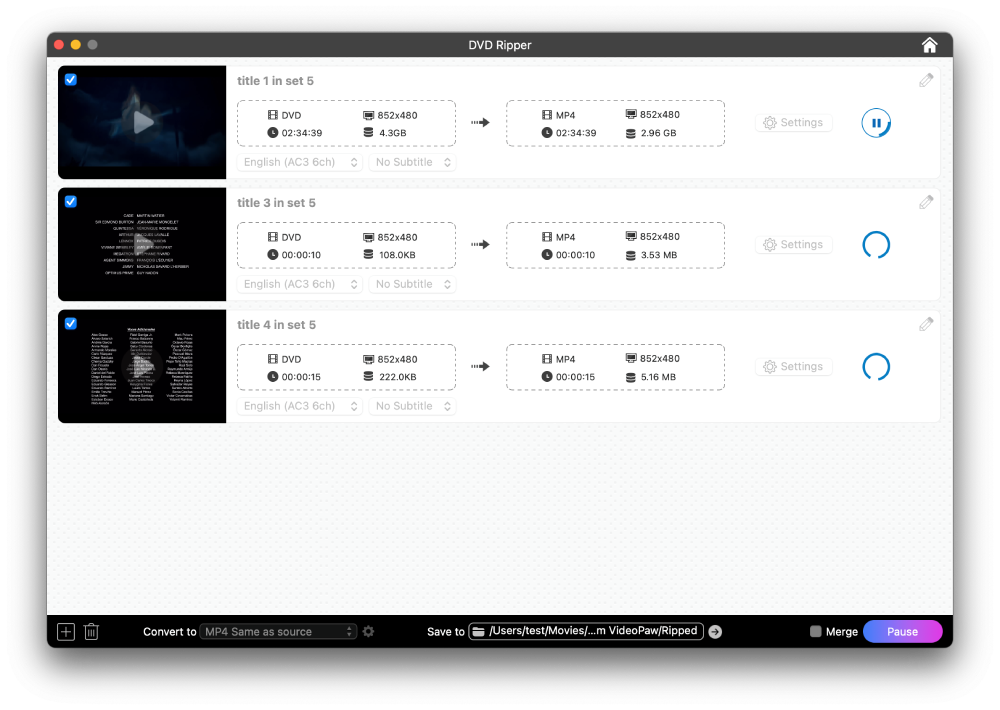
Can rip all episodes from a disc. For a 99-title disc that includes extras and ads, Cisdem VideoPaw will detect everything as well. To rip the main title, just manually select the longest one.
Choose Desired Audio Track
Detect all audio in different languages and allow you to pick the one you need, such as the original soundtrack or your preferred dubbed version.
Choose Desired Subtitle Track
Identify all subtitle tracks and let you embed the selected one (like English, French, or German, if available) into the video, helping you understand foreign-language movies.
Trim Video
Crop Video
Rotate Video
Add Watermark

Add Effects

Add Subtitle
Add Chapter
Adjust Volume
Merge Videos

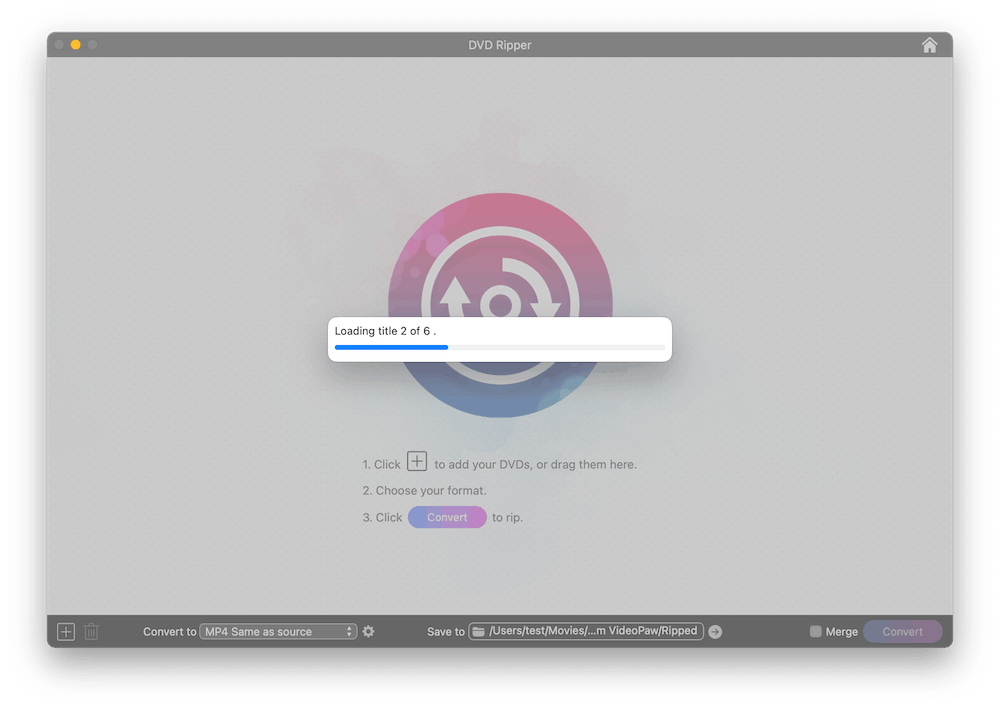
Go to the DVD or Blu-ray Ripper module. Drag the disc folder directly onto the interface.

Choose the format, audio, subtitles, and make some minor edits to output video.

Click the "Convert" button to begin the ripping and conversion process.

Convert, download, record, compress, enhance, edit video and rip DVD/Blu-ray.