Available for


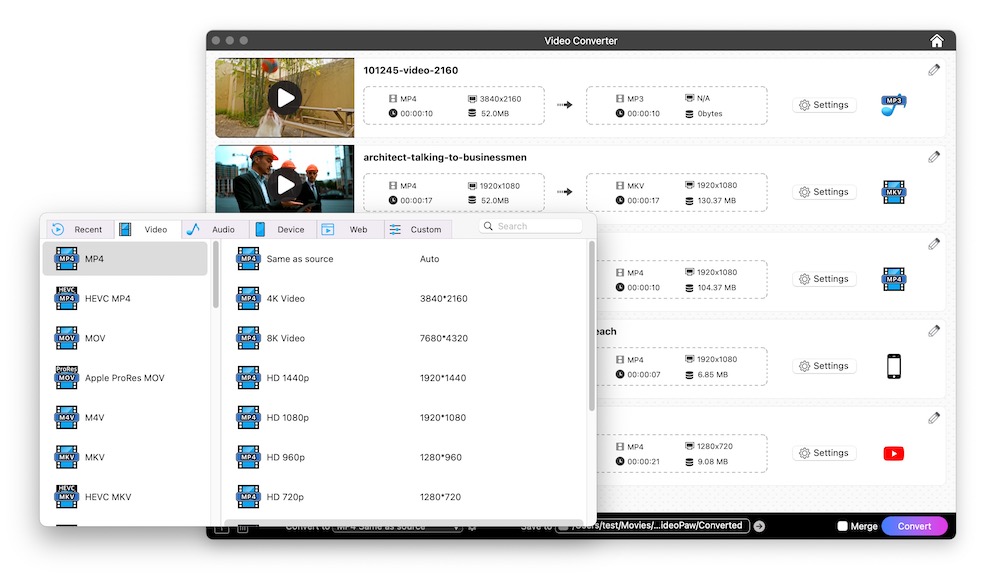
Different devices, different platforms, no problem. With 1000+ format conversions, your media file always plays smoothly.
 Convert to Video
Video to Video Conversion
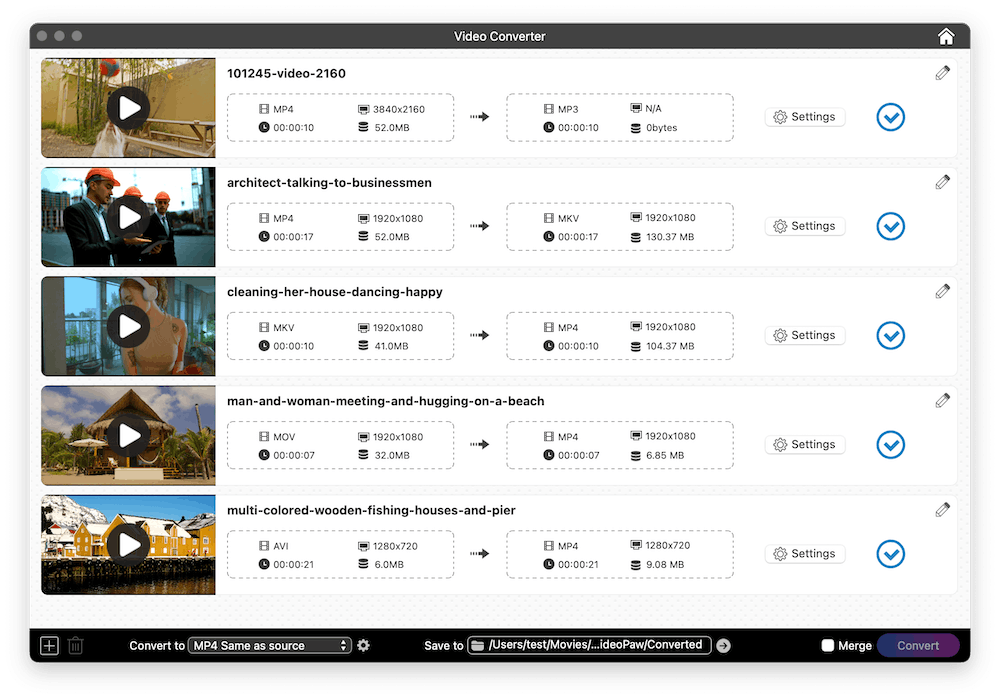
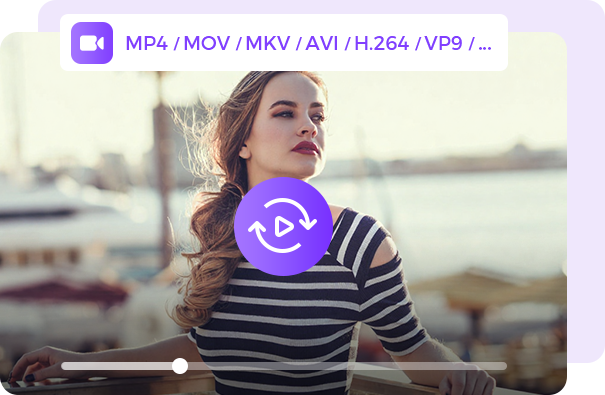
Cisdem VideoPaw supports decoding and re-encoding various new, old, common, and high-definition video formats, such as MP4/MKV/MOV/MXF/AVCHD/3GP.
Audio to Video Conversion
Create video from sound track for broader compatibility and platform support, for example, convert MP3 to MP4 to post it on YouTube/Vimeo/Dailymotion or any video-only platform.
 Convert to Audio
Video to Audio Conversion
Extract sound from online videos, movies, or your own recordings, and save it in your desired format, like MP3/FLAC/M4A/WAV/OGG/WMA, to meet your needs.
Audio to Audio Conversion
Convert between everyday formats and specialized audio types, for example, change audio to MP3 for better compatibility, turn audio into M4R for iPhone ringtone, convert audio to M4B with chapters for audiobook player.
 Convert to Preset
Video to Device Conversion
If your video needs to be played on specific devices, like iPhone/Samsung phone/Android/iPad/Xbox/TV, simply pick the appropriate device for the output. The app supports hundreds of device models.
Video to Web Conversion
Optimize the settings for major platforms. You can convert video to Web format at lightning speed and upload it to YouTube/Facebook/Instagram/TikTok and more without a hitch.
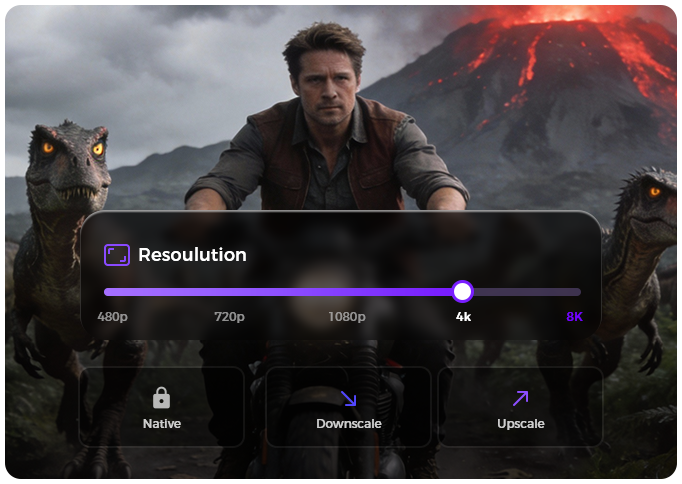
Fine-tune your video resolution with precision. Preserve, compress, upscale. Flexible resolution options, ready in a click.
 Maintain the Source Resolution
Offer a "Same as source" option, which converts the video to another container format while remaining the resolution unchanged. So, an 8K video will stay 8K after conversion.
Downscale the Resolution
Convert the video to a lower resolution, such as converting 4K to 1080p or 1080p to 720p. Help you reduce file size but keep good and acceptable image quality.
Upscale the Resolution
Convert to a higher resolution. For example, convert 1080p video to 2K or above to get better encoder and bitrate when uploaded to YouTube.
Note: The resolution conversion doesn't include AI integration. To really boost video clarity and quality, go to use the AI Video Enhancer module in Cisdem VideoPaw.
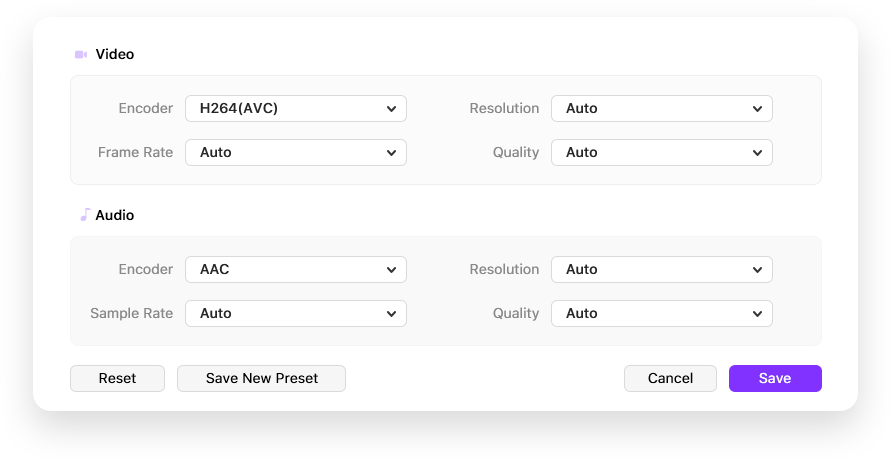
Regardless of the codec used in your media file, Cisdem VideoPaw can import and decode it. For output, the app also supports various modern and legacy encoders, like H.265/VP9/AV1/MPEG4. You can re-encode files without changing the container format, e.g., convert H.265 (MP4) to H.264 (MP4).

Configure Other Parameters
Adjust video frame rate, sample rate, channel and quality before conversion.

Save as New Preset
Save your ideal settings as a custom preset, making it easy to reuse later.

1-Click Reset
Clear all current modifications and restore to the default settings with one click.
Go beyond conversion with the built-in utilities for quick editing, playback, and merging.
Trim Video
Precisely trim video clips and remove unnecessary intros/outros.

Crop Video
Zoom in on what matters. Remove the distracting edges.

Rotate Video
Rotate and flip video to the correct orientation.

Add Watermark
Add watermark to video for copyright protection.

Add Effects
Adjust brightness, contrast, temperature and more effects.

Add Subtitle
Insert embedded or external SRT or ASS subtitles.
Add Chapter
Break up a video into sections by timestamps.

Adjust Volume
Turn up/down the volume and add fade in/out effects.

Merge Videos
Combine multiple video or audio files into one large or complete file.

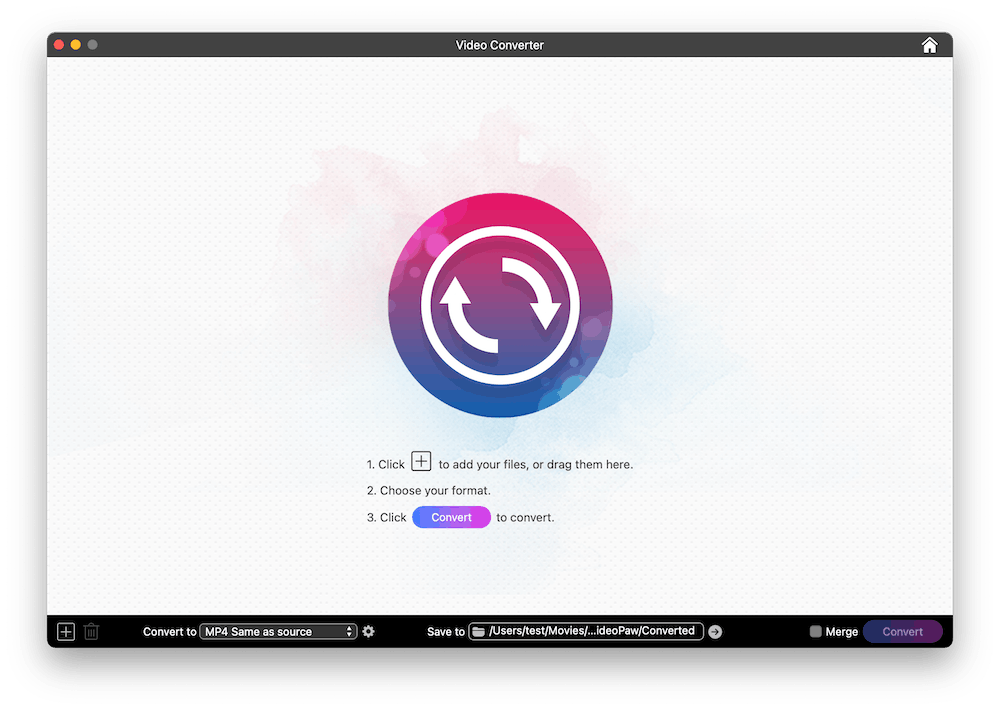
Import files directly by dragging them into the Video Converter window.

Choose any output format, (optional) adjust the parameters and edit files.

Click the "Convert" button to begin video or audio conversion in batches.

Convert, download, record, compress, enhance, edit video and rip DVD/Blu-ray.