Upscale Video Quality to 4K with AI

Cisdem VideoPaw offers 2 AI upscaling models and 2 enlargement levels to help you achieve clearer, higher-quality video results.

  • Real World Model

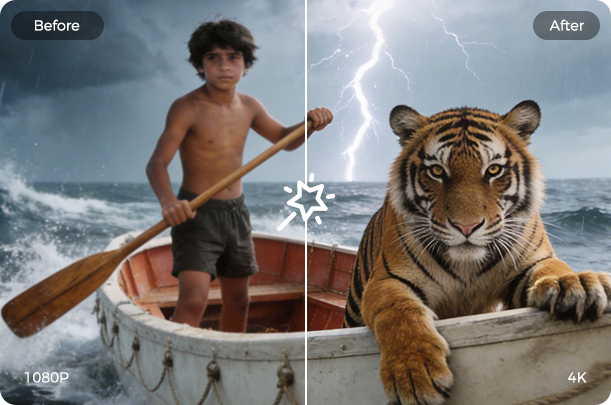
    Upscale your videos to 1080p, 4K, 5K, or any resolution below 8K with AI. Enhance details and make blurry videos like family videos and classic movies sharper. No alteration to the natural look even after resolution boost.

  • Speed-oriented Anime

    A quick enhancement feature embedded into the Video Upscaler for animated videos. Increase resolution by 2x or 4x to bring out the vibrant colors and sharp lines. Ensure original artistic style and improved output quality.

AI Technology to Remove Video
Noise and Grain

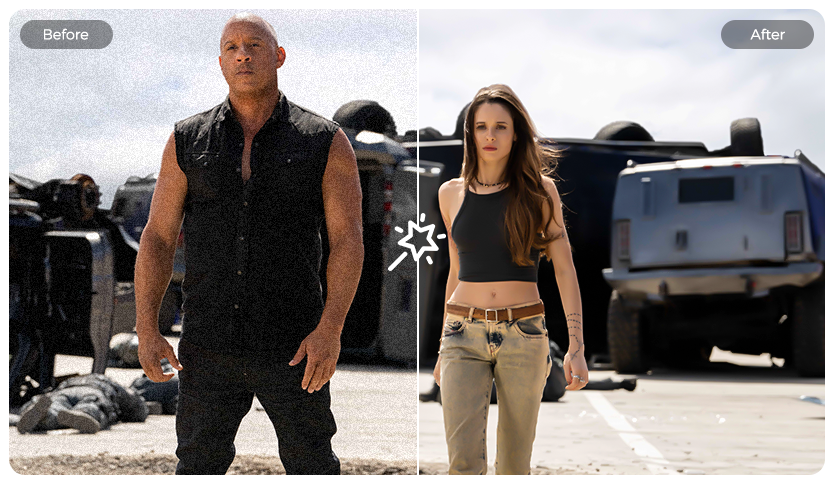
With integrated AI denoising technology, Cisdem VideoPaw effortlessly and intelligently cleans up grainy videos. Eliminate unwanted visual distractions from various sources including digital noise and compression artifacts. Enhance viewing quality while keeping your footage looking its authentic best - all just a single click.

What Videos Can Cisdem
VideoPaw Enhance?

Every type of video gets improved, leaving you in awe.

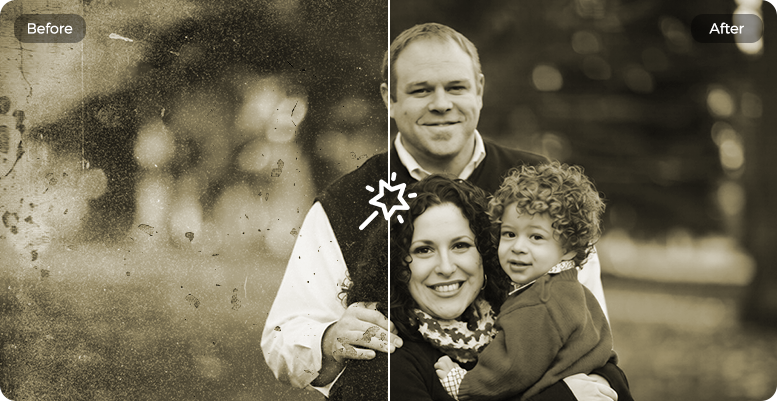
Enhance old footage from VHS tapes, early digital camera recordings, etc. Make old memories clear again.
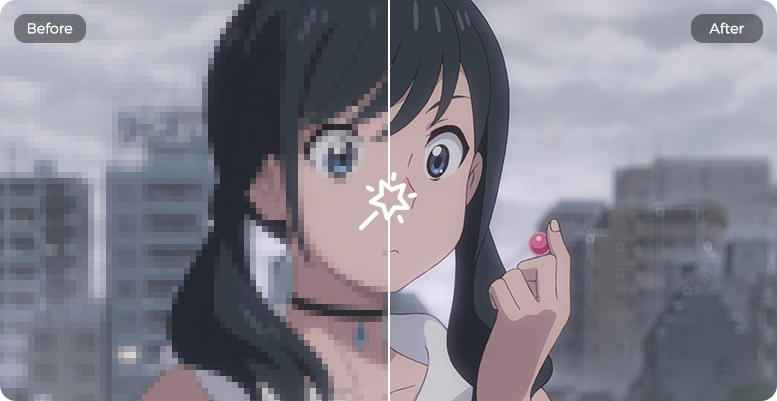
Restore pixelated vintage animation series, classic cartoons, Japanese anime, and more to improve the viewing experience.

Enhance your videos that you've downloaded or are about to upload to social media platforms like YouTube, Instagram, TikTok, etc.

Elevate your business videos like product demos, promos, and training videos to strengthen the brand's professional image.

Preview & Export AI-Enhanced Video

It's time to witness the magic. Preview to confirm, then save your perfect results.

Real-Time Preview

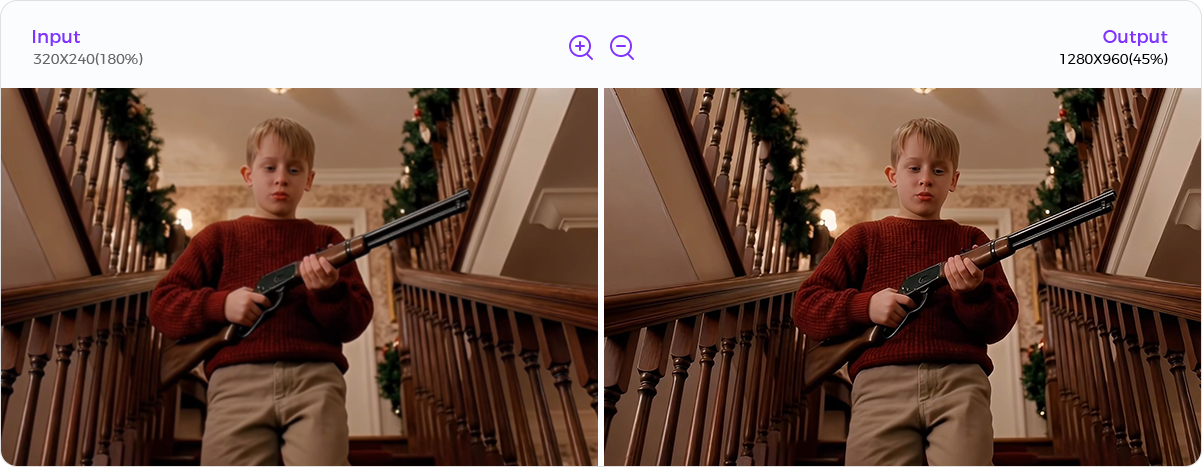
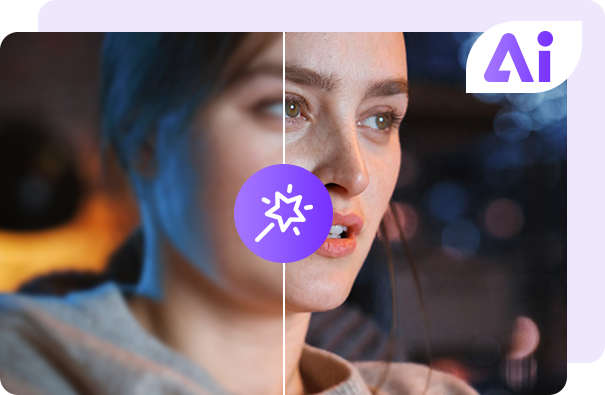
Compare original and enhanced versions side by side. Zoom and pan to view any area. Check each frame for artifacts and blur.

Input/Output Preview
Side-by-Side Comparison
Zoom & Pan Controls
Quality Verification

One-Click Export

Export optimized video in 3 formats. For more formats, use the Video Converter module to convert videos without losing quality.

Export as MP4, MOV, WebM
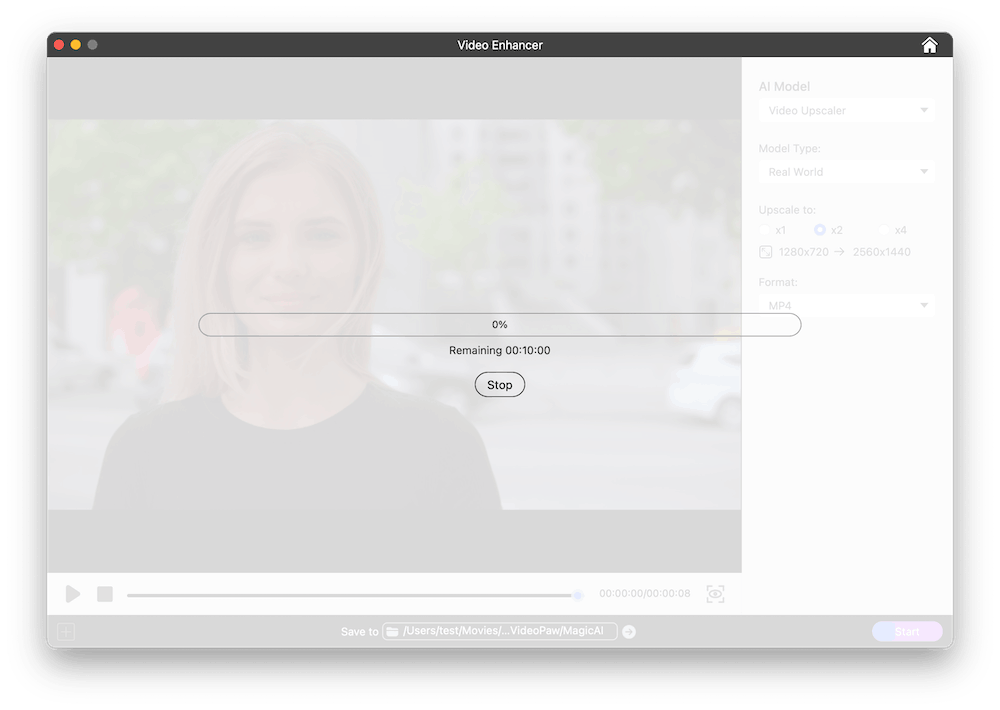
Show Progress Bar
Enhance Resolution Instantly
Show Remaining Time

Enhance Video Easy As 1, 2, 3

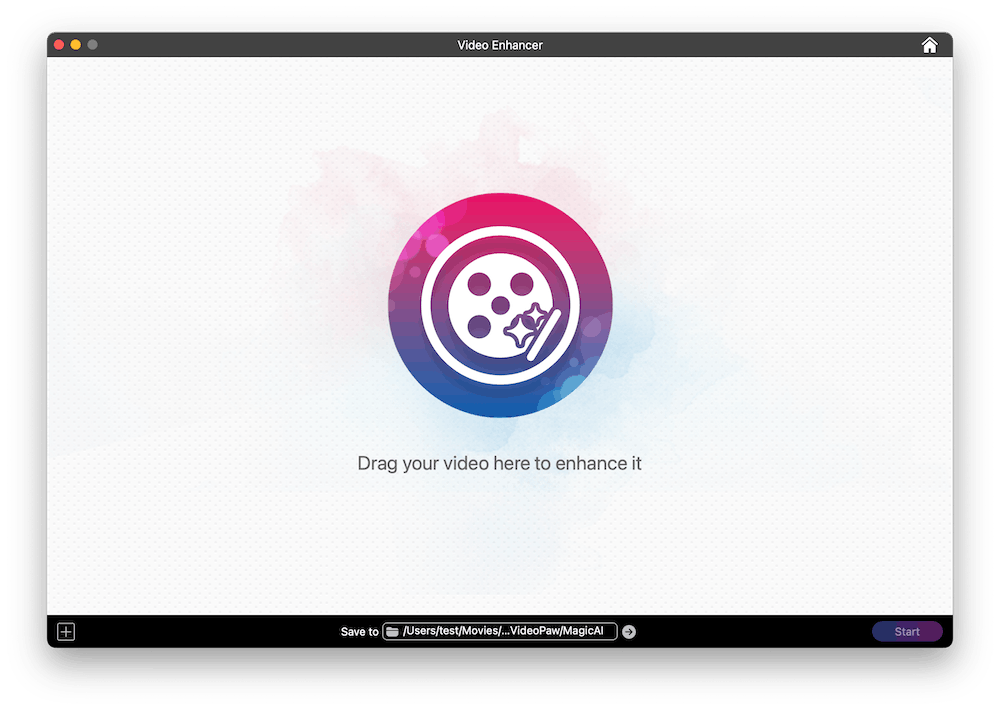
Step 1: Import Video

Add any low-res or noisy video to the AI Video Enhancer interface.

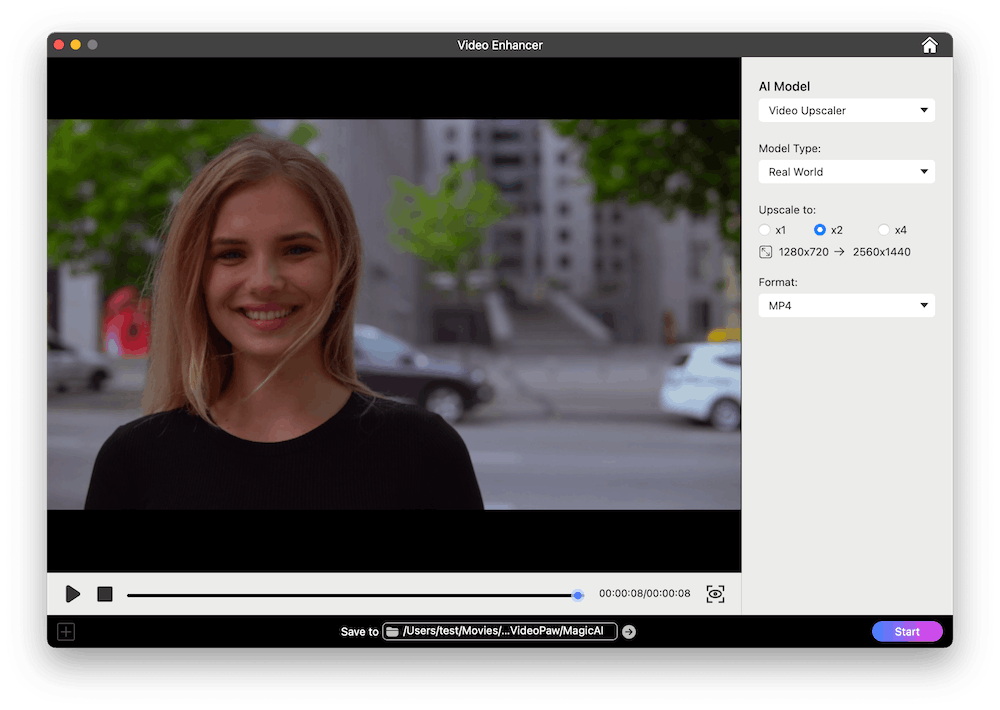
Step 2: Configure Enhancement Settings

Select the AI Model. If you choose Video Upscaler, also choose the Model Type and enhancement level.

Step 3: Start Processing

Preview the enhanced video. If satisfied, select the format and export.

Step 1 Step 2 Step 3