Available for


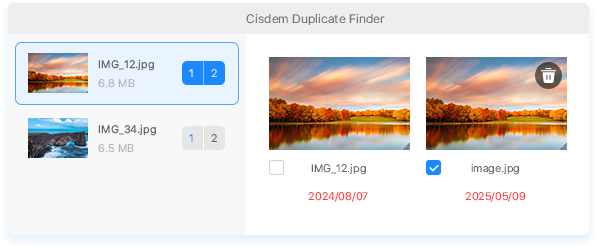
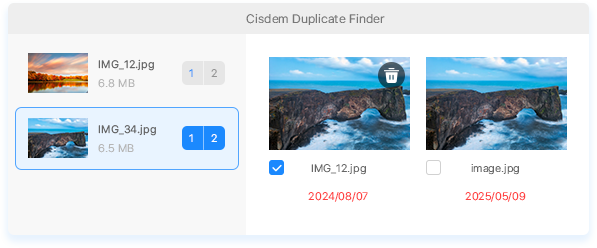
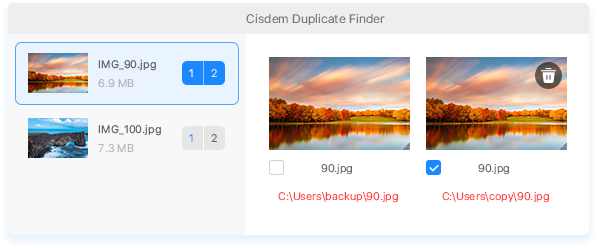
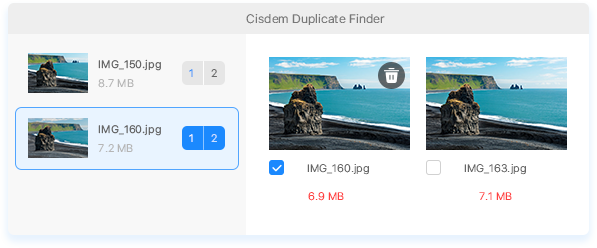
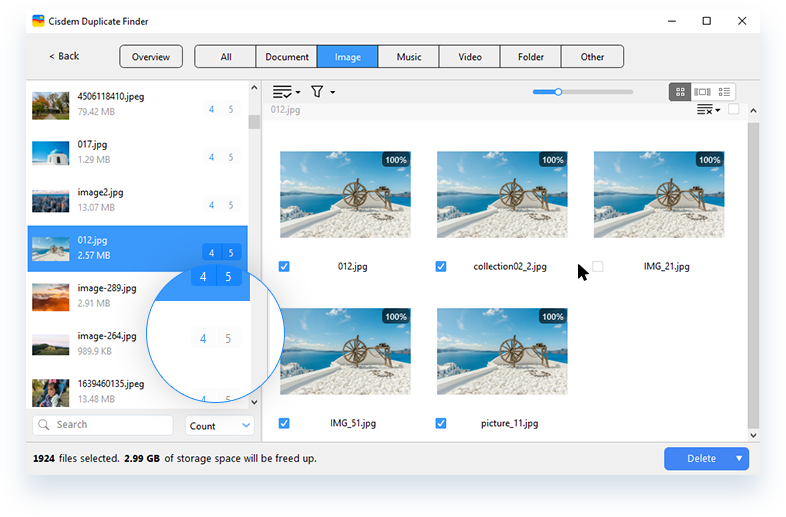
In each group of duplicate files, Cisdem Duplicate Finder automatically and intelligently selects the duplicate(s) for deletion, while the original file remains unselected. This enables you to remove all duplicates at once and makes sure that your original files are unaffected and won't be removed! Also, you have the flexibility to adjust the selections by manually selecting or deselecting files.
How Intelligent Duplicate Selections Work
This feature intelligently recognizes the most likely original or duplicate files.

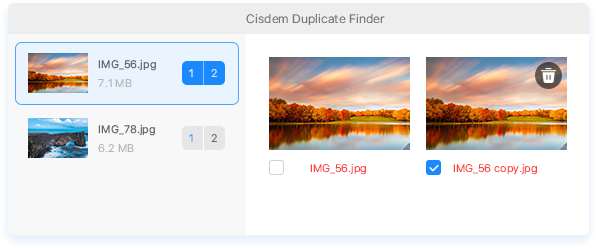
File Name Recognition
It detects and recognizes common terms and numerical patterns in names, such as "copy", "backup", "temp", "(1)", or "_2", which indicates the files may be duplicates.

File Path Analysis
It analyzes the directory names of files, such as "Downloads" or "Desktop", based on which it intelligently assesses the significance of files.

Intelligent Scoring System
Original files receive the highest score of 100, and files with indicators of being duplicates receive lower scores. Then, files are selected based on their scores.
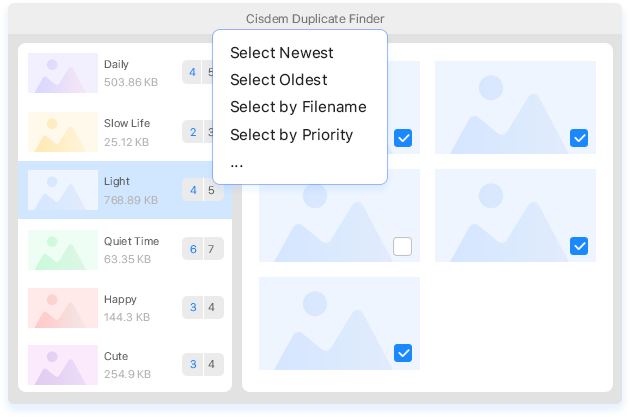
If you are not happy with the auto selections and don't want to spend time and effort manually selecting files, you can check out the selection rules offered by Cisdem Duplicate Finder. These rules allow you to decide which files are duplicates (to be removed) or originals (to be kept) yourself! To use a rule, simply highlight the groups on the left that you want to apply a rule to, then choose your desired rule.
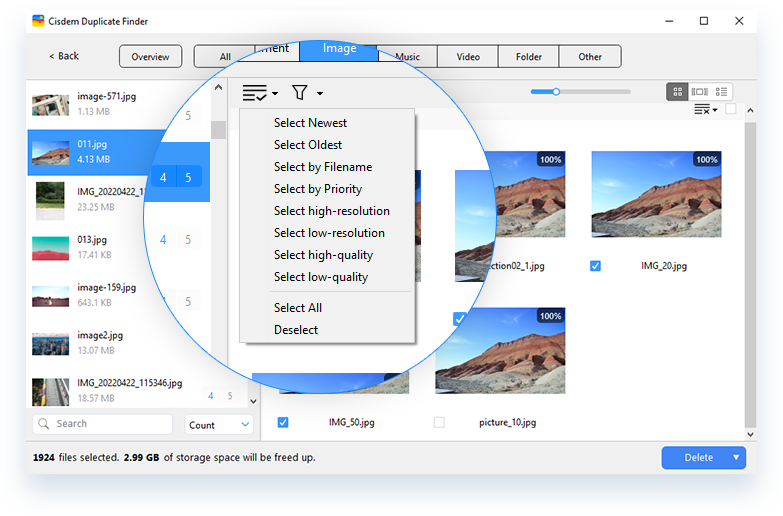
Select Newest rule
Keep the oldest file and select the others for deletion
Select Oldest rule
Keep the newest file and select the others for deletion
Select by Filename rule
Consider names with certain words (e.g., copy) when selecting
Select by Priority rule
Prioritize deleting duplicates in specified folder(s)
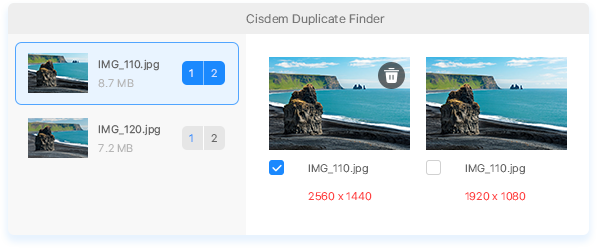
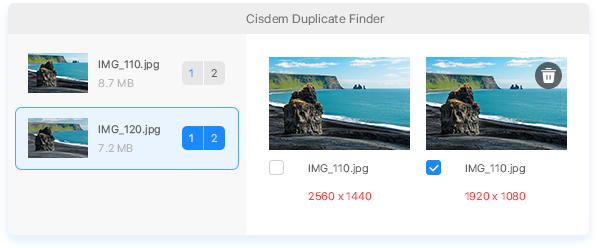
Select High-Resolution rule
Keep the version with the lowest dimensions and select the rest for removal
Select Low-Resolution rule
Keep the version with the highest dimensions and select the rest for removal
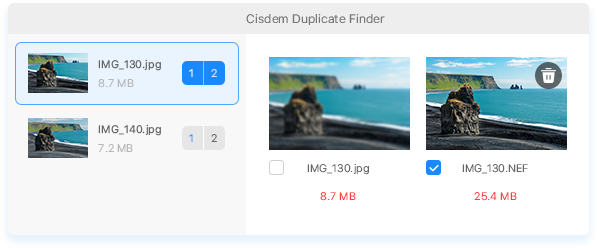
Select High-Quality (Windows) or Largest (Mac) rule
Keep the version with the smallest file size and select the rest of removal
Select Low-Quality (Windows) or Smallest (Mac) rule
Keep the version with the largest file size and select the rest of removal
Handling similar images can be subjective! Only you know which versions you really want to keep. These selection rules are there to help, but it's always a good idea to double-check the selections. Make sure your favorite versions aren’t selected for deletion!