Available for


With Cisdem Duplicate Finder, you can quickly scan your selected folders and drives for duplicate files on a computer or external storage device. Easily declutter storage and free up space!

Desktop, laptop, all-in-one, etc.

MacBook Pro, MacBook Air, iMac, etc.

HDD, SSD, USB flash drive, etc.

SD card, SDHC card, MicroSD card, etc.

NAS, file server, shared drive, etc.
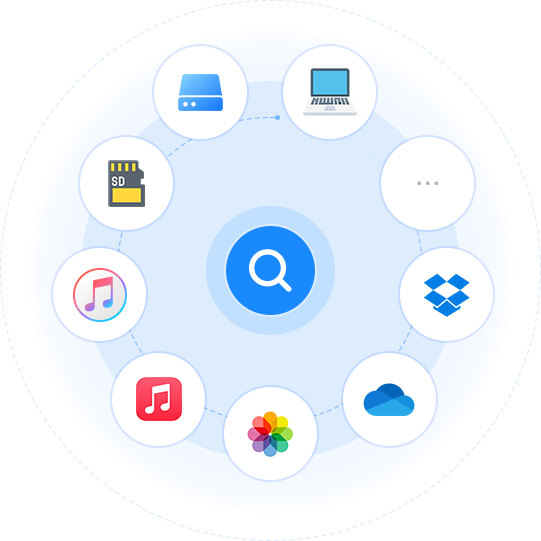
In addition to folders and drives, Cisdem Duplicate Finder supports locating duplicates in the following apps.
Seamlessly work with the Media folder
Both iTunes and its successor, the Music app, use a dedicated Media folder to store the songs. This duplicate file finder is designed to seamlessly work with the Media folder, so it can help you identify duplicate tracks in iTunes or Music. Effortlessly clean up your music and make it easier to find and enjoy your favorite songs!
Protect the integrity of Photos libraryFollow the rules of the Photos app
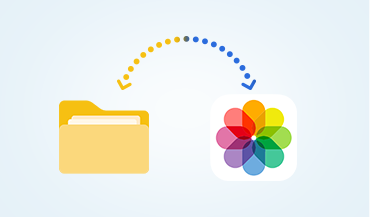
The Photos app on Mac uses a Photos library to store the photos, which is different from a folder. Cisdem Duplicate Finder is designed to support this library. When scanning your library for duplicates, it makes sure that the integrity of your database and assets is protected, strictly following the Photos app's rules. Easily maintain a duplicate-free and organized library!
Cisdem Duplicate Finder can also serve as a cloud duplicate finder due to its support for various cloud drives, helping you easily organize your cloud storage!

OneDrive

Dropbox

Google Drive

iCloud

Box

MEGA

pCloud

Sign in to your OneDrive or Dropbox account, and this duplicate file finder will directly scan your entire drive or selected folders online. This is effortless and lightning fast.
Step 1
Sign in to your account
Step 2
Use Cisdem Duplicate Finder
to scan online

With other cloud drives, such as Google Drive and iCloud, you use the drive's own desktop app to sync your files to your computer, and then use the duplicate file finder to scan them on the computer.
Step 1
Sync your files to computer
Step 2
Use Cisdem Duplicate Finder to
scan on computer

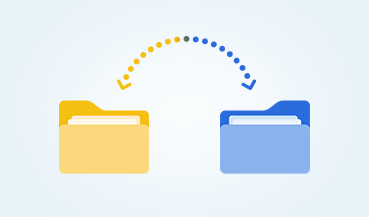
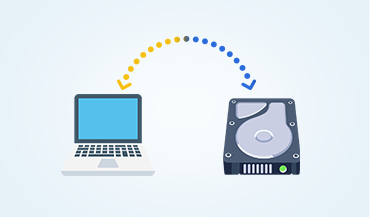
In addition to scanning a single location, Cisdem Duplicate Finder supports scanning across multiple locations, such as across three different folders and drives, or between your computer and an external hard drive, allowing you to thoroughly declutter all your files.
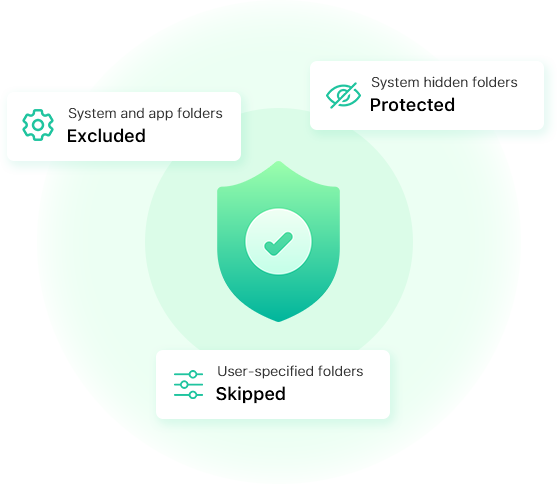
If needed, you can exclude folders of your choice from a scan.