Available for


Cisdem Duplicate Finder uses AI-enhanced methods for file comparison and duplicate identification - more accurate and faster than ever.
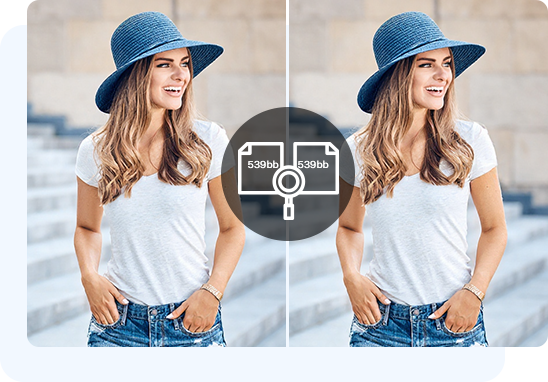
It offers two accurate methods to identify duplicates by comparing file contents, as well as an additional method for comparing file names and sizes instead. Choose the method that best suits your needs.
This default method uses an advanced hashing algorithm, which scans folders and files to generates a unique file hash value (e.g. a2c4f3d2e1b7e9d6b1a4c2c7be) for each file based on the file's content. Then, it partially compares all the hash values, and files sharing the same value are duplicates. The method is fast and 100% accurate 99.999% of the time.
Available on Windows only, this method uses the same hashing algorithm but fully compares hash values. It takes a longer time when comparing, but full comparisons result in higher accuracy. The method offers 100% accuracy 100% of the time.
Choose this additional method only if you prefer to identify identical files by checking if they have the same file name and size. The method is the fastest, but it misses duplicate files with different names and may return false matches, leading to lower accuracy.
Using Cisdem Duplicate Finder to scan the same folder containing 4,461 files (12.8 GB in size) with these different methods returned the following results. The comparison can help you decide which method to choose.
| Method | Scan time | Found duplicates (in number) | Found duplicates (in size) |
|---|---|---|---|
| Partial content comparison | 22 seconds | 3,238 | 10.9 GB |
| Full content comparison | 63 seconds | 3,238 | 10.9 GB |
| Name and size comparison | 2 seconds | 2,775 | 7.61 GB |
Using the hashing algorithm is an efficient way for detecting duplicate files. However, there's a rare occasion where different files can have the same hash value. Cisdem Duplicate Finder incorporates AI to rule out such cases, increasing accuracy from between 99.7% and 100% to a consistent 100%.
100%

99.7%
Accuracy
The AI-enhanced algorithm uses parallel scanning, which can quickly scan multiple folders and a large number of files simultaneously for their sizes and hash values. It then filters out unique files by size, leaving only potential duplicate files for fast hash comparison enabled by batch processing. Now scanning 10 GB takes only 20 seconds, down from 60 seconds.
20 Secs
60 Secs
Speed
Cisdem Duplicate Finder uses AI-enabled methods for visual comparison and similar image detection - more efficient and flexible than ever.
It provides three powerful methods to detect similar photos by comparing visual contents. Each method has its strengths.
This method uses a histogram-based algorithm to generate a histogram of how colors are distributed in each image and then compare these histograms. Similar photos have a similar histogram.
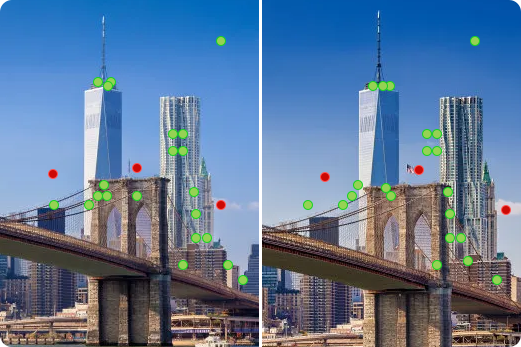
This method uses feature-based algorithms like SIFT to detect feature points in images and then compare these feature points. Similar images often have at least some similar feature points.
Available on Windows only, this method uses the pHash algorithm to generate a pHash value based on the visual content of each image and then compare these pHash values. Images that are alike generally have similar pHash values.
The Histogram or pHash comparison is fast and can work alone, or you can use either one together with the Features comparison to improve accuracy and minimize false matches.
Using Cisdem Duplicate Finder to scan the same folder containing 4,461 files (12.8 GB in size) with different methods returned the following results. The comparison can help you understand these methods better.
| Method | Scan time | Found similar image | False matches |
|---|---|---|---|
| Histogram comparison | 57 seconds | 78 groups | 11 groups |
| pHash comparison | 46 seconds | 139 groups | 20 groups |
| Histogram and Features comparisons | 64 seconds | 46 groups | 0 groups |
| pHash and Features comparisons | 57 seconds | 100 groups | 0 groups |

After intelligently selecting either the Histogram or pHash method based on the characteristics of the photos being compared, it quickly filters potential similar images.

Then, it compares the feature points of these candidates, which improves accuracy, reduces false matches, and offers more reliable results. AI is used to optimize the entire process to enhance efficiency.

If you want, you can customize image comparison for more desirable results.
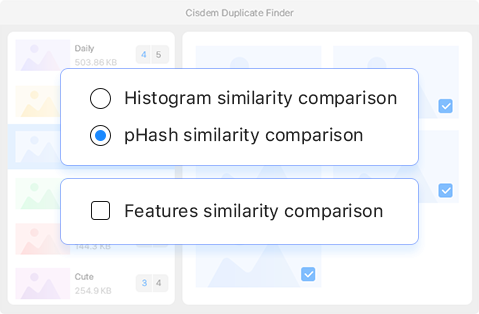
You can manually choose between the Histogram or pHash methods, as well as choose to enable (or disable) the Feature method for accuracy (or fast speed).
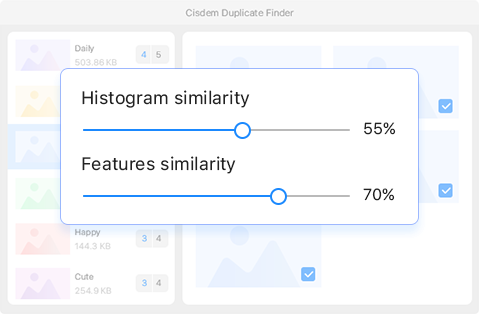
For Histogram or Features comparison, you can adjust the default similarity thresholds for comparing photos, such as increasing from 55% to 80%.
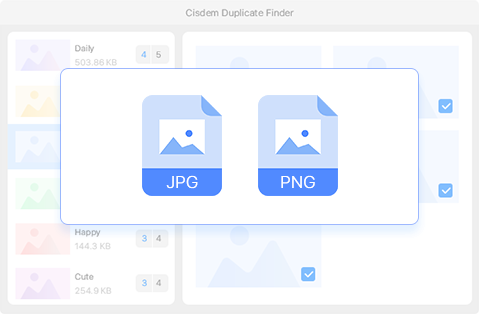
Available on Windows only, this option is disabled by default. Enabling it lets you find similar images in different formats, such as one in JPG and the other in PNG.
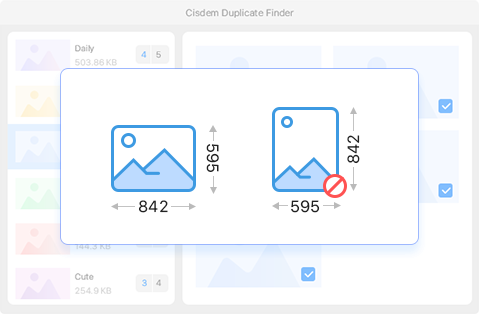
Available on Windows only, this option is enabled by default. If it's enabled, comparison methods will ignore photos that have obviously different aspect ratio, such as one in 1200 x 800 (3:2) and one in 400 x 1600 (1:4). This helps speed up comparisons.