Android
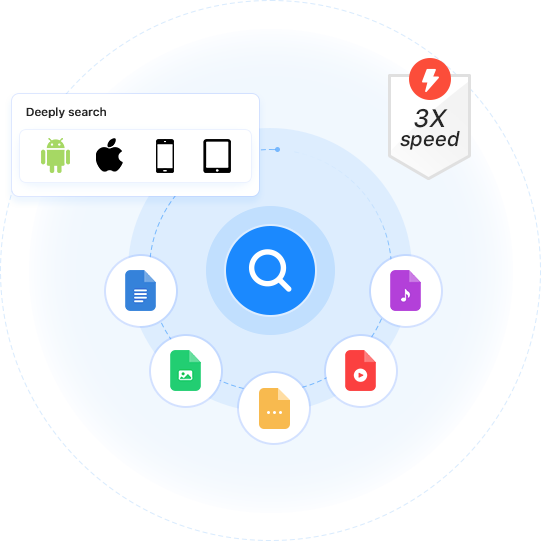
Meet Cisdem Duplicate Finder, the best app to help you effortlessly identify and remove duplicate files on your phone or tablet. With just a few simple taps, you can quickly get rid of those duplicate photos, videos, and more. Easily clean up clutter and free up space on your device!

Available for


Cisdem Duplicate Finder offers scan settings for you to adjust, allowing a more customized, efficient scanning experience.

You can adjust similarity thresholds for comparing images, or disable similar image detection for faster scanning.

Android users can set the app to find only a specific type of duplicates, such as duplicate images or audio files.

Android users can choose to ignore specific folders during scanning, such as backups or system folders.
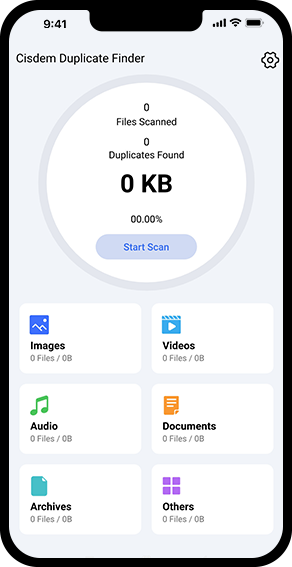
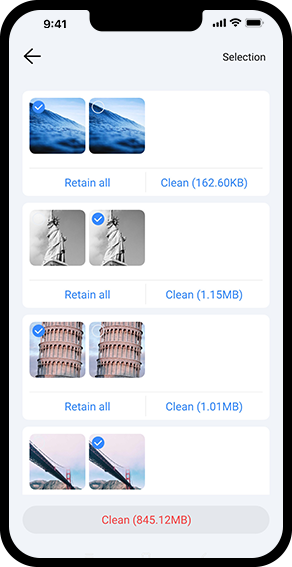
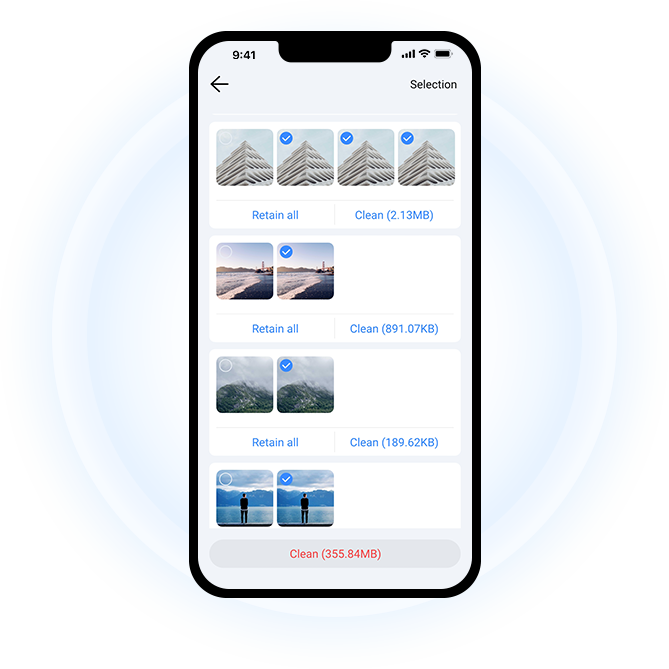
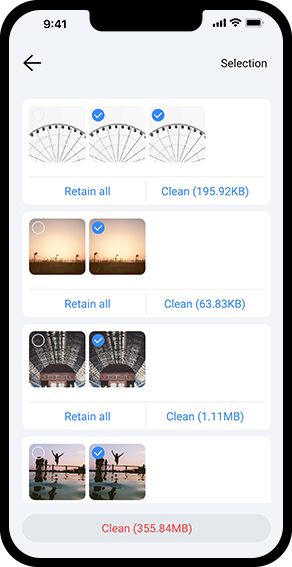
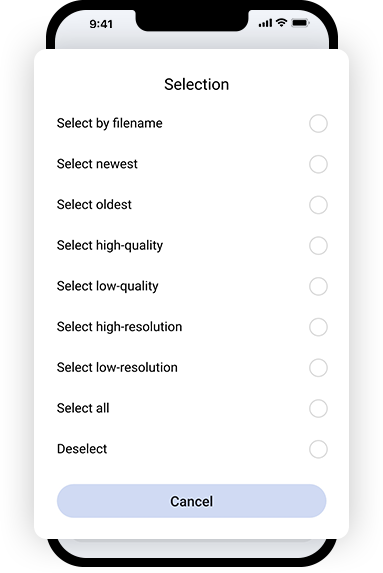
Cisdem Duplicate Finder displays detected duplicate and similar files by type: Images, Videos, Audio, Documents, etc. You can easily handle each file type individually: choose a type, view the results, and remove unwanted items all at once with the help of auto selections!
With over 2 million satisfied users on all platforms, Cisdem Duplicate Finder is the top choice for effortlessly cleaning up clutter and optimizing your storage. Hear what they have to say!

""
""

@_emmy_lou
Cisdem's Duplicate Finder is a great tool for organizing your files. It helps you find and remove duplicate files easily.

Tap Start Scan to scan for duplicate files in your folders (Android) or the Photos app (iPhone or iPad).

Once the scan is complete, tap a file type, such as photos, to view the duplicate files of that type.

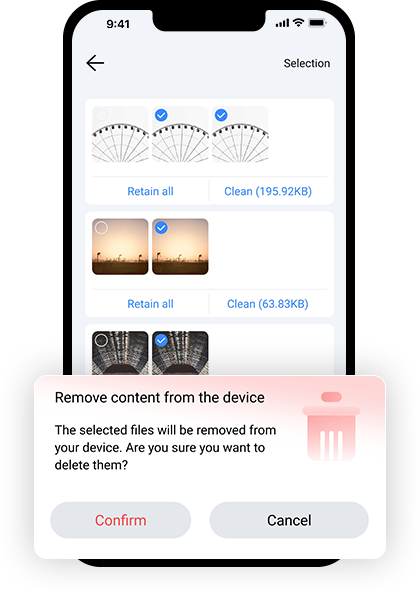
Stick to the automatic duplicate selections or adjust selections, then tap Clean to delete all duplicates of that type. Continue handling other duplicate types.