


Customers expect hands-on demos
Customers need to explore the apps and services that help them decide whether a computer suits their needs.
Komputronik uses Cisdem AppCrypt to restrict access to selected system tools on its Windows PCs and Macs while keeping games, video playback, and everyday app demonstrations available to customers.
Available for


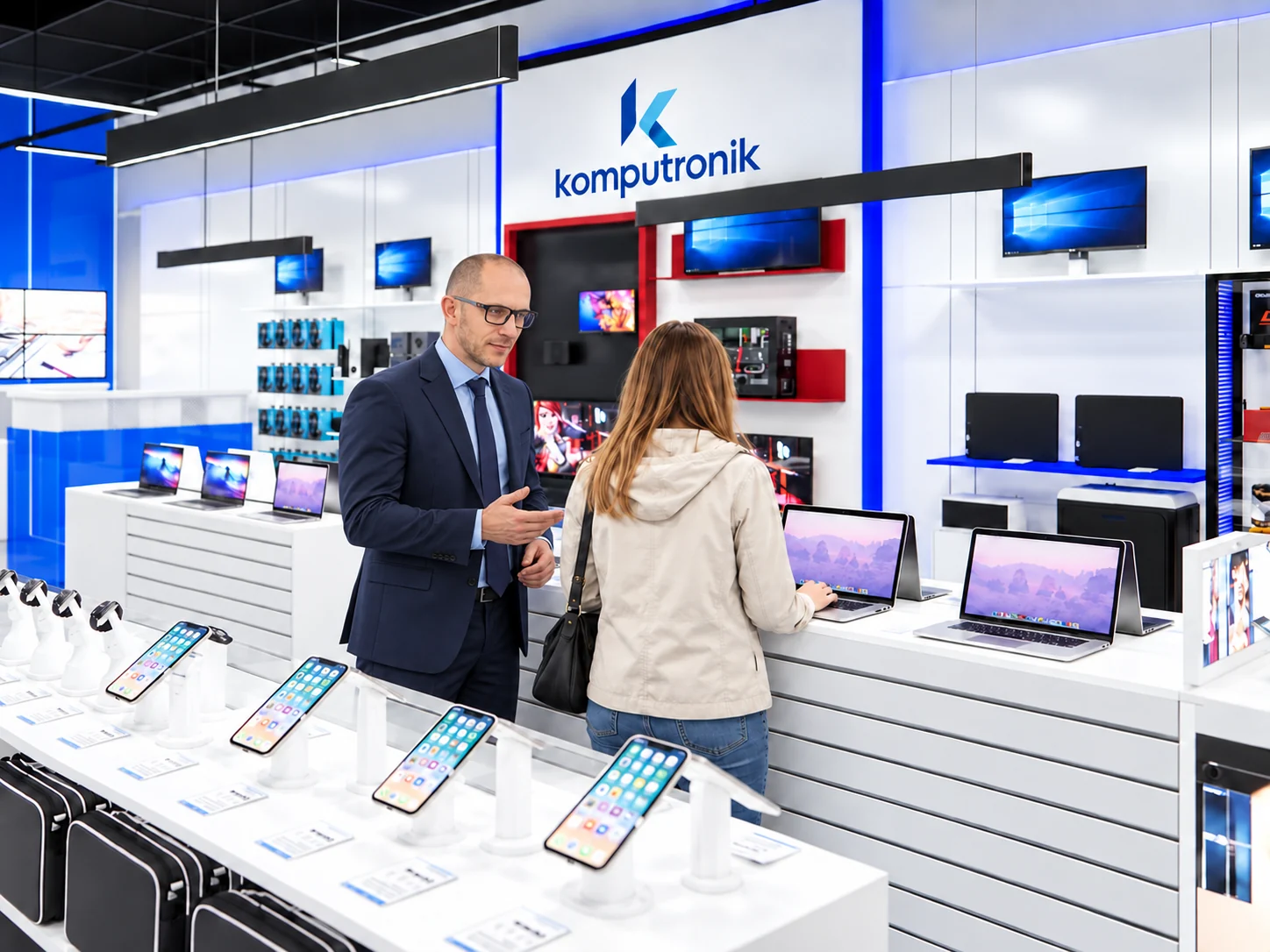

Komputronik is a Polish electronics retailer headquartered in Poznań. Through its online store and physical retail locations, it offers computers, smartphones, consumer electronics, and smart home products. The wider group also provides business equipment, technical support, and IT services.
Marcin Mordak serves as a Member of the Management Board and Omnichannel Sales Director at Komputronik, with experience in managing sales teams and developing customer service standards.
Balancing hands-on demos with control over system settings
At Komputronik, demo computers are shared by customers throughout the day. Managing these devices presents four practical challenges for store staff:
Customers need to explore the apps and services that help them decide whether a computer suits their needs.
Open access to system settings and maintenance tools allows customers to make changes unrelated to the product demonstration.
Restrictions need to accommodate routine maintenance, so staff can adjust settings and troubleshoot problems when needed.
Configuring each computer individually means repeating the same work and makes it harder to keep restrictions consistent across similar devices.
Our customers want more than a look at a computer and a list of specs. They want to try it for themselves - browse a few websites, play a game, or watch a video - and see whether it’s right for them.

The team looked for an app locker that could support that experience and fit into the store’s everyday routine.
For the past six months, Komputronik has used Cisdem AppCrypt on 20 demo computers at one of its retail stores: 10 Windows PCs and 10 Macs.
We’d tried a few app lockers. What we really needed was something simple and easy to use that would keep customers out of system settings and make the demo computers easier for our staff to manage. We didn’t need lots of extra features. With so many computers to set up, AppCrypt’s import and export feature has been a big help. We can reuse a setup we’ve already checked without re-entering the same settings each time.
Windows
Staff open AppCrypt’s main window with password, then select Disable TaskMgr, Disable CMD, and Disable System Settings in Preferences. These options prevent customers from opening Task Manager, Command Prompt, and Windows Settings.
For maintenance, staff temporarily uncheck the relevant option. They re-enable it and confirm that the restriction is active before returning the computer to customer use. AppCrypt also launches automatically when computer starts.
Mac
Staff use AppCrypt to password-protect System Settings, Terminal, and Activity Monitor. They enter the AppCrypt password when maintenance requires access to these tools. With automatic re-lock enabled, AppCrypt requires the password again after the configured period of app inactivity or Mac idle time.
AppCrypt restricts selected system tools while keeping customer demo apps accessible. Depending on the device and installed software, customers can:
Staff export a tested AppCrypt configuration and import it onto other demo computers running the same operating system. On Windows, the exported configuration includes all three system-tool restrictions, reducing the need to configure these options individually.
It’s easier for our team to manage the demo computers, and customers can still try them out before deciding what to buy.
Less setup work. Easier day-to-day management.
Over six months of use, Komputronik recorded the following setup times and outcomes:
Komputronik has expanded its use of Cisdem AppCrypt beyond the original store to additional retail locations. Other store teams can build on the initial setup and adapt the restrictions to the computers and demonstrations at their own locations.
AppCrypt has been a good fit for our demo computers. It gives us the control we need without unnecessary complexity, and we’ve now introduced it in more of our stores.

The New Community School uses Cisdem AppCrypt to help families block inappropriate or distracting websites and apps and schedule restrictions for students’ personal MacBooks when used at home.
Read Story
The New Mexico Boys & Girls Ranch uses Cisdem AppCrypt to help restrict access to websites and apps on Mac computers used for education and vocational training.
Read Story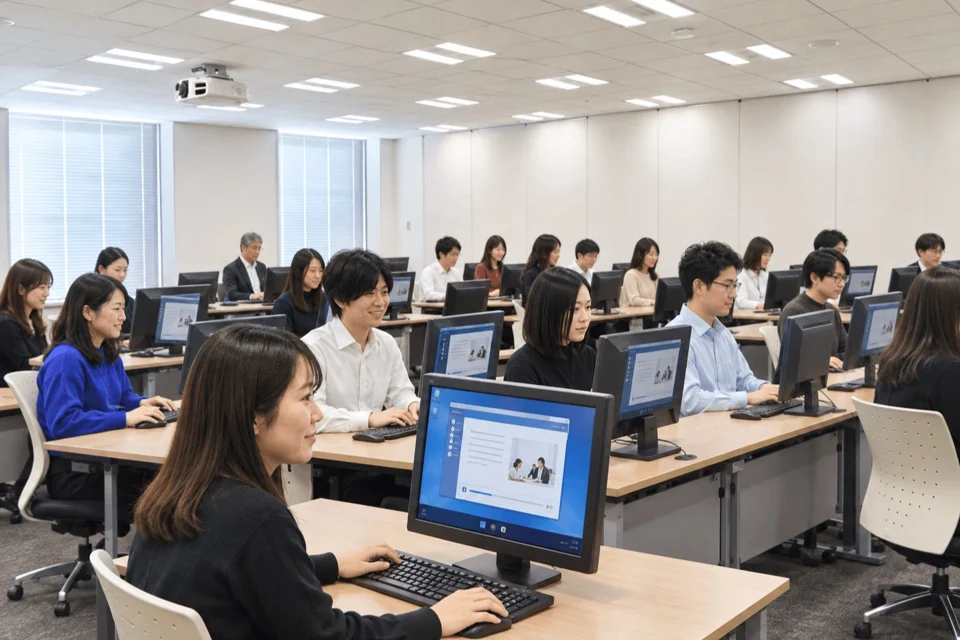
transcosmos uses Cisdem AppCrypt to help its training team block unrelated websites, keep course resources available, and password-protect settings on dedicated Windows PCs used for new-hire training.
Read Story
Restrict selected system tools, keep customer demos accessible, and reuse tested configurations across computers.
