Available for


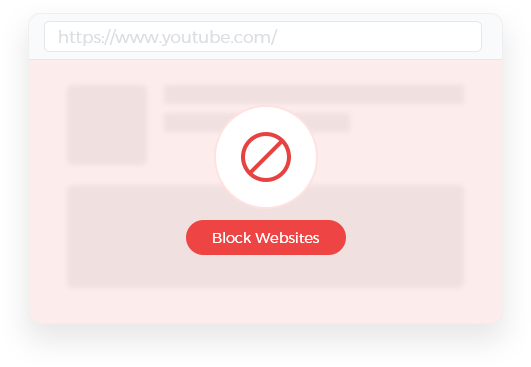
Cisdem AppCrypt allows you to add websites and pages to the block list in three easy ways. You can easily block distracting websites for productivity or restrict your children from visiting inappropriate sites.
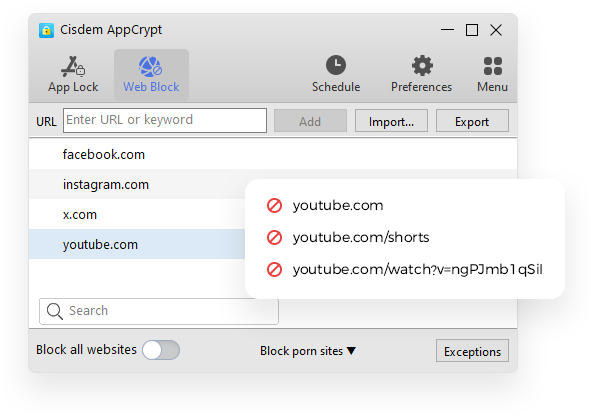
You can add any specific domains (e.g., youtube.com). Blocking a domain will make the entire website inaccessible, including everything on it.
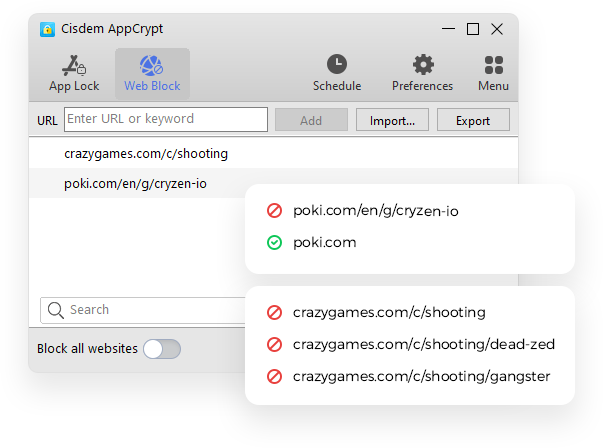
If you add a page (e.g., https://poki.com/en/g/cryzen-io), this single page will be unavailable. Adding a section (e.g., https://www.crazygames.com/c/shooting) will restrict all pages under this section.
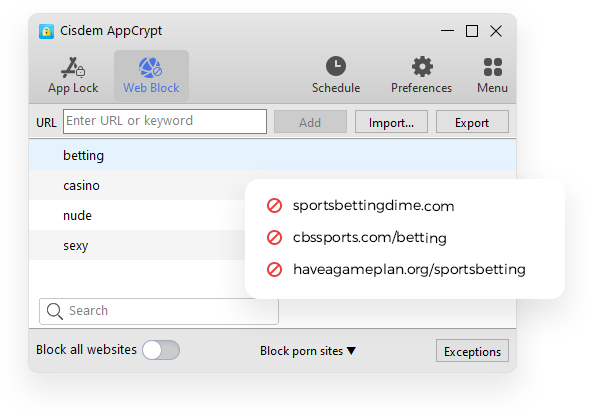
After you add a keyword (e.g., "bet" or "shopping sites"), Cisdem AppCrypt will detect URLs that contain it and immediately stop access to these URLs.
Cisdem AppCrypt includes 11 built-in website categories for blocking, each category list containing all popular websites in that category. You can select categories to easily import those websites to the block list. Also, you can import your own website list to restrict access.

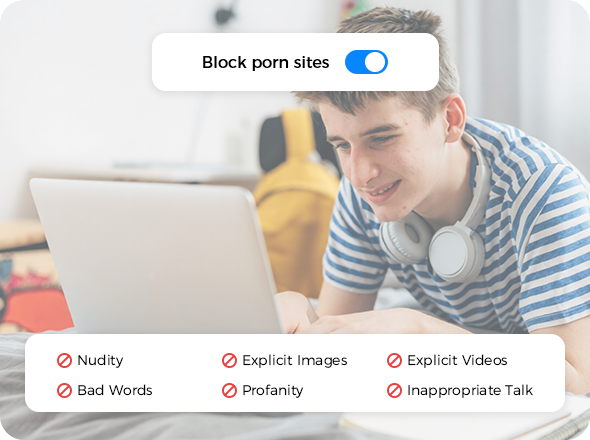
Block porn sites to avoid addiction or protect children from explicit content

Block gambling sites to overcome addition and prevent financial loss

Reduce distractions for productivity or protect children from potential dangers

Reduce distractions from videos, shows, and movies and help limit screen time

Prevent gaming addiction and help improve digital wellness

Avoid distractions and stress to better focus on other aspects of life

Avoid excessive exposure to news to reduce distractions and anxiety

Prevent impulsive purchases and overcome online shopping addiction

Stop children from searching or stumbling upon inappropriate content

Prevent individuals from being distracted by emails while working or studying

Prevent interference with internet settings through proxy sites

Import your own website list in a TXT file for restricting access
Limiting popular porn sites isn't enough? There's still a built-in list (available on Windows only), which contains almost all porn sites. With just a single click, you can enable blocking this list to help create a clean and safe environment for both adults and children.
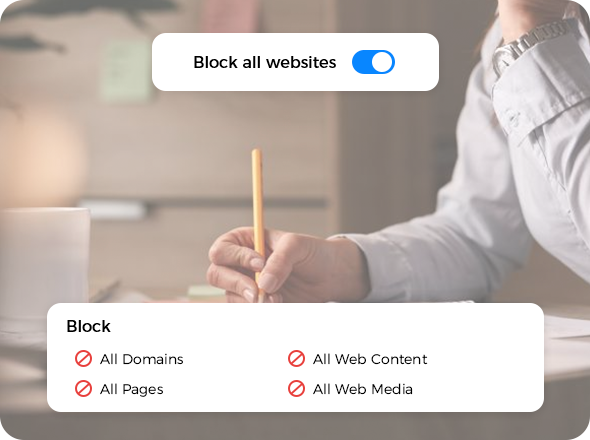
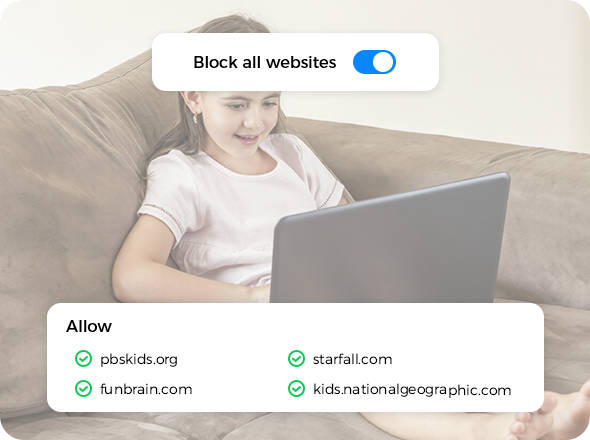
Cisdem AppCrypt also enables you to prevent access to all websites, or to allow access to only certain sites.
Turning on Block All Websites will make all websites and their content inaccessible, eliminating those online distractions, temptations and risks.
 Deep Work
Offline Testing
Digital Curfews
Deep Work
Offline Testing
Digital Curfews
Turning on Block All Websites and adding approved sites to Exceptions > Always Allow lets you allow access only to sites necessary for school, work, or other tasks.
Parental Controls
Online Learning
Kiosk
Cisdem AppCrypt supports blocking websites on Chrome, Safari (Mac only), Edge, Firefox (Windows only), and several other popular web browsers. If anyone tries to visit a restricted site in a supported browser, the site won't open, and instead a message will appear saying that access has been blocked.