Available for


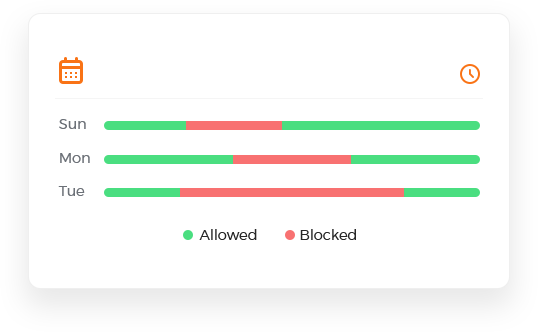
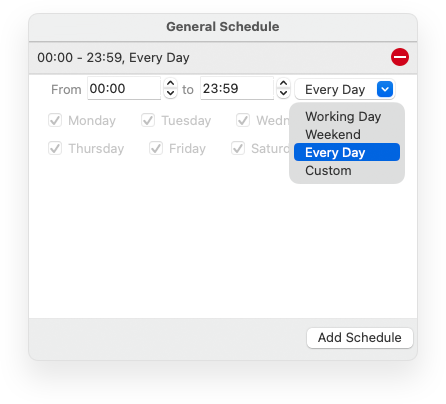
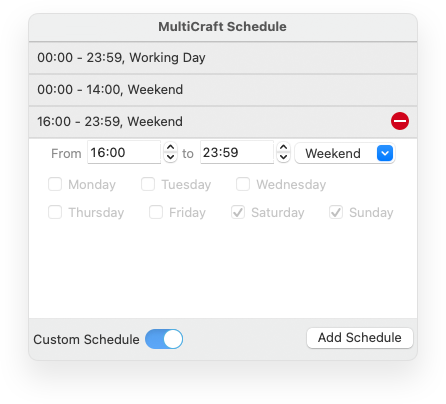
Cisdem AppCrypt works based on schedules, according to which apps and websites are automatically restricted or unrestricted when the time comes. There are two scheduling options available to provide simplicity and flexibility: General and Custom.
You can set one or multiple general schedules, which apply to all restricted apps and websites. This makes management simple, since you can add, edit, or remove the schedule for everything at once.
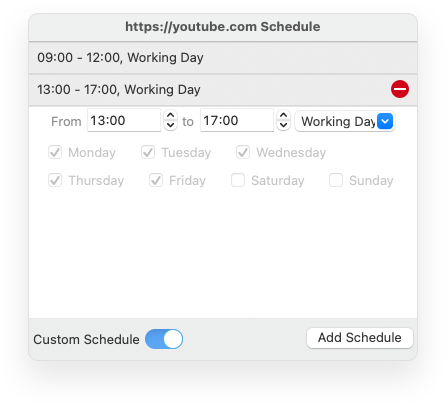
What if you want to use a different schedule for a certain app or site? Just turn on Custom Schedule for this specific item, then set one or multiple custom schedules.
You can easily set schedules by selecting times of the day and days of the week based on specific needs or scenarios, such as the following ones.


Restrict access to important apps or inappropriate websites 24/7, to protect privacy or help keep kids safe online.
Make distracting websites inaccessible during work hours on weekdays, allowing access at other times, like breaks.
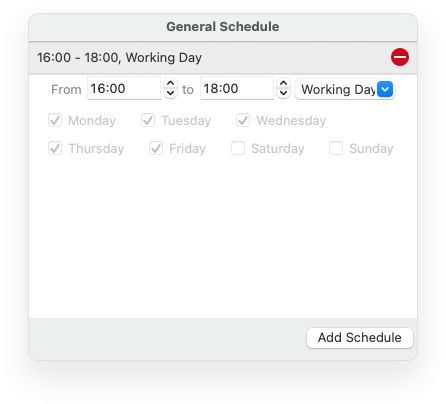
Schedule irrelevant websites and apps to be restricted for children, for example, from 16:00 to 18:00, to help them focus on homework.
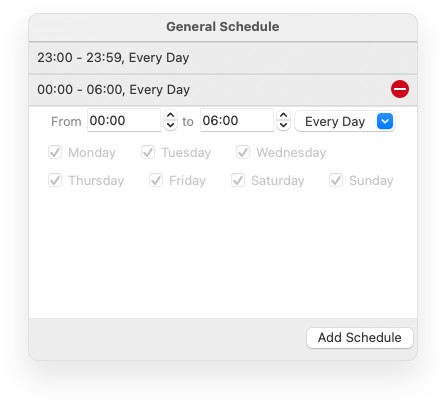
Restrict app and website access during bedtime, for example, from 23:00 to 06:00, to improve sleep.
Allow your children to access their favorite games for some hours on weekends, letting them have some fun.
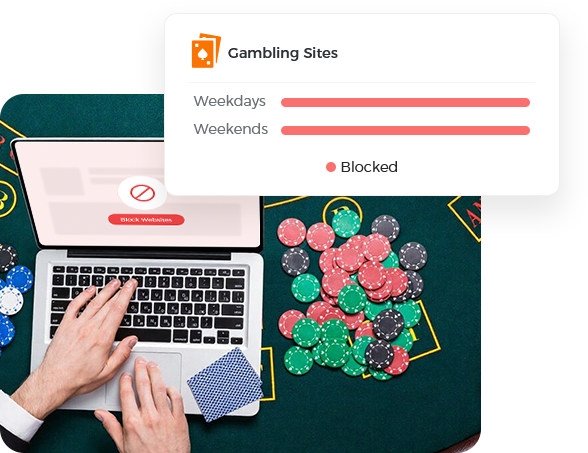
Blocking websites by schedule is flexible. But what if you want to make sure that certain sites never get unblocked? Just add them to the Always Block list.
Blocking gambling and casino websites helps prevent gambling addiction, protect children from online gambling, and avoid potential financial losses.
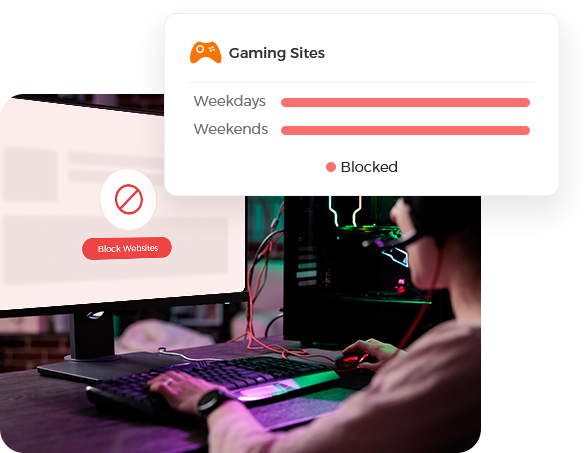
Restricting access to gaming sites can help break gaming addiction in children and adults, allowing them to focus better on school, work, and daily life.
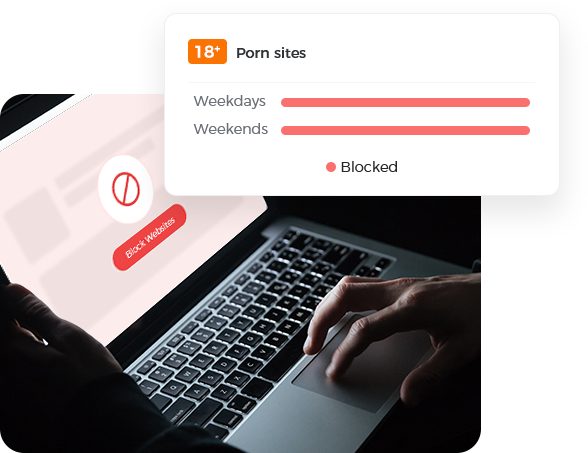
Permanently blocking access to adult sites is an effective way to get rid of porn addiction and keep children and teenagers safe online.