Mac
Mac
Available for


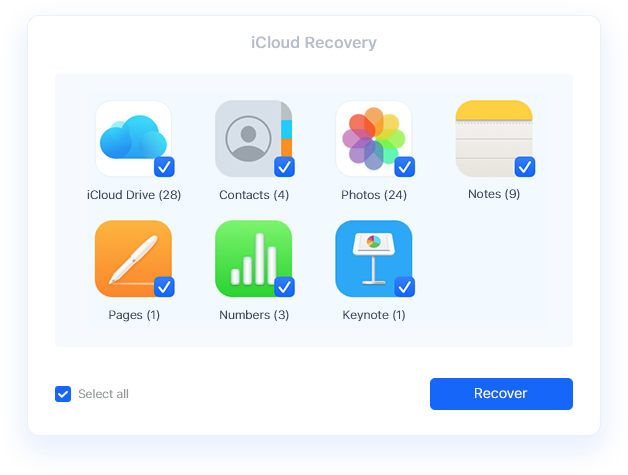
Not only recovers data from physical storage devices, Cisdem Data Recovery for Mac can also rescue data from virtual storage like Apple iCloud, including various data types
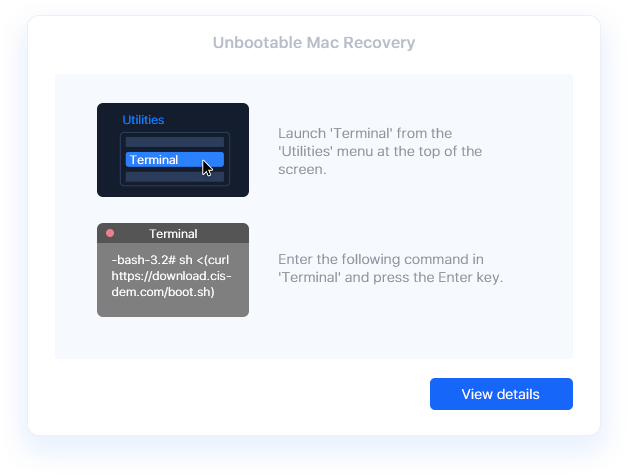
Your Mac won't boot due to corrupted system files, failed OS, disk errors, or human errors? It seems horrifying, but Cisdem Data Recovery for Mac is capable of rescuing the important files trapped in your unbootable Mac, even without technical expertise. You just need to follow the in-app instruction and recover your data in Recovery Mode.
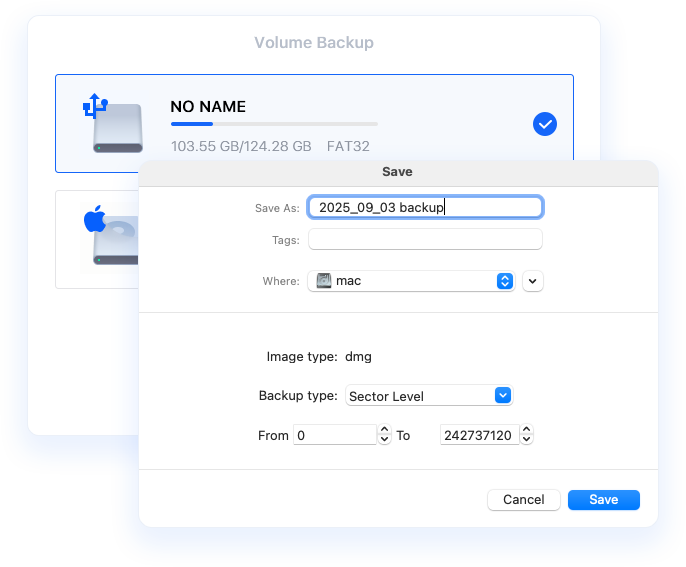
Files can be gone with a single wrong click, and data loss may happen anytime when your drive is old, making strange noise or behaves weird. To prevent data loss, it is necessary to create a backup. Cisdem Data Recovery Mac can help users create a backup image file for a hard drive. In case of any data loss on the drive, you just need to scan and load the image to recover data using Cisdem, even without the storage device.
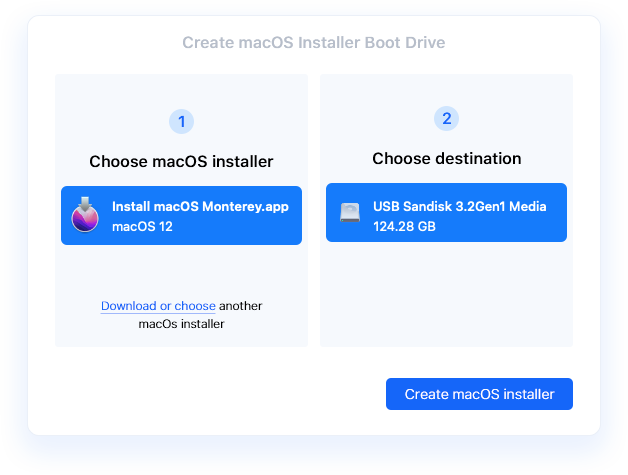
Having problems with your macOS? Or want to install a macOS on multiple Macs? Creating a macOS installer boot drive is extremely useful to troubleshoot these issues. Cisdem Data Recovery helps users create the boot drive in 2 easy steps: select a macOS installer from App Store or from local disk, then insert a drive to start the creating process.