Available for


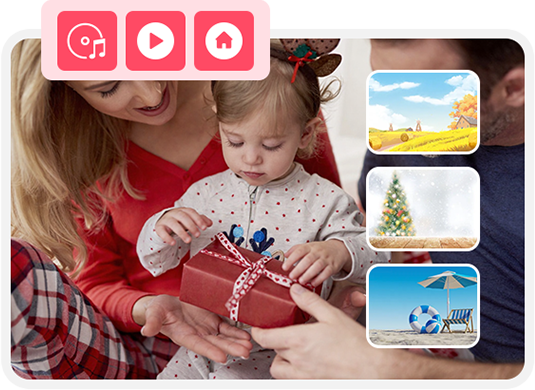
Cisdem DVD Burner includes a range of menu templates designed to make DVD projects simple to start and good-looking to finish.
Choose from a collection of beautiful preset templates, covering classic and modern styles for travel, holidays, home movies, or any occasion.
Control where your template is used - apply it to all menus, the current menu list, all title menus, or all chapter menus.
Save custom templates, create new categories, and 1-click to delete what you don’t need. Help build your own template library.
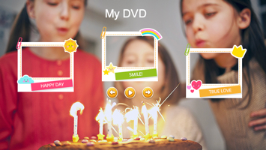
Birthday 2
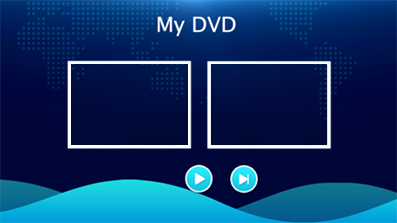
Classic 6
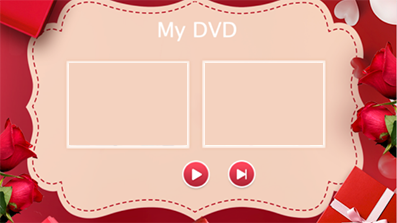
Wedding
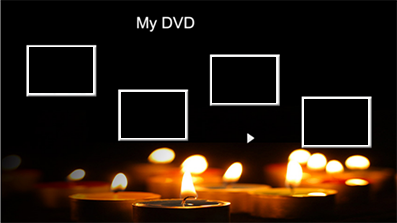
A Celebration of Life
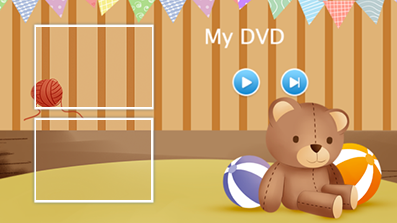
Baby 2
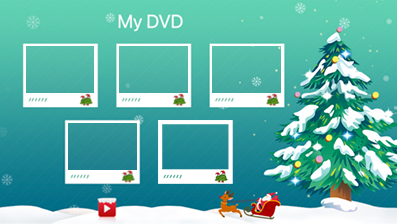
Christmas 2
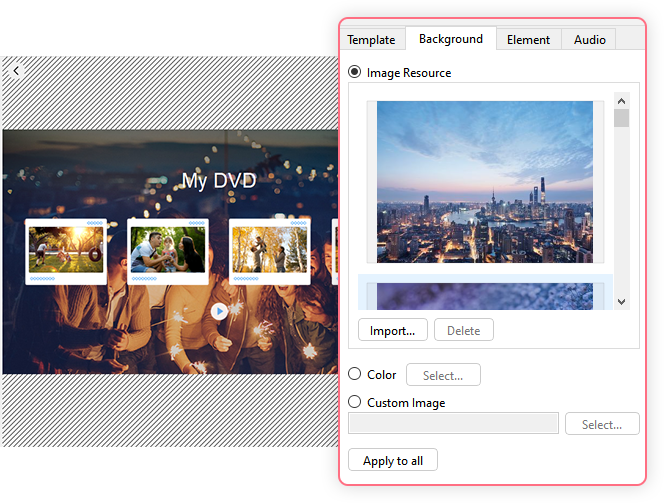
The DVD menu background sets the tone. Change it to match your theme.
 Use Built-in Image
Choose an image from the resource, or save an external image into the resource for use in your current and future projects.
Use Solid ColorUse a color for the background: basic/screen/custom color, or enter exact values to set the color.
Use Custom ImageUpload your own image from your computer to use for the current project.
Freely style and position menu elements to create a polished, interactive experience.
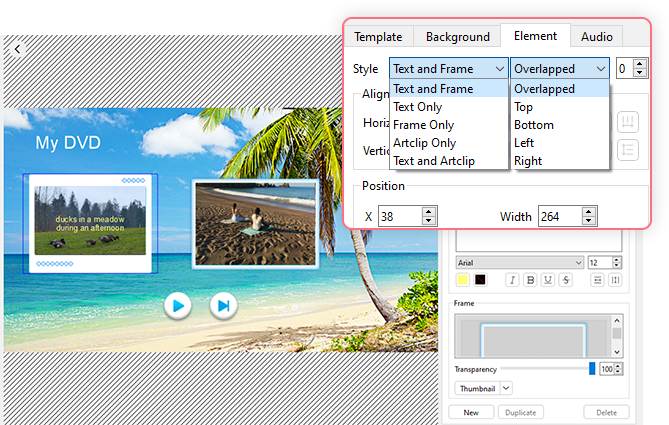
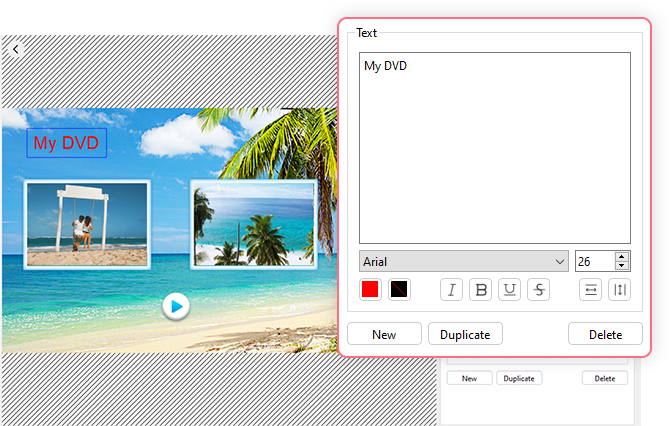
 Advanced Text Tools
 Add any text and customize its font, size, color, formatting, and horizontal/vertical alignment. Can also duplicate the selected text.
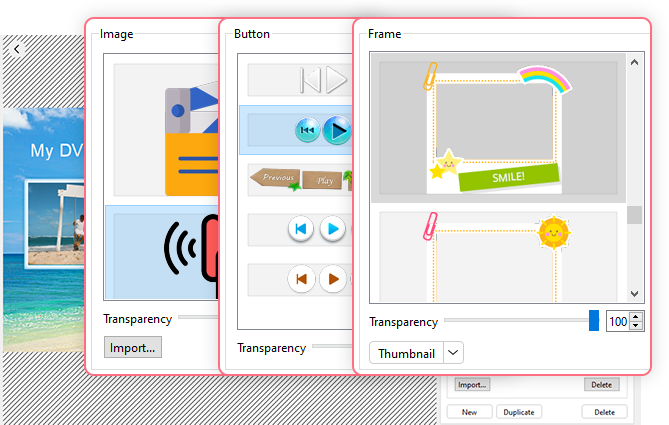
 Frame & Button & Artclip Control
Choose frame and button style, or import a standalone graphic or icon (artclip) as a visual element. Adjust transparency and add text labels.
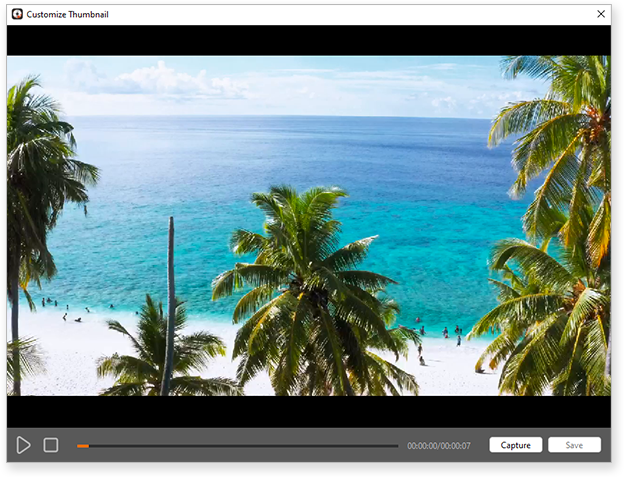
 Thumbnail Setting
Capture any video moment as the title thumbnail. Choose from Keep Aspect (no crop), Keep Aspect by Expanding (crop), or Scaled Freely (stretch to fill).
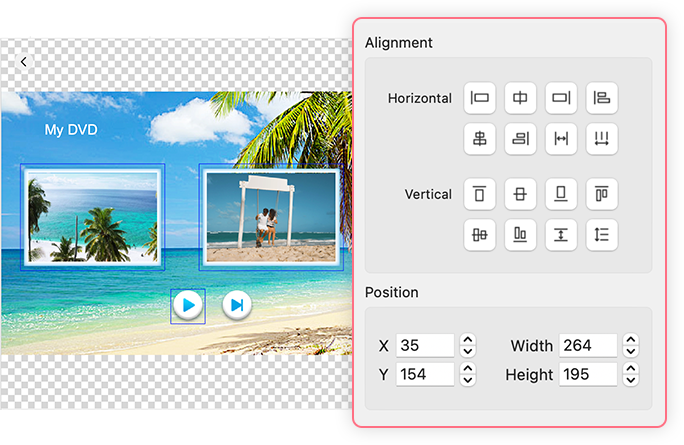
Having trouble keeping elements aligned or positioned correctly? Use multiple alignment options to align single or multiple elements (by holding Shift or Ctrl), and distribute multiple elements evenly. You can also adjust X/Y positions and size controls to fine-tune layouts in the menu editor.
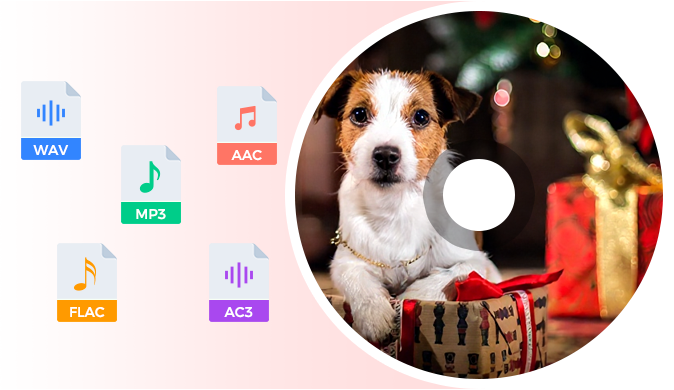
Background music helps create a more immersive atmosphere. Upload your favorite track to match the menu vibe. Cisdem DVD Burner supports various audio formats, including MP3, WAV, AAC, FLAC, and more. Apply the music to all menus with one-click!
To accommodate different playback needs and preferences, Cisdem DVD Burner provides 3 menu modes.
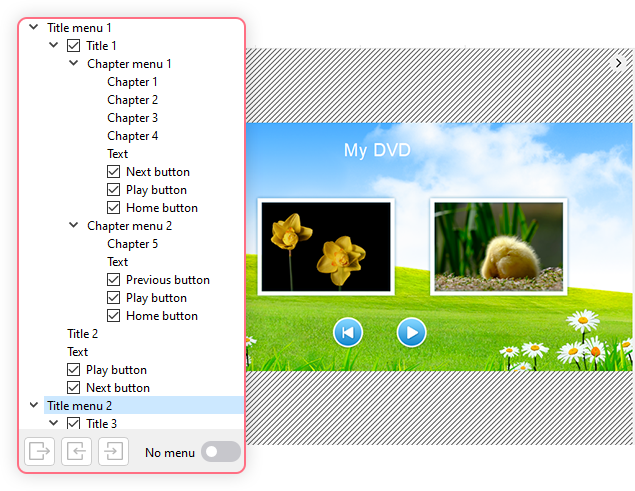
Complete Interactive MenuFully customizable, multi-level navigation with title menus, chapter menus, and interactive elements like text, buttons, and chapters.
Simple Title MenuOnly show title menus, no direct chapter jumps. Best for short or simple projects.
No MenuVideos start playing as soon as you insert the disc.
Easily make professional and unique DVDs with the best DVD burning software.