





The media could not leave the building
TSS’s data-custody policy doesn’t allow handing a controlled storage to a 3rd party, so professional data recovery lab was not a choice for TSS.
 Windows
During a scheduled IT refresh, a retired Windows workstation stopped booting, and countless signed records behind a customer audit became inaccessible. Instead of sending the drive to a lab, TSS used Cisdem Data Recovery to read the drive in read-only mode, and recovered the files to its own media with proved integrity.
Available for


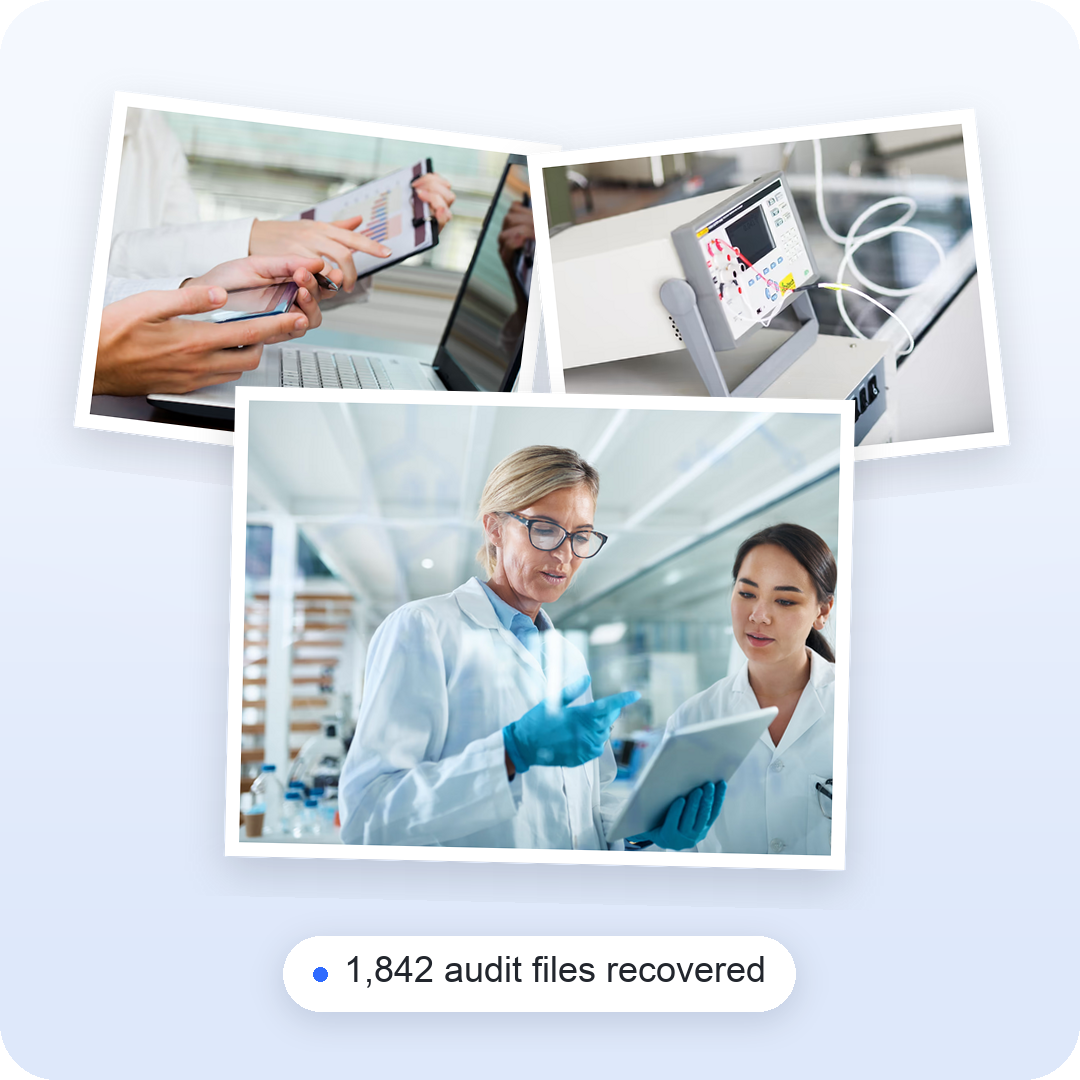

TSS is a Swedish company to offer life-saving temperature monitoring solutions for pharmaceutical supply chain. Over the last 30 years of assured drug delivery, its Saas, Data Loggers and services has served 20,000+ users across the world, including respected pharmaceutical manufacturers, wholesalers, logistics providers.
This story focuses on the perspective of Tobias Holmer, Chief Executive Officer. There is a large amount of data from his clients under strict data-custody policy, when dealing with inaccessible data, he owned the decision and would not let the drive leave the building.
Eight years of service, data on a retired workstation became inaccessible on the day it mattered
As part of a scheduled IT refresh, TSS was consolidating its validation workstations and retiring the oldest unit: a Dell OptiPlex 7060 SFF running Windows 10 Pro 22H2, in service since 2018. The unit was powered down and moved into storage. When it was started again for a final data check, it would not POST.
The Seagate BarraCuda ST2000DM008 drive inside it was in working order, but the machine around it was not. No boot menu, no recovery console... And TSS policy is explicit: storage media containing controlled records do not leave the company's premises.
Our IT people told me the drive was fine, but their expertise is building loggers, not recovering lost data. The records on that drive was signed, and the audit was already booked, but a controlled media is not allowed to leave this building according to our policy.

TSS keeps a media register for every drive that holds controlled records. According to the entries, the machine held a large amount of data in different types: raw measurement exports in CSV, calibration certificates in PDF, validation documentation in Word or Excel, device configuration profiles in XML or JSON, service and audio logs in LOG or TXT, database snapshots in BAK, etc. While approx 1,800 files are audit-critical.
The register said what was in there, millions of files in different formats, of the lot, about 1,800 files were the one the audit stood on. We didn’t need a list of recovered files. We needed files we could open, which were complete, unaltered, in the form they were signed. Anything short of that isn’t a recovery.
The company faced 4 main problems:
TSS’s data-custody policy doesn’t allow handing a controlled storage to a 3rd party, so professional data recovery lab was not a choice for TSS.
The drive has a capacity of 2TB, reading it takes hours, and transferring the recovered data to another media takes time too.
Any file that fails to open is useless, we want the found files to be intact, unaltered and readable in its original format.
The validation documents existed in several revisions, a scan result doesn’t tell you which one is the right one, unless you can check the file information, even preview.
TSS's IT team removed the 2-TB drive from the OptiPlex and connected it to a bench machine (Dell Latitude 5540 running Windows 11 Pro) through a write-blocking SATA dock. The volume was then scanned with Cisdem Data Recovery on the PC, which ran in read-only mode. The audit files and other data were found and displayed in different categories according to file type, with file filter and preview allowed.
Our engineers put several recovery tools against this same drive, but Cisdem saw the most data and it did the scanning much faster. The Search and Filter tool mean we can quickly locate those audit-critical files and put back to our new media.
TSS team connected the 2-TB drive to Windows 11 Dell PC. Cisdem Data Recovery detected the NTFS volume immediately. It started with a quick scanning, with found files quickly appearing in the folders according to file path or file type. Then followed an advanced scanning, which took total 160 minutes to finish.
From the moment it scanned the drive, we saw the status circle spinning in full gear. Then the files started appearing, sorted by folder, by type. We had planned for weeks for this, but in 2 hours and 40 minutes, we were ready to have our records back this time.
Digging out the lost files was never the hard part, correct version was. Using the keyword-search, modified-date and file-size filters, the team narrowed countless scanned items down to the specific calibration certificates and validation documents that carried the approved revisions. The preview pane opened PDFs, spreadsheets and configuration files directly from the scan results.
We weren’t looking for the newest file. We were looking for the one the auditor had signed off on. It was good to have the keyword, date and size filters to narrow millions of files down to the revisions that had been approved.
Selected files were recovered to a clean external drive, leaving the source drive untouched. Our engineers then compared every audit-critical file against the customer's manifest, this took some time but all matched. And other files rescued from the retired workstation seemed to be complete, we’ve transferred them to a new folder on the same drive, as a backup.
Cisdem Data Recovery put the files back within reach, and it never touched the original drive. Every one of the audit-critical file matched. We kept the rest of the drive too, the audit didn’t need it, but it was ours.
Nothing left the room. Everything that mattered came back.
The measure wasn’t just how many files returned. All of the critical files, each matched the manifest the auditor already held, with nothing written to the source drive and nothing leaving the building.
TSS has written the bench procedure into its standards: every workstation that retires should go through the same sequence before the medium is wiped (read-only scan, archive, check). And Cisdem Data Recovery now sits on the bench machine as standard equipment, next to the write-blocking dock.
What we needed was a defensible and efficient tool: read the drive, change nothing, and give us files we could prove were ours. There is definitely a short list of software, and Cisdem is on top of it.

A freelancer who emptied his Mac’s Trash recovered 4,356 family photos from 2010–2015 in a 38-minute scan.
Read Story
A three-person Osaka studio recovers every take after a card was formatted in the camera.
Read Story
Two Oklahoma City University faculty members recovered the only copy of a composer interview and a full semester of course materials, both before their deadlines.
Read Story
