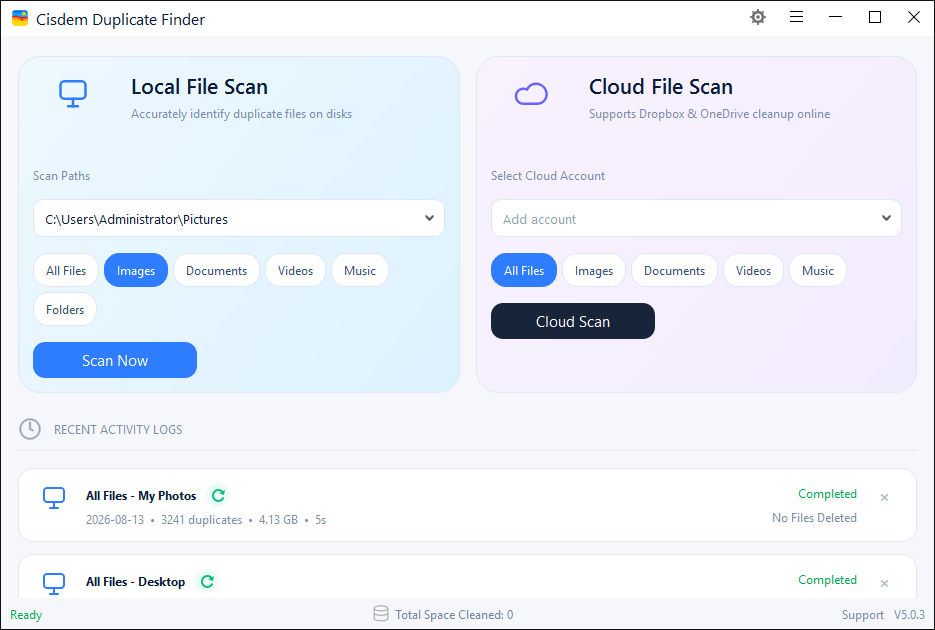
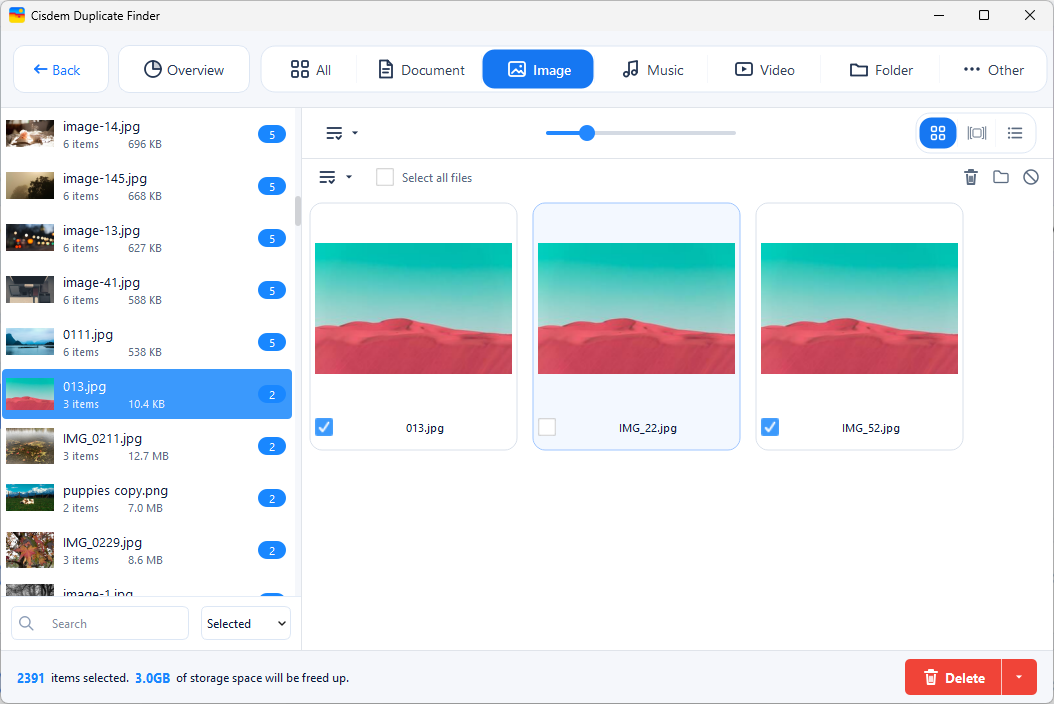
Use Cisdem Duplicate Finder to easily find duplicate files by file content, and detect similar photos by visual content with on-device AI. Side-by-side previews, AI photo quality scoring, various selection rules, and multiple removal methods help you quickly and reliably bulk remove unwanted duplicate files and similar photos, reclaiming GBs of space in seconds!
Available for


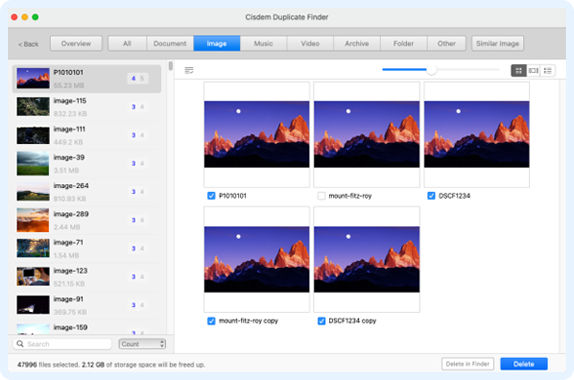
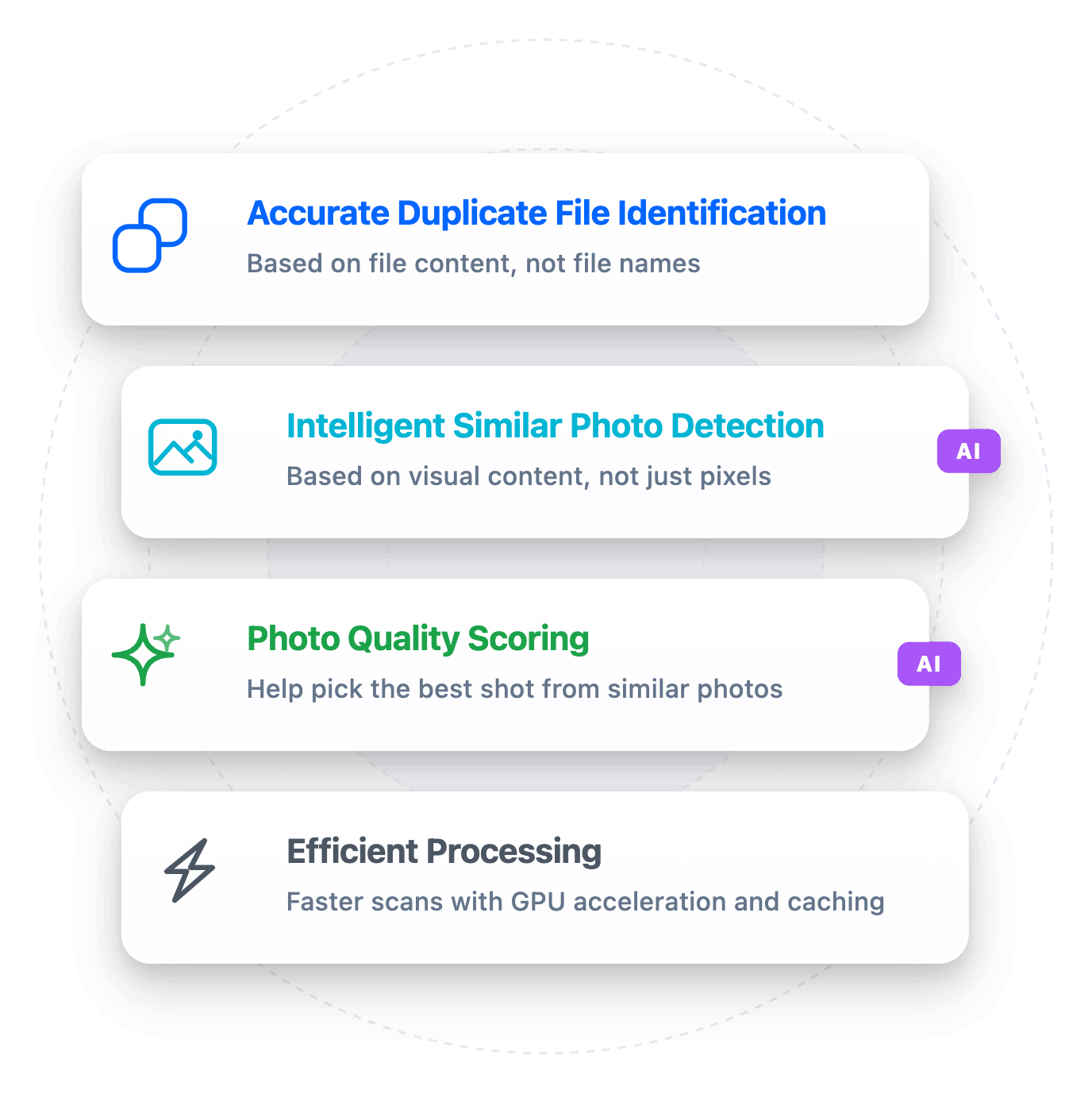
Cisdem Duplicate Finder detects duplicate files accurately and quickly based on file content, regardless of file names, helping you find both duplicates with the same or different names. It identifies duplicates in images, documents, songs, videos, archives, and other file types, including their various formats, such as JPEG, PNG, HEIC, CR2, NEF, MP4, MOV, MKV, MP3, M4A, OGG, DOCX, XLSX, PDF, ZIP, and RAR. It also finds duplicate folders.
Learn moreCisdem Duplicate Finder also finds duplicate photos accurately and quickly, regardless of file names, whether they are caused by repeated imports, transfers, backups, or downloads, or other reasons. It detects similar photos intelligently, such as burst shots, edited versions, resized or compressed versions, the same photo in different formats, and photos taken from different angles or distances, or with different lighting or expressions, with AI processing that runs entirely on your device without uploading your files to any cloud or server.
Learn more
Add one or multiple locations, like folders or Photos app libraries. Click Scan to search for duplicate files.

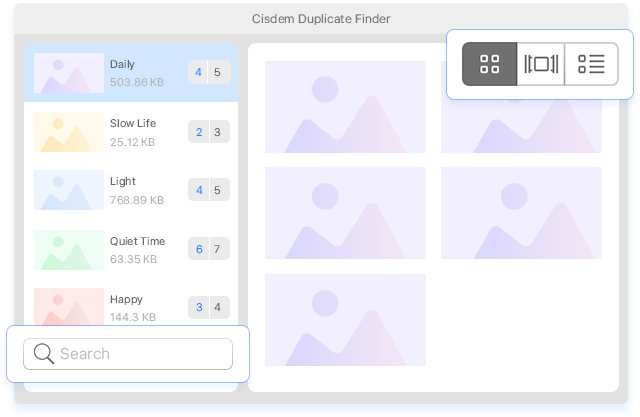
When the scan is complete, the results window will display duplicate files for you to sort, search, and preview.

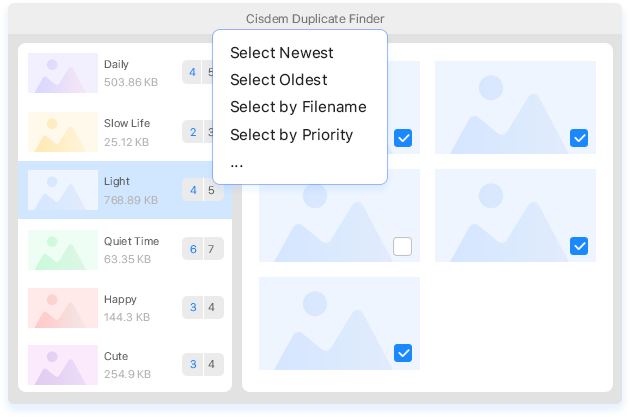
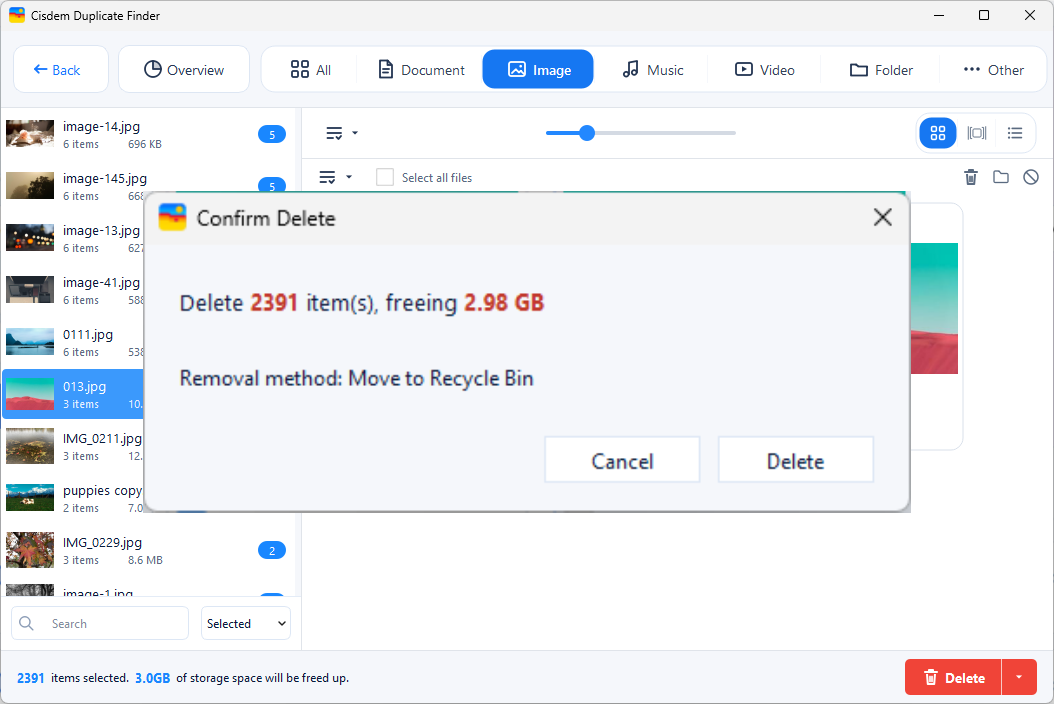
Stick to the automatic duplicate selections and click Delete to easily remove all duplicates at once. Alternatively, adjust selections manually or use selection rules before deletion.
With over 2 million satisfied users worldwide, Cisdem Duplicate Finder is the top choice for effortlessly cleaning up clutter and optimizing your storage. Hear what they have to say!

""
MajorGeeks.com

@alischan
This awesome tool will help you hunt down and destroy those annoying duplicate files across all your devices. It can check for duplicate documents, images, music, videos, archives, or other files. You’ll definitely benefit from this software.
 Watch on YouTube

@WilliApple
Cisdem Duplicate Finder finds duplicates in a specific folder or system wide on your computer and can also scan your Photos Library. This is the easiest way to find duplicates on your Mac and potentially save gigabytes of storage.
Watch on YouTube

@EmmyLouAlano
Cisdem Duplicate Finder efficiently finds and removes duplicate files like documents, photos, music, videos, and folders on your system or from external drives. It features a user-friendly interface and helpful functionalities.
Watch on YouTube
Christina, US

The customer service is great! I wanted to upgrade from an annual to lifetime license and they helped with that and some other questions super fast. I have been loving the duplicate finder program, if has saved me so much time and energy cleaning up my files which were out of control!
Ken Ando, JP
Love it... it is easy to use and very effective. Finds the duplicates and gets rid of them safely while giving you 100% control over the files that you want to delete. Highly recommended.
CLM, AU
I purchased Cisdem Duplicate Finder last year and needed to transfer the software license to a new PC. Cisdem Support was second to none with a response and resolution within minutes.
 Remove
Duplicate Files
Remove
Duplicate Files
 Remove Duplicate
Photos
Remove Duplicate
Photos
 Remove Duplicate
Music
Remove Duplicate
Music
 Remove Duplicate
Files in Cloud Drives
Remove Duplicate
Files in Cloud Drives