


Top 8 Best Video Players for Windows 11/10 (Free Incl.)
 3.9K
3.9K
 0
0


Can't play a video on your Windows or get error messages? You may need a better video player. A qualified media player should support a wide range of media formats, play 4K or higher resolution videos smoothly, and provide other extra features users may need such as video organizer, streaming, convert, and more. This guide introduces the 8 best video players for Windows 11/10 based on real testing, and most are free to use.
Top 3 Must-Have Video Players for Windows
In the first part, let's check our top 3 picks that you cannot miss.
#1. Cidem Video Player
Simple and robust player with convert feature.
Supported OS: Windows 11/10, Mac 10.13 or later
Supported formats: All video and audio formats including HEVC, AV1, AC3, OGG, etc.
Price: free, $19.99 for conversion function
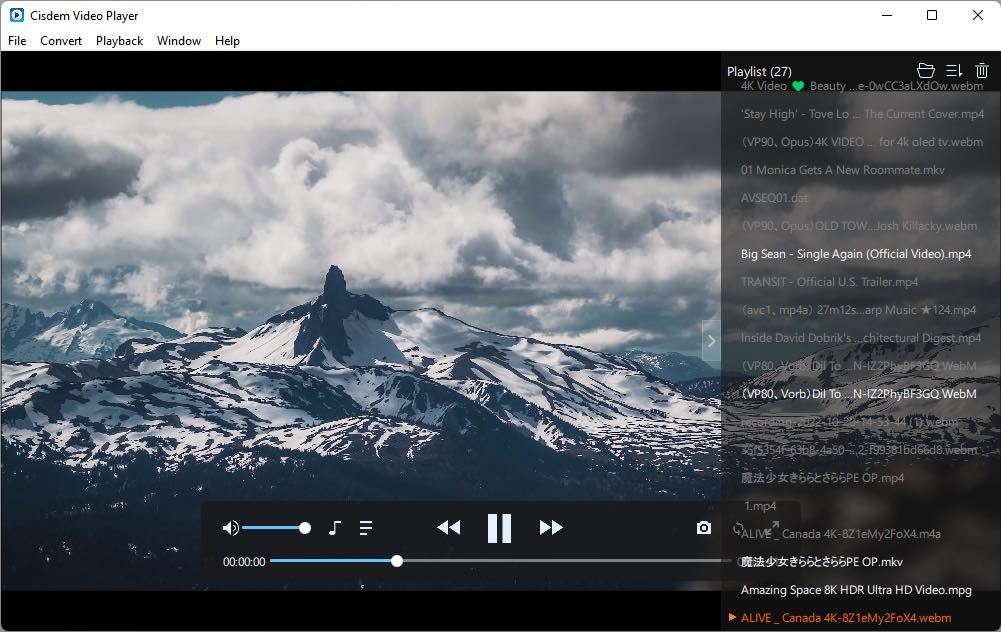
With so many options available, Cisdem Video Player stands out with its ease of use and stable performance. It can play almost any video and audio file you throw at it for free, and support smooth Full HD playback up to 8K resolution. Additionally, you can upgrade to get the conversion feature, allowing you to convert files to MP4 and many other popular formats to improve media compatibility.
 Free Download
 Free Download
Advantages:
- Extensive format support without extra plugins
- Offer stunning and crystal-like pictures
- Subtitles and audio track support
- Can also convert files and play them on other devices such as Apple and Android devices
- Allow to create playlist to play seamlessly
- Incognito mode
Disadvantages:
- Conversion function requires payment
- Can't play online streams
#2. VLC Media Player
Best open-source player with DVD and streaming support.
Supported OS: Windows, Mac, Android and iOS
Supported formats: Common video formats, DVDs, online stream
Price: free
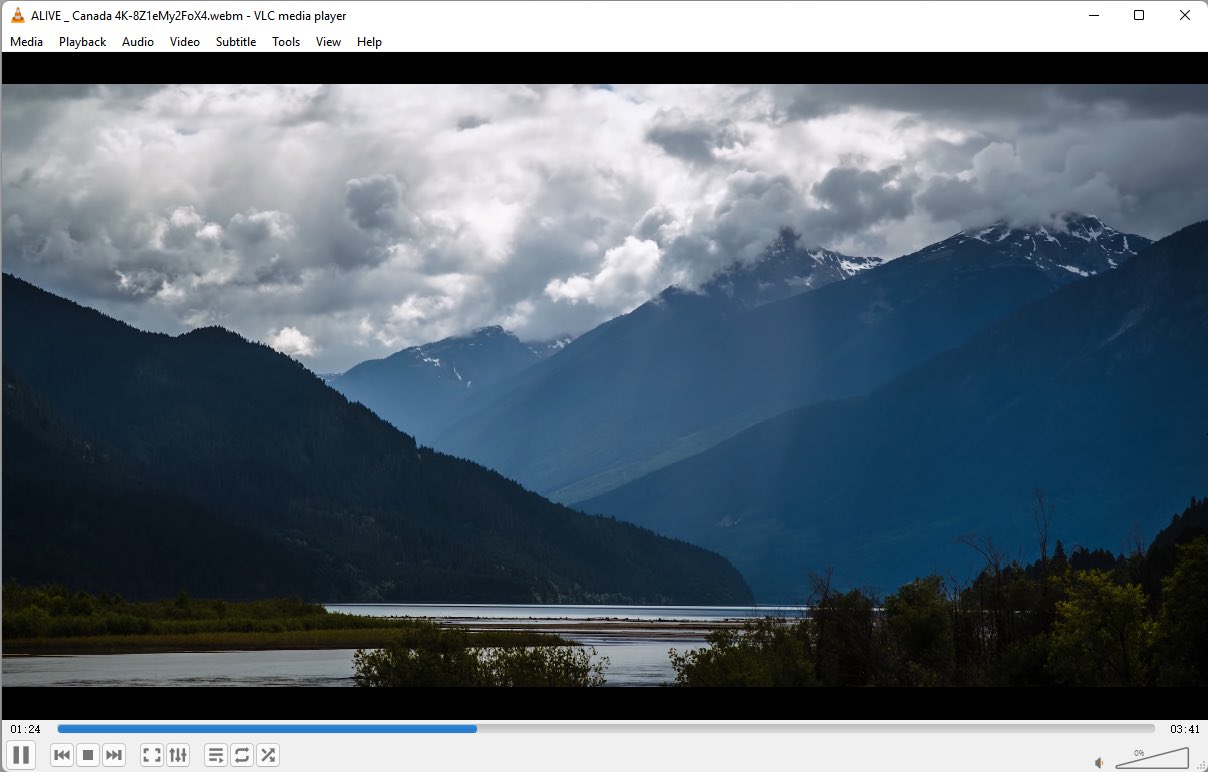
VLC Media Player is a well-known free and open-source video player available on multiple platforms. This free tool can play various video, audio, and image files as well as DVDs with menus, and stream online videos from links. But VLC is not quite good at processing HDR and full HD videos. Also, your files added to the VLC playlist often disappear when you launch it next time. Some people also use VLC to convert files, but issues like no audio, unable to open with other players, often occur.
Advantages:
- No ads
- Play and digitize DVDs
- Cross-platform
- Multiple-purpose tool
Disadvantages:
- Video and audio out of sync sometimes
- Outdated interface
- Potential bugs, e.g., the video color display can be darker or lighter than the real color
#3. PowerDVD
Comprehensive media player and management hub.
Supported OS: Windows 11/10/8/8.1/7, Android and iOS
Supported formats: Common video files, Blu-rays and DVDs
Price: $69.99 for new users, $39.99 for standard users to upgrade
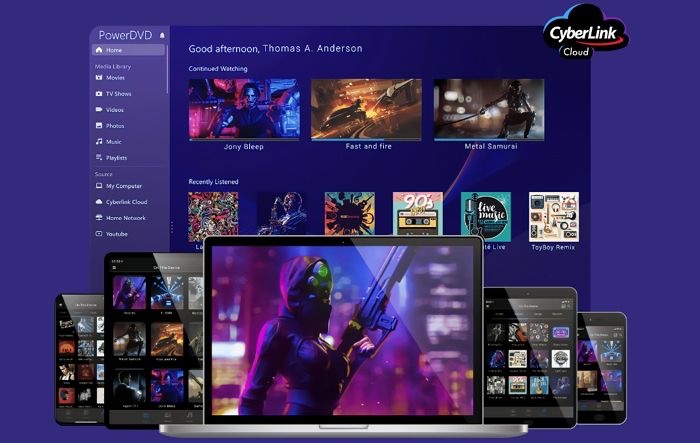
PowerDVD player is a feature-rich Windows media player designed for ultimate visual enjoyment. It produces a TuneTheater technology to make people feel watch movies at real theater with stunning picture and audio quality. If you want to watch Blu-ray and 8K videos on PC without shuttering, just try PowerDVD Ultra edition. Besides, it offers free cloud storage of 100GB for people to watch media library on other devices anytime, anywhere.
Advantages:
- Offer high-quality picture
- Support Blu-ray and DVD playback
- Reach YouTube videos directly
- Library management capability for large collections
Disadvantages:
- A bit expensive, with time-limited free trial
- Can’t digitize encrypted Blu-ray
Other 5 Best Video Players for Windows 11/10
#4. PotPlayer
Suppoered OS: Windows
Supported formats: Various media formats
Price: free
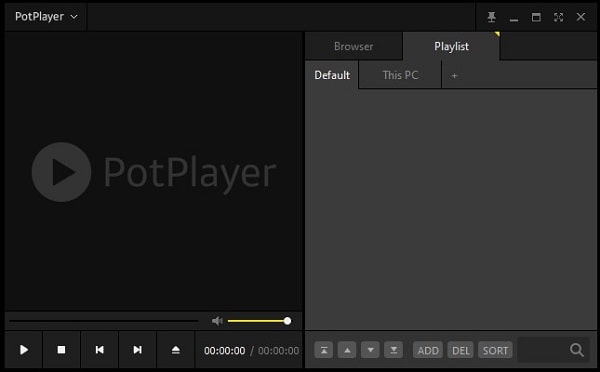
PotPlayer is a superior free video player for Windows that is widely regarded as a powerful alternative to VLC Media Player. It supports subtitles customization, offers a clearer interface, works faster without installing third-party plugins. The biggest highlight of PotPlayer is that it supports OpenCodec, which can help you update and install extra codecs automatically.
This free video player for Windows can be also used as a a screen recorder and video editor. Due to various features it provides, it is designed with a bunch of setting icons on the interface, which may lead a tricky process for people.
Advantages:
- In-app file navigator
- Audio playback mode
- Support 360-degree and 3D video playback
Disadvantages:
- Download with unwanted bundled software
- Pop up ads on the interface from time to time
#5. 5K Player
Suppoered OS: Windows and Mac
Supported formats: Popular formats, DVD movies
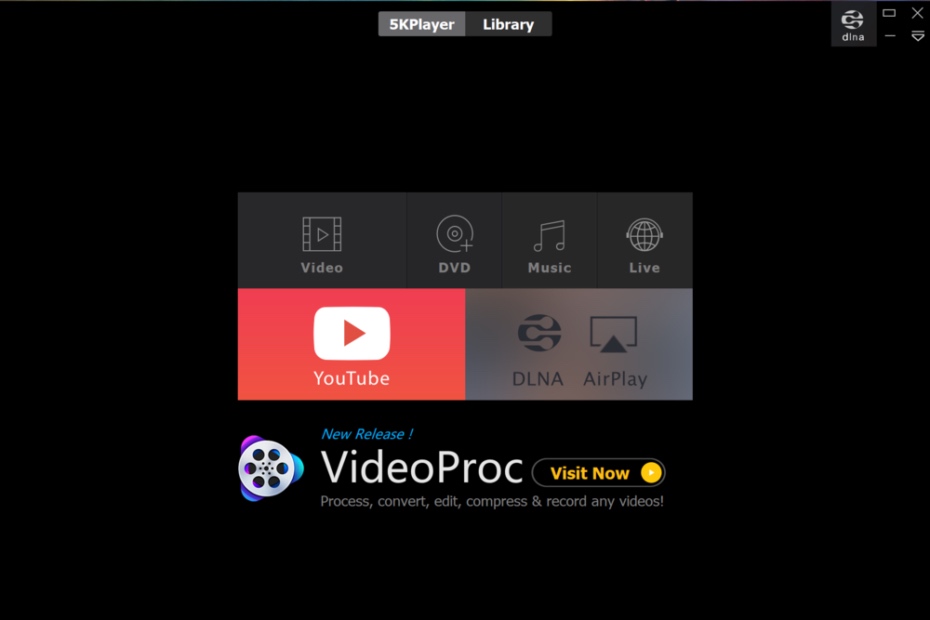
Just as the names shows, 5K Player is proficient in playing 5K, 4K, 1080P videos, and it can play videos easily by only dragging and dropping. It also offers the features that most powerful 4k video player for Windows 11 provides, such as 360-degree video playback, adding subtitles, sharing files through wireless stream.
What’s more, it is able to download online videos from 300+ streaming websites, stream DVD and AirPlay. However, only the basic media player service is free.
Advantages:
- Make a quick response to play files with the GPU acceleration technology
- Can also play DVDs
- Offer basic features such as resizing video, rotating videos, controlling the playback speed, etc.
Disadvantages:
- Limited features available on the free version
- Contain ads on its default interface
- Install the program slowly
#6. DivX Player
Suppoered OS: Windows and Mac
Supported formats: DivX, MKV, MP4, AVI, MP3, AC3, etc. and unencrypted DVD/BD discs
Price: free, $13.99 for DivX pro
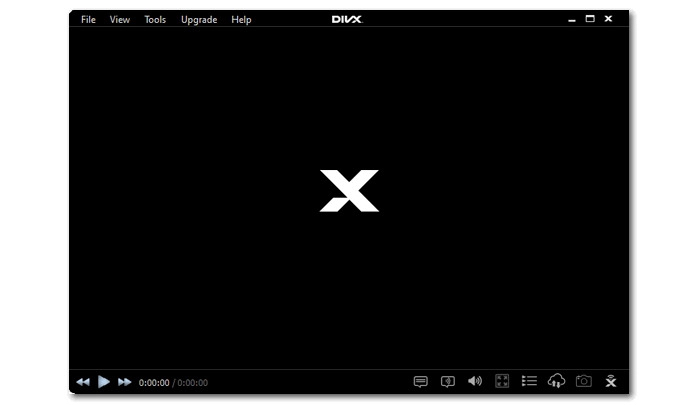
DivX Player is a decent 4K video player for Windows 11 to play popular video formats such as AVI, DIVX, MKV and MP4 with high quality up to 4K. It allows you to cast and watch the videos in big screen, which must be compatible with DLNA devices. Also, You can use it to convert various video formats to DivX, MP4, HEVC and MKV files. But if you want enjoy more privileges, you should move to the pro version, which permits you to view videos from the cloud, clear ad, enjoy higher audio quality in DTS-HD, etc.
Advantages:
- Can play 360-degree video
- Convert files to MP4
Disadvantages:
- Download with unexpected programs together
- The free version contains ads
- Only play backup DVD/BD without protection
#7. MediaMonkey
Suppoered OS: Windows, Android and iOS
Supported formats: All types of audio/video files and CDs
Price: Free version, $39.95 for Gold version, $99.95 for Gold version and lifetime upgrades
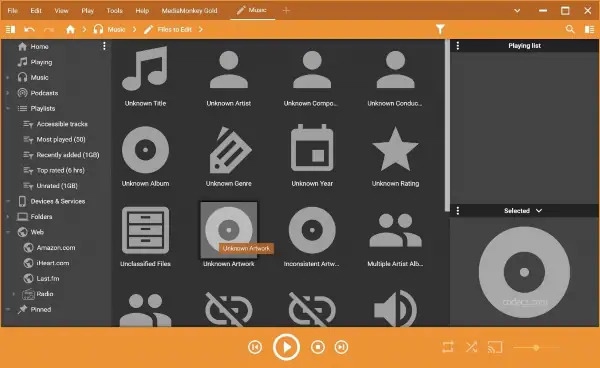
MediaMonkey is a powerful media player for Windows that offers miscellaneous features. This excellent player can not only play different videos with high quality, but also allows you to convert files, and stream media files to big screen for a better enjoyment. Besides, it can be also used as a great media organizer, which helps you customize and archive videos, audios and playlists in your fully control.
Advantages:
- Provide Cloud storage function
- Can also record and convert files
- Can sync the media source on all devices
Disadvantages:
- Require payment to unlock full features
- Steep learning curve
#8. SMPlayer
Suppoered OS: Windows, Mac, and Linux
Supported formats: Common video formats including VCD, DVD, MPEG-1/2
Price: Free
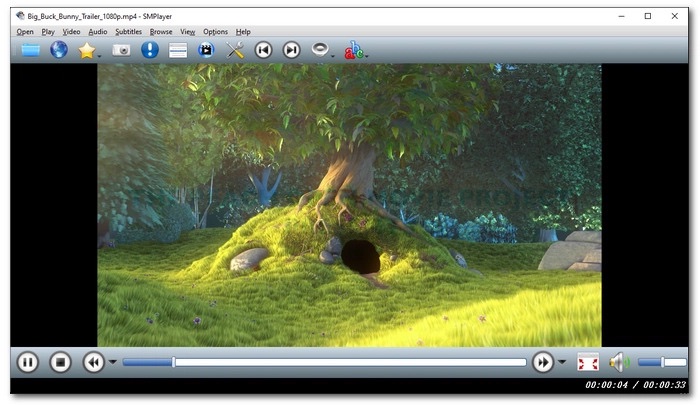
SMPlayer is a free video player that available on multiple platforms, allowing you to play a variety of video formats without installing third-party tools. The highlight feature of this free video player is that it supports searching and saving the needed subtitles from opensubtitles.org, like VLC. Plus, it offers a couple of skins and 30+ languages for users to set a suitable outfit.
Advantages:
- Free and open-source
- Support searching videos from YouTube directly for playing
- More advanced feature are offered to adjust subtitles, playback speed, etc.
Disadvantages:
- Malware warnings may appear during installation
- The pause button makes no response sometimes
About Built-in Video Players on Windows
1. Does Windows 11 has its own media player?
Yes, Windows 11 owns 3 media players by default, which are Media Player, Movies & TV app and Windows Media Player legacy.
Media Player
Media Player is the default video player for Windows 11, it's capable of playing common audio and video formats smoothly, such as H.264 MP4, MOV, AVI, WMV, MKV, FLAC, OGG, AAC, WMA, etc.
Movies & TV app
Movies & TV app is another workable native player for Windows 10 and 11. It allows people to purchase media from Microsoft store and play local movie files. It supports playing a few file formats like M4V, MP4, MOV, ASF and AVI. But, it is inevitable to encounter some playback issues, including video-stuttered, black screen, and no sound.
Windows Media Player
Windows Media Player is the first media player and library on Windows that can play video, audio, and CDs. It removes functions to play DVDs and convert files in Windows 8 and later versions. Also, Windows 11 users need to download it manually.
2. Why suddenly I can't play videos on Windows?
If you fail to play video on Windows, there are several causes from multiple respects. For example: unexpected malware, incompatible system settings, old video graphics driver, unsupported file formats, outdated or incompatible video players, and corrupted media files. Here are mainly 3 solutions for you to eliminate all these issues.
Solution 1. Check for Windows Updates.
Solution 2. Install K-Lite Codec Pack for Windows Media Player to enable it play more formats without purchasing extra codecs.
Solution 3. Use another reliable player that supports more file formats. In this case, you can take the aforementioned media players into consideration.
Final Words
This article has specifically introduced the pros and cons of these top 8 video players for Windows respectively. All of them allow you to enjoy videos and audio regardless of the format and resolution. Choose the one with the interface or extra capabilities that you prefer.
You might be interested: 10 Best Video Players for Mac | Best OGG Players

Jenny is a technology editor who has been blogging since she was a student. Since joining Cisdem, she focuses on writing articles about video software and how-to guides. She loves exploring new tools and techniques.

Ryan Li is a senior developer at Cisdem. Since joining the company in 2017, he has led the development of Cisdem VideoPaw and now serves as the editorial advisor for all articles related to Video Converter.